General
Changes the Terminal ID used for manually entered online sales, controls the settings for Invoice and Shipping Label preferences, and maintains how to handle Expired Items in Listing Manager.
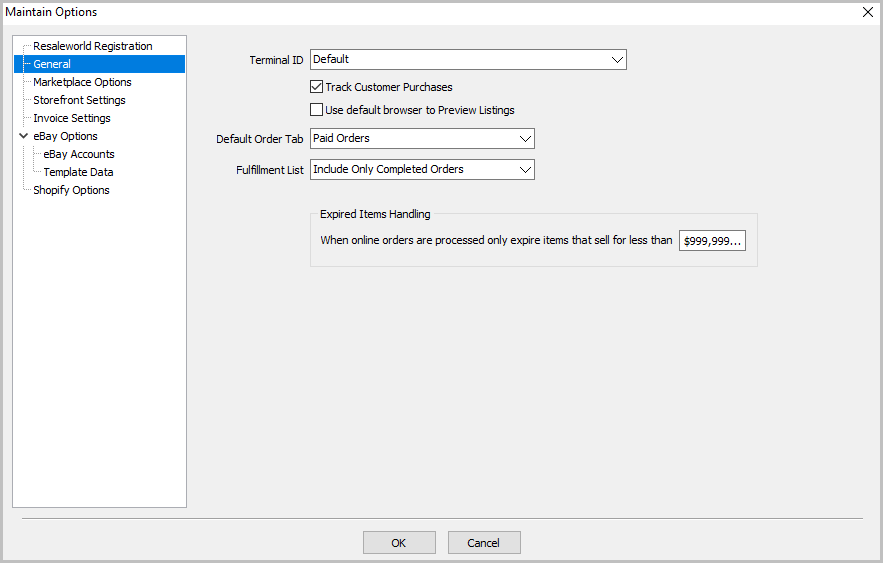
General Window Fields
- Terminal ID - sets the Terminal ID that is listed for orders manually entered in the orders tab of Listing Manager
- Track Customer Purchases - Automatically creates a new Liberty account for first time customers purchasing items online.
- Use Default Browser To Preview Listings - This allows you to use for instance the Chrome Browser you have installed on your system vs the built in browser.
- Default Order Tab - This allows you to select which tab in the Orders Tab you would like to see immediately when opening the tab.
- Expired Items Handling - This allows you to specify a value for when online orders are processed, only expire items that are before this price threshold. This is so you do not accidentally expire a high value item for a possible VIP customer.
Next Article In Section
Click the following link to move to the next article in this section:
Marketplace Options