Creating an eBay Listing Overview
It is important that you opt into eBay business policies and create your payment, return and shipping policies before your create your first eBay listing. Please view the following article if you are unsure how to do this.
eBay Business Polices Overview
If you are not sure how to add a regular listing or how to add a retail listing please visit the following pages before reading this article: Adding A Regular Listing Adding A Retail Listing
The following details what is on the Item Info. tab of an EBay listing.

- Ready To List!: Specifies that the item is ready to be listed on EBay.
Note: This is usually done after all other fields have been filled in.

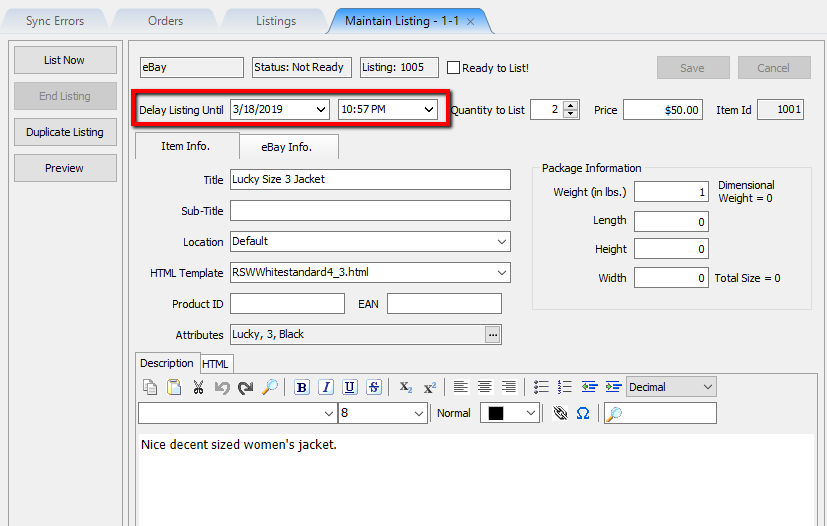
- Delay Listing Until: Allows you to set approximately the date and time the listing will sync to EBay.
- Quantity to List: Number of items you wish to push up as a web listing based on available quantity.


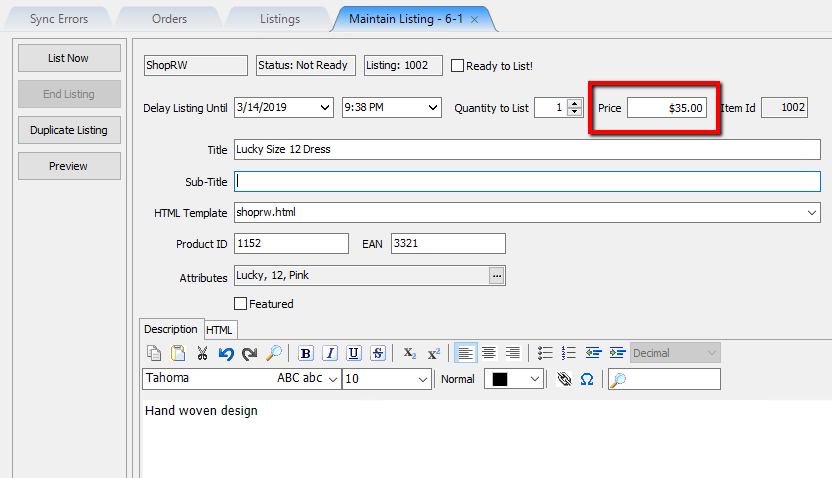
- Price: The price that the item will be listed for when synced to EBay, if the listing is set to Buy It Now.
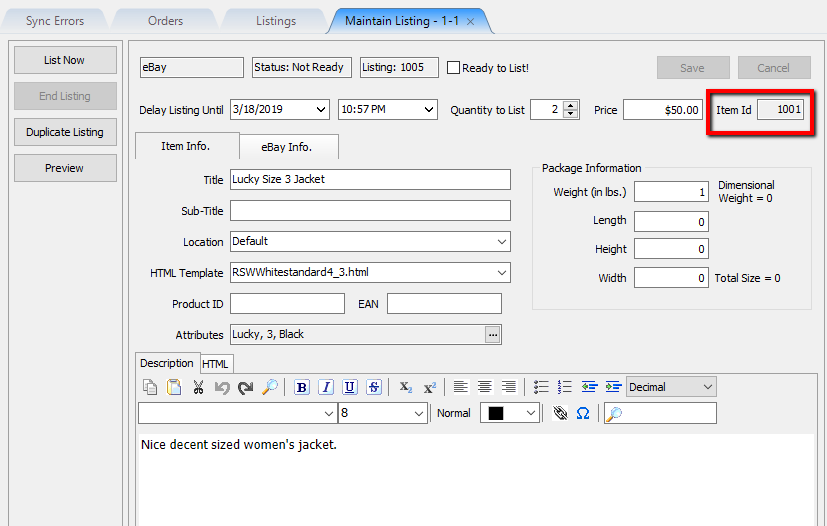
- Item Id: Unique Identifier that is given to every item added within Liberty. Allows for easy searching of any listed item.
- Title: This is the text that will the title of your listing when a customer clicks on the item.
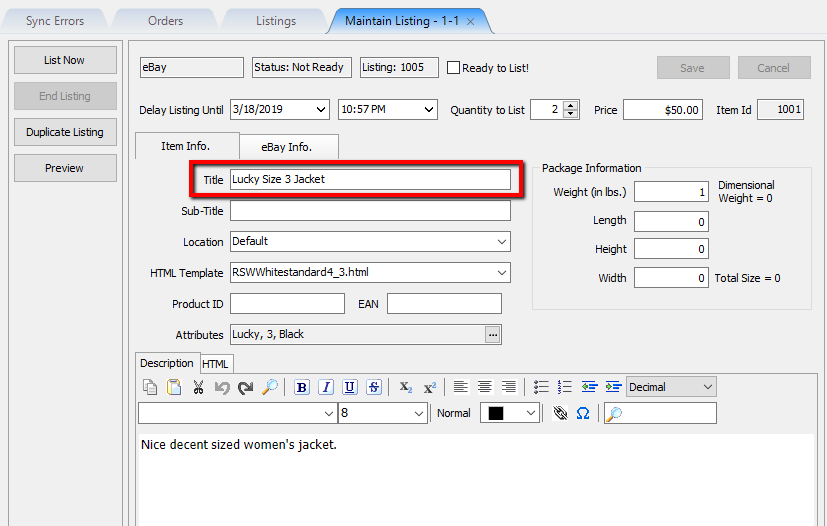
Example:
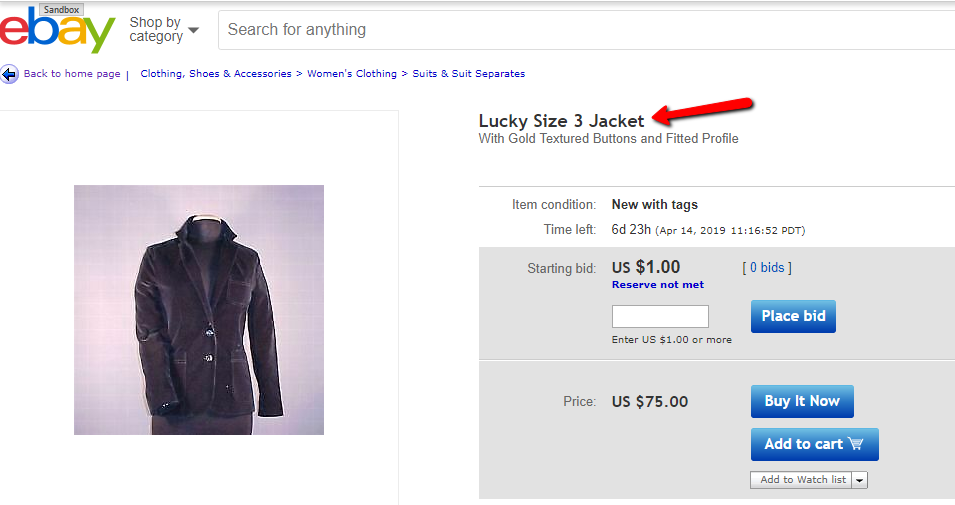
- Sub-Title: Will enter a smaller sub-text under the main text.


Note:This will only work for eBay listings and is filled out if you plan on pushing the item to both ShopRW/ 
- Images for the listing will be displayed on the right side and will upload to the website when listing an item or updating a listing.
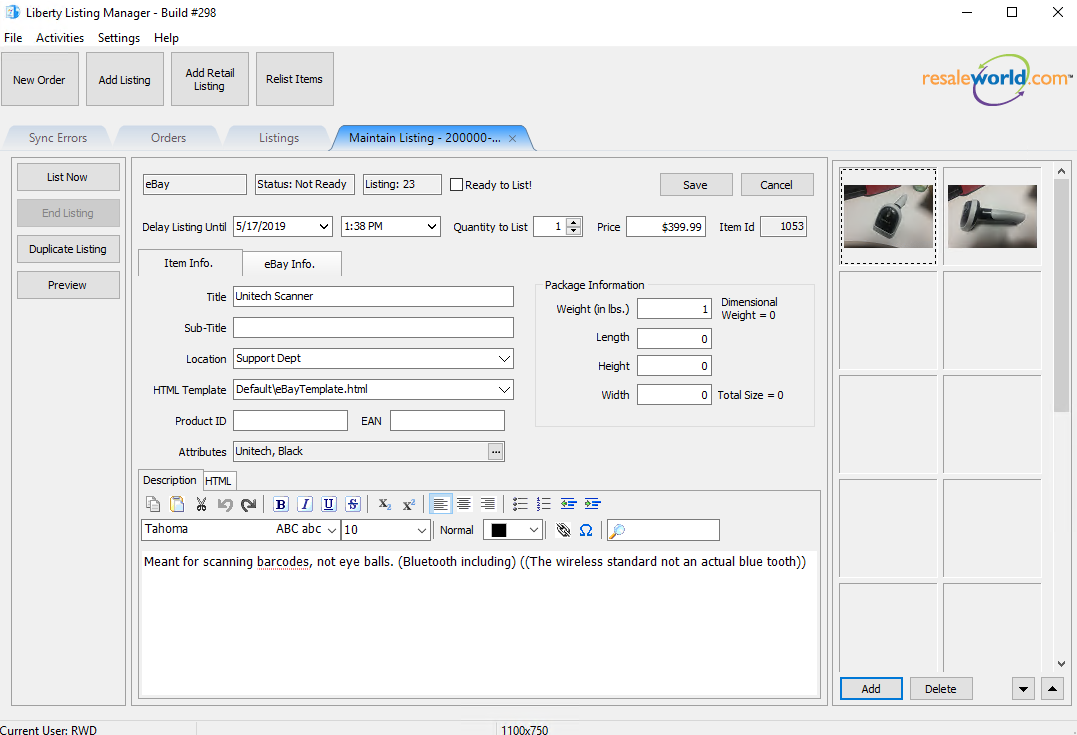
- Keep in mind, you can have a maximum amount of 24 images per item.
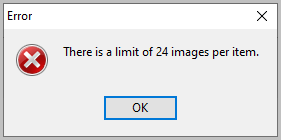
When you try to add another photo once reaching the 24 image limit
you will get this error message:


Next, you must now go to the eBay specific info. tab to continue with listing an eBay item.
eBay Specific Info Tab
The following details what is on the EBay Info. tab of an EBay listing.

- Original Listing Id: Maintains the original listing id, if this item was ever re-listed.
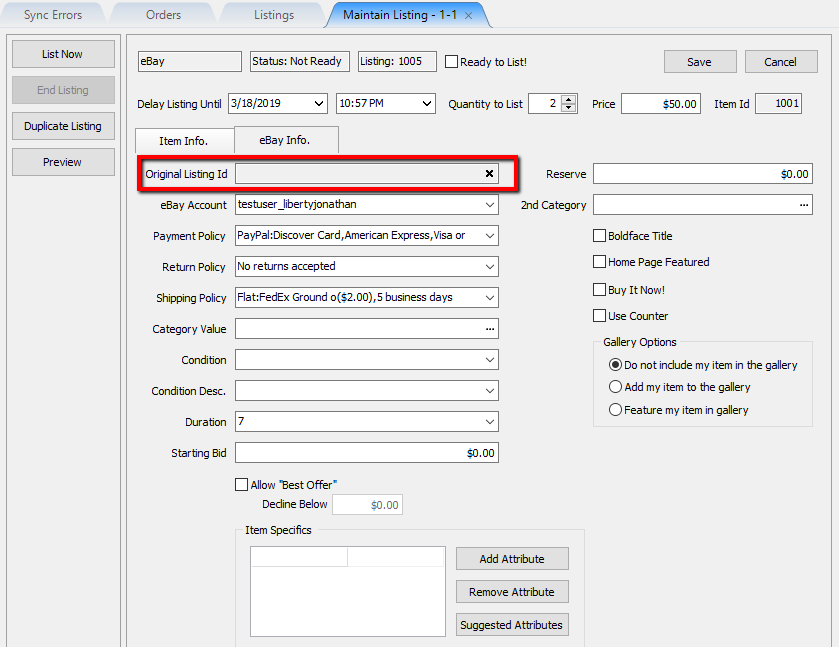
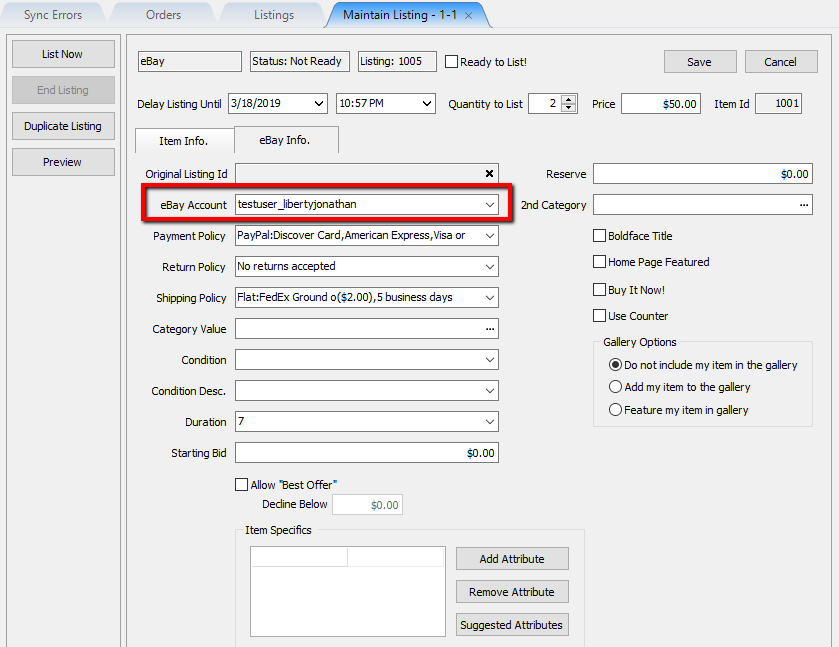
- eBay Account: Allows you to select which eBay auction user account you wish to use for listing this item.
- Payment Policy: Shows what payment options are available for this eBay listing. The default policy will be used based on what you have set on eBay.


Note: These payment policies are pulled directly from what is set on your eBay account from within eBay business polices. You will need to opt-in on eBay in order to access this.
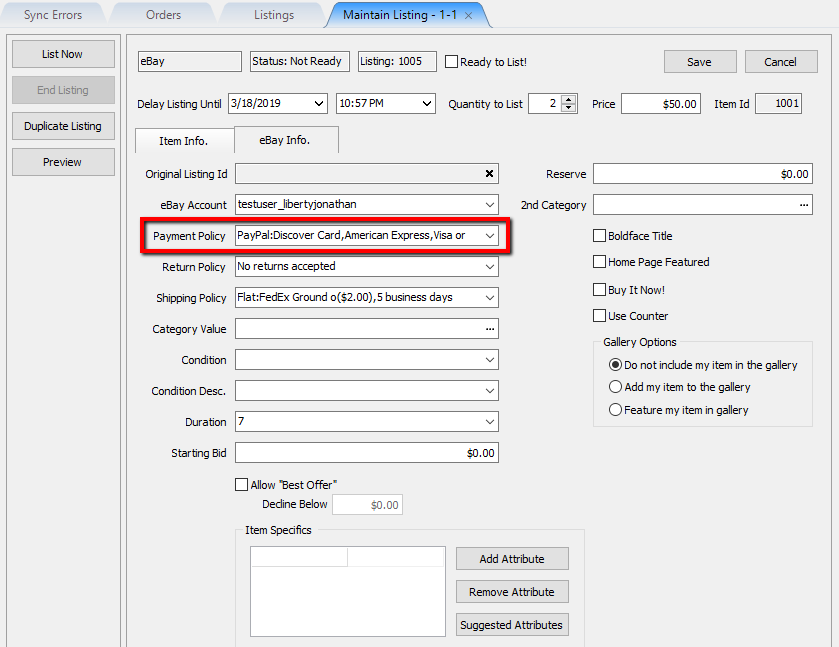
Example:


- Return Policy: Shows what Return Policy will be used with the current eBay listing. The default one will be used based on what you have set-up on eBay.
Note: The Return Policies are pulled directly from what is set on your eBay account from within eBay business polices. You will need to opt-in on eBay in order to access this.
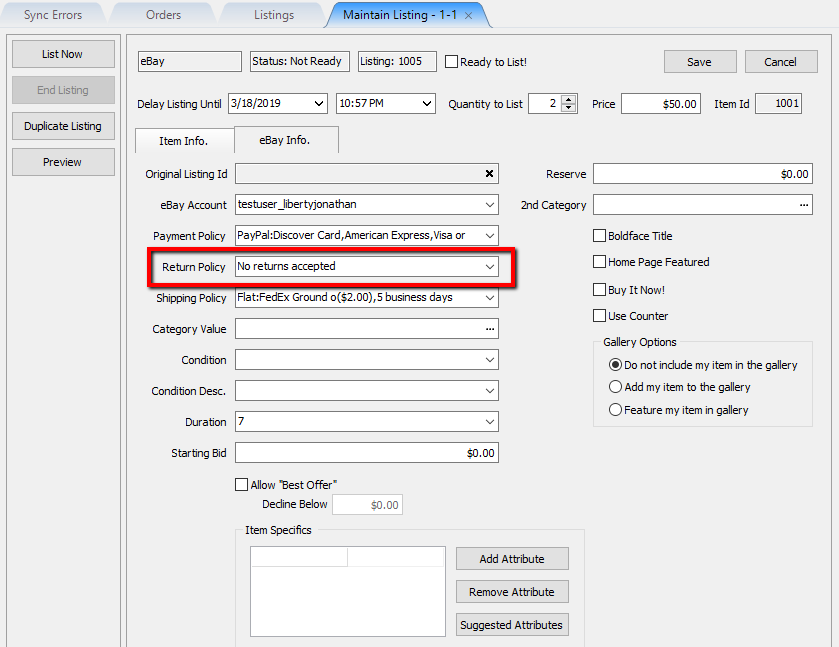
Example:


- Shipping Policy: Shows what shipping options will be used with the current eBay listing. The default one will be used based on what you have set-up on eBay.
Note: The Shipping Policies are pulled directly from what is set on your eBay account from within eBay business polices. You will need to opt-in on eBay in order to access this.
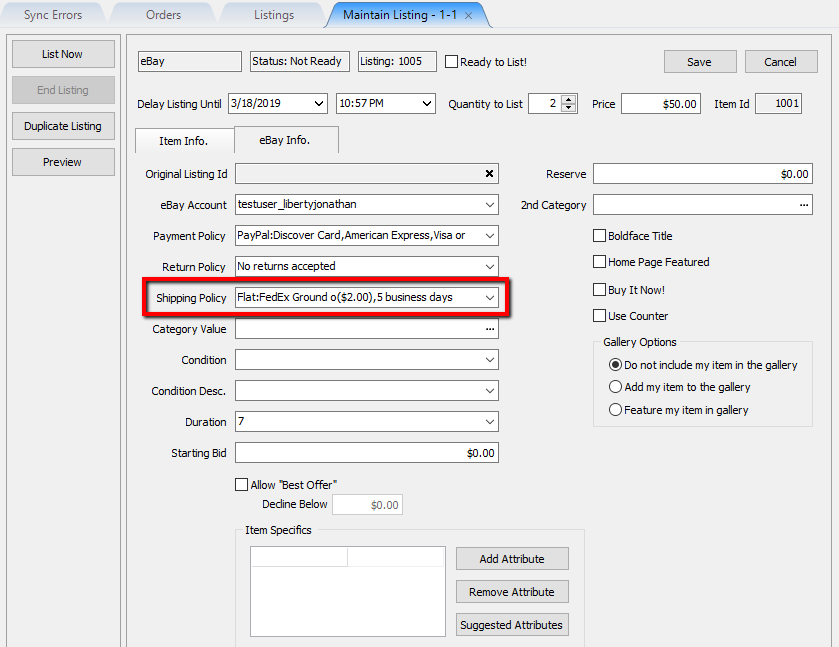
Example:


- Category Value: Allows you to select what eBay category the item belongs to. This is completely separate from the standard category selected in Liberty and is required in order for the item to be listed on eBay.
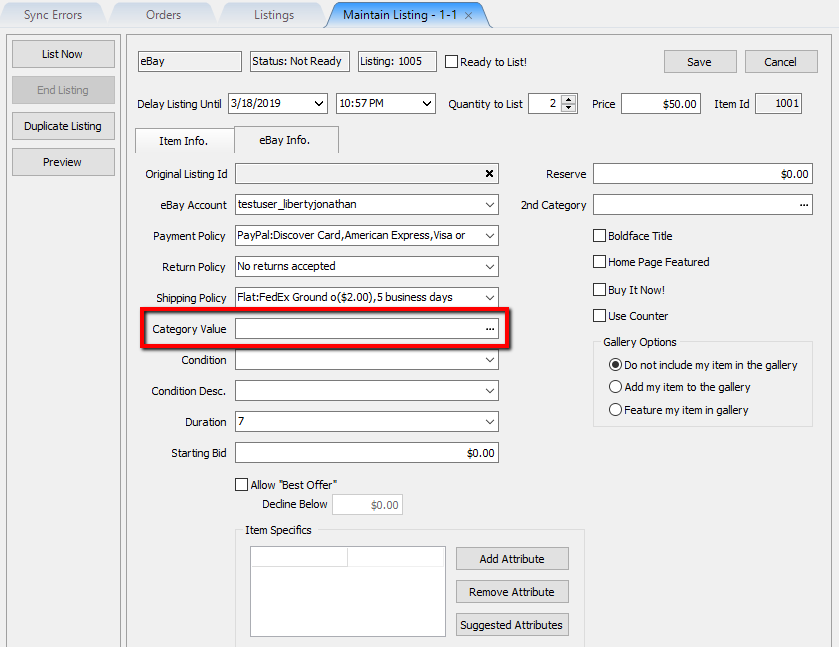

You must first click the Browse button in order to select the category.

Then, go through the category selector until you reach the final category selection and click the OK button.


Note: When you select your eBay categories for the first time, the association with the Liberty category will be saved. You will not have to re-select the eBay category again when adding another item of the same Liberty category.
Example:

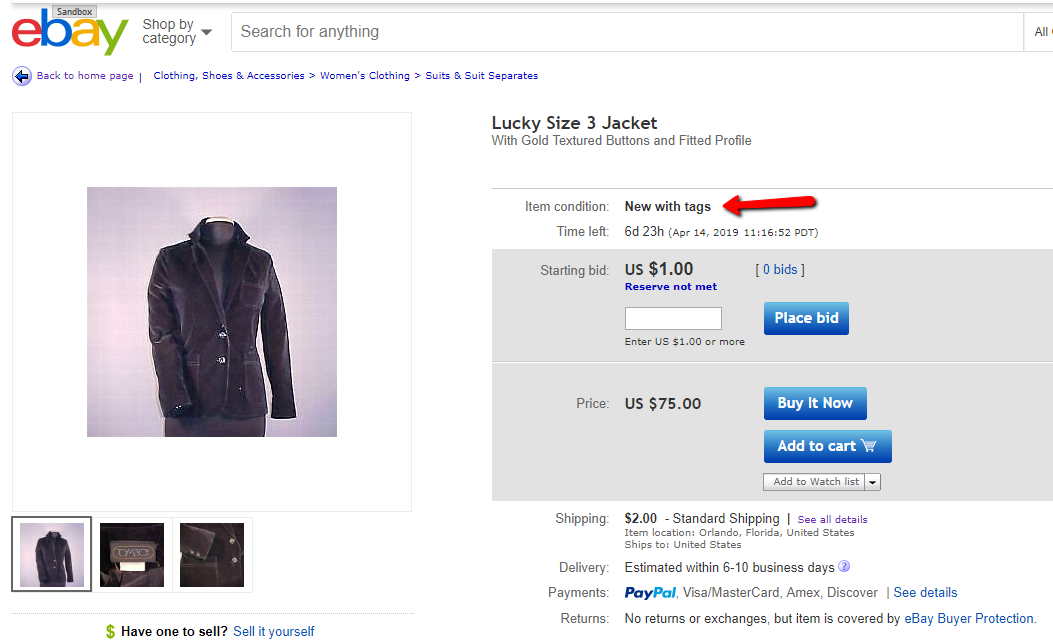
- Condition: Identifies what condition the item is and may be required in order to list the item on eBay.
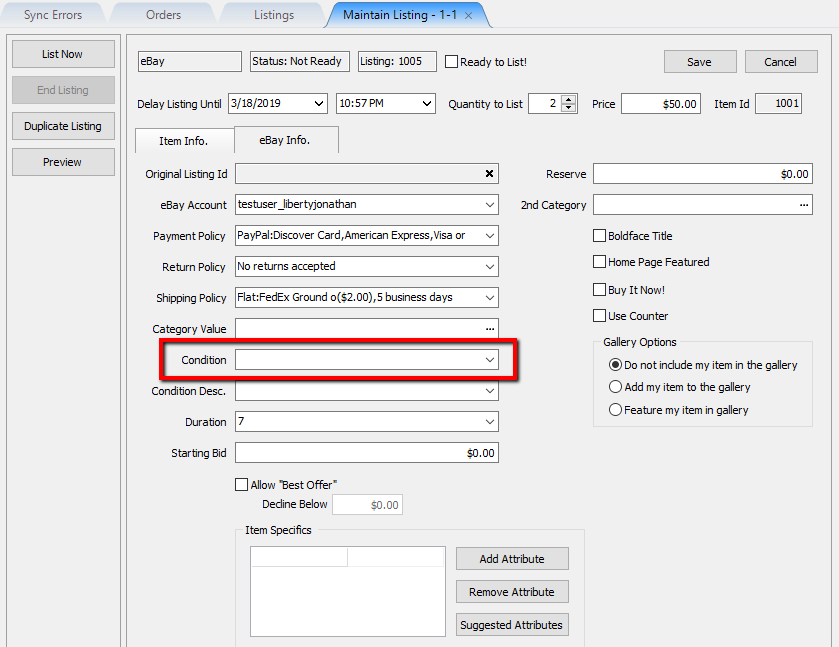
Example:
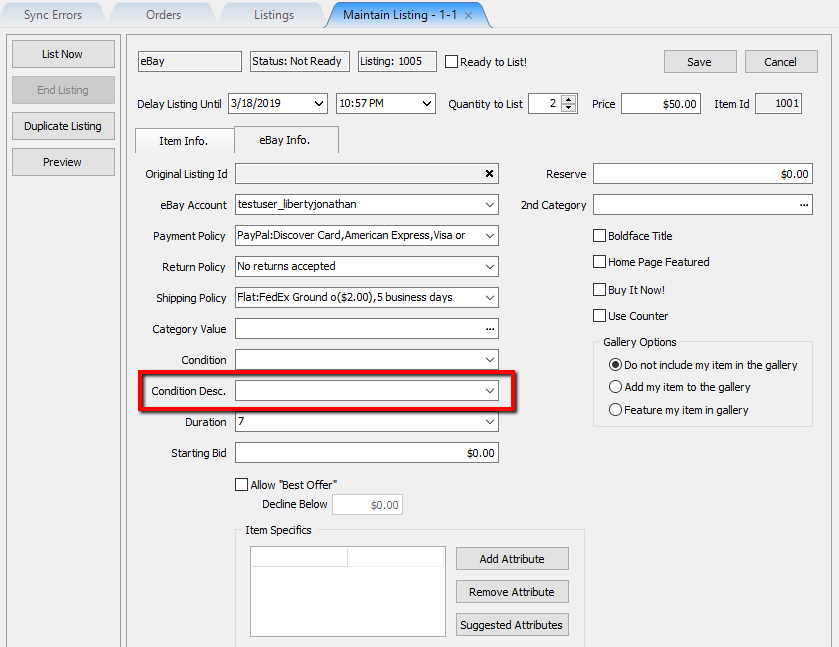
- Condition Desc: More descriptive on the condition of the item, from Excellent to Poor.
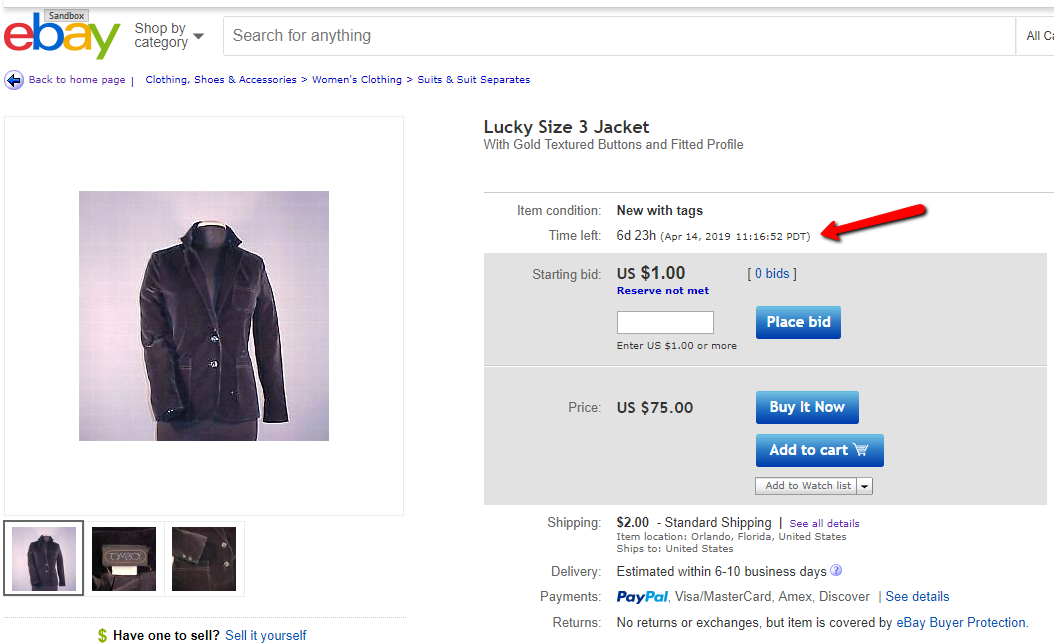
- Duration: The number of days the item will remain listed on eBay.
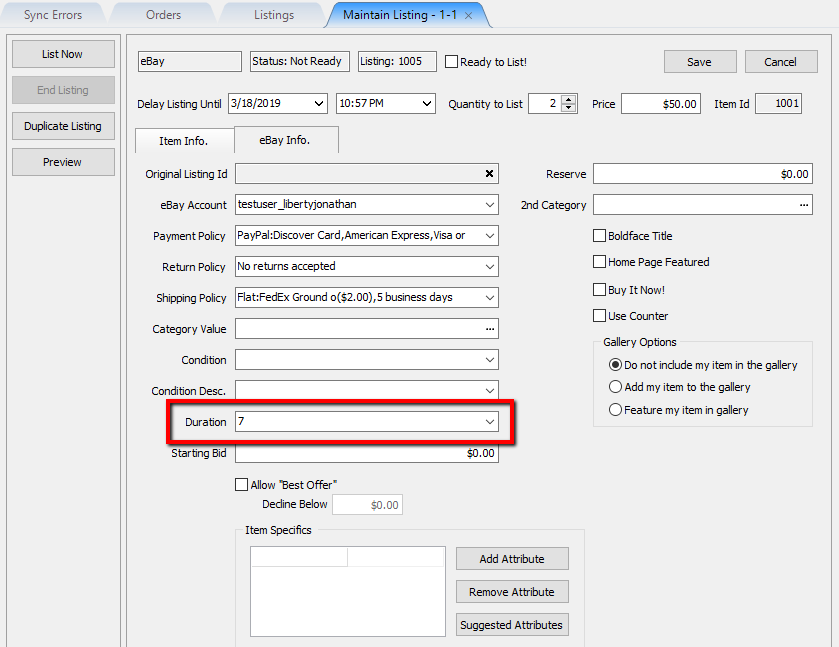
Example:
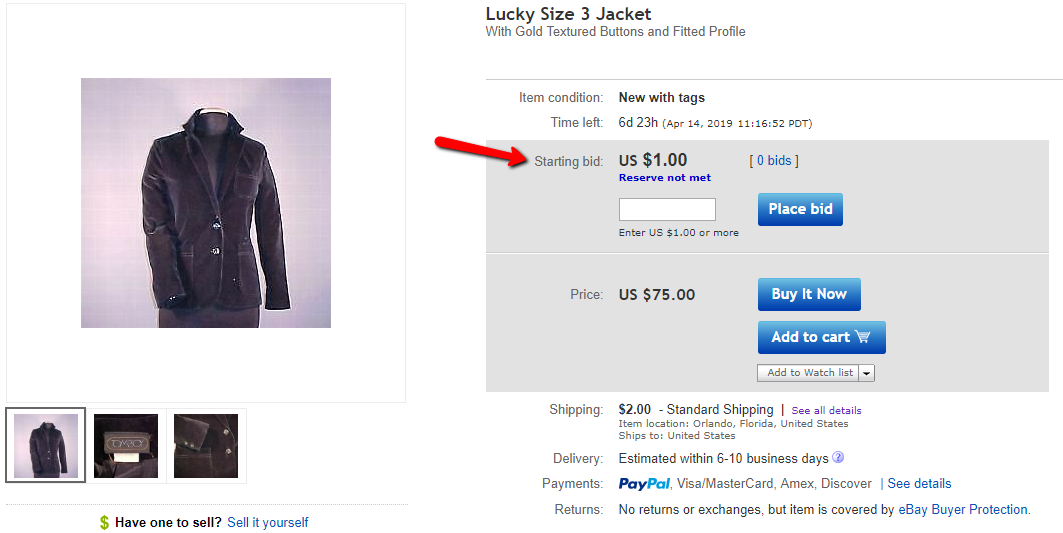
- Starting Bid: The starting bid price of the eBay listing. This is used if the eBay listing is an auction.
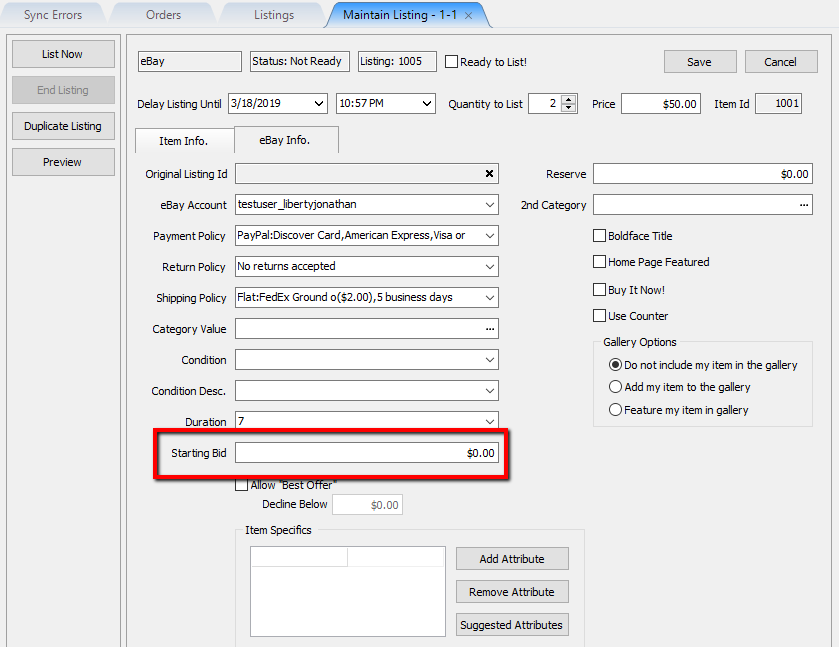
Example:
- Reserve: The minimum bid price the eBay auction must reach before the item can be sold. Used to prevent the item from selling at auction with a less than desirable price.
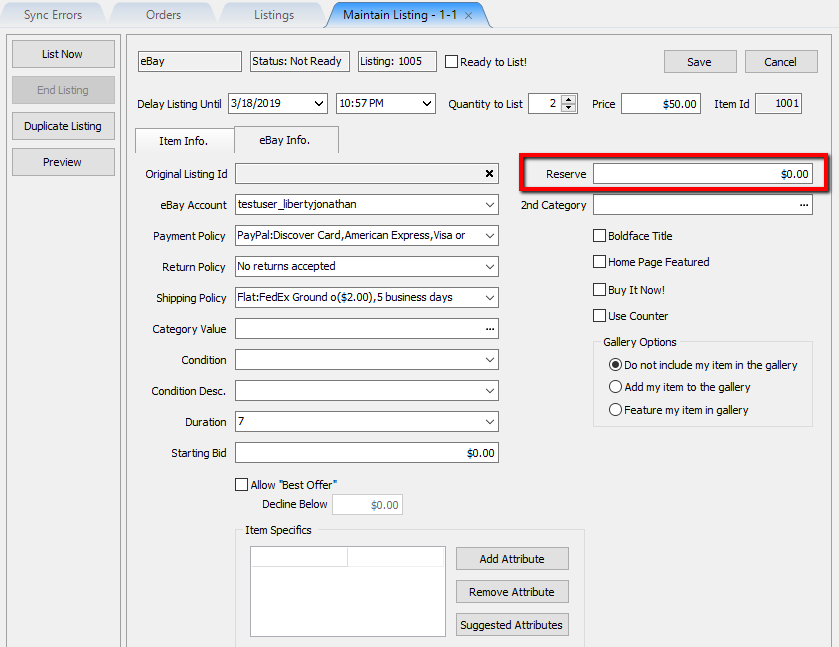
Example:
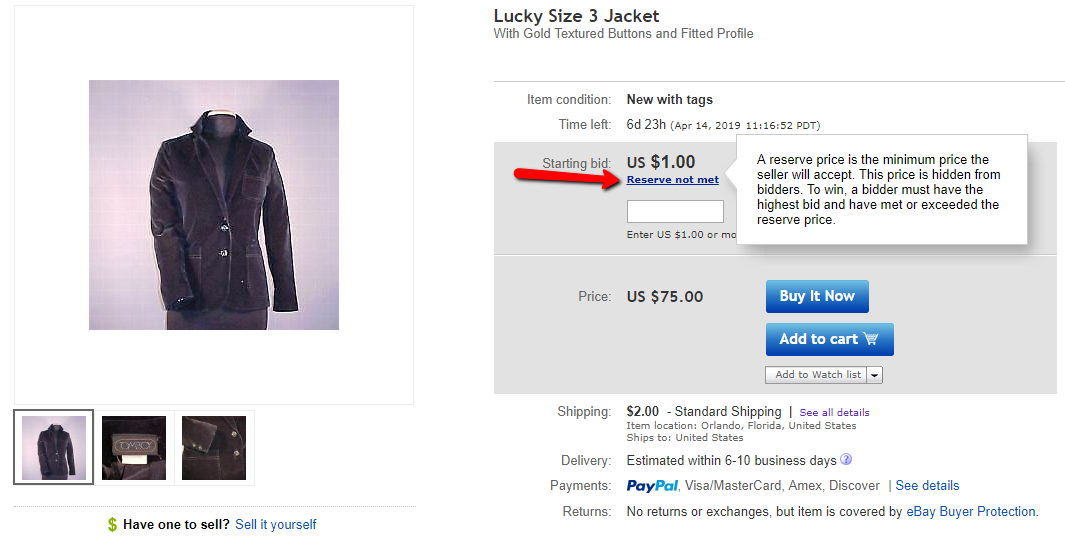


Note: Ebay Payment Types map to Liberty as ‘Web Sale’
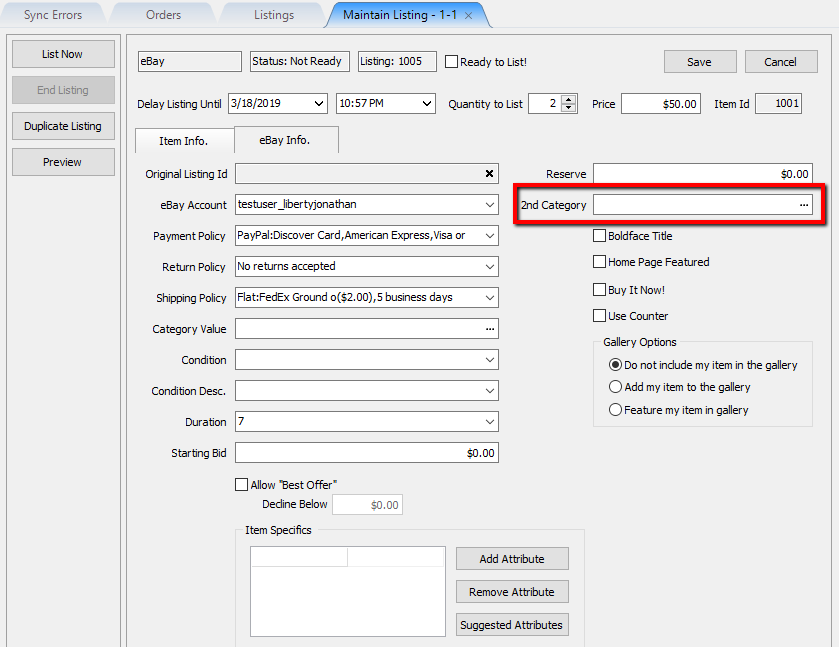
- 2nd Category: Allows you to list the item with a second category, in the event that the item belongs to two different categories.
- Bold Face Title: Allows the item to appear in eBay search results with a bold title. This will incur an eBay fee if used as it is meant to bring attention to the item.
- Home Page Featured: Allows the item to be featured on a customer’s eBay home page. This will incur an eBay fee if used as it is meant to bring attention to the item.
- Buy It Now!: Allows the item to be listed as Buy It Now. The item can still be listed as an auction, but as soon as the first bid is entered, the buy it now option will disappear.

Note: Standard eBay auctions are not supported on shopify and will not appear in shopify. If the item is set to buy it now and is also being listed on ShopRW or Shopify, it can be purchased from either platform.

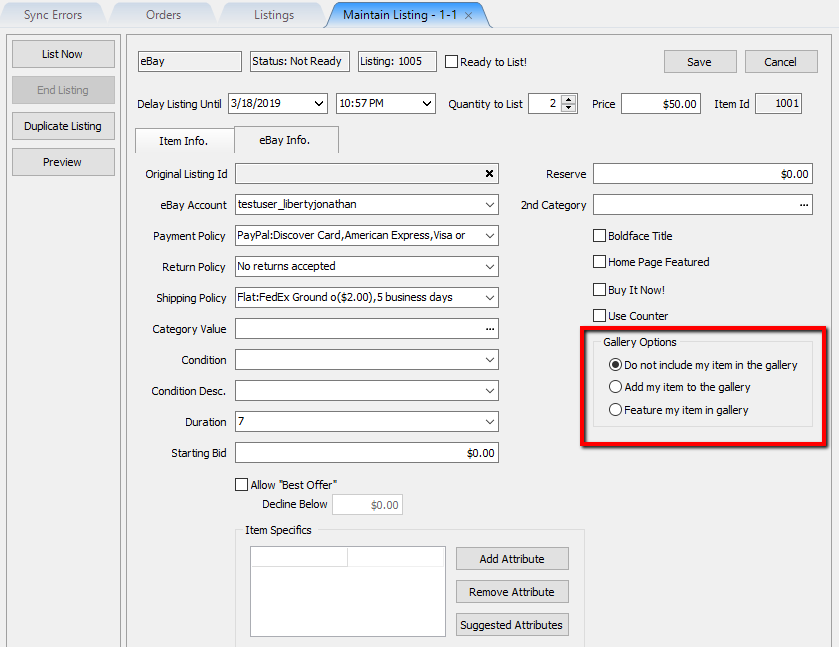
- Gallery Options: These options are meant to make your items stand out. This will incur an eBay fee if used as it is meant to bring attention to the item unless Do not include my item in the gallery is selected.
- Allow “Best Offer”: Allows a customer to make a dollar value offer on a buy it now eBay listing.
- Decline Below: Allows you to specify a dollar value on best offers you want eBay to automatically decline.

Note: You must sign into your eBay account in order to review and accept submitted best offer entries.

- Suggested Attributes: Allows you to see a list of recommended eBay item specific attributes. eBay requires certain item specific attributes to be filled out before the item can be listed.
Note: A listing may receive an error syncing if a required eBay item specific attribute is missing.
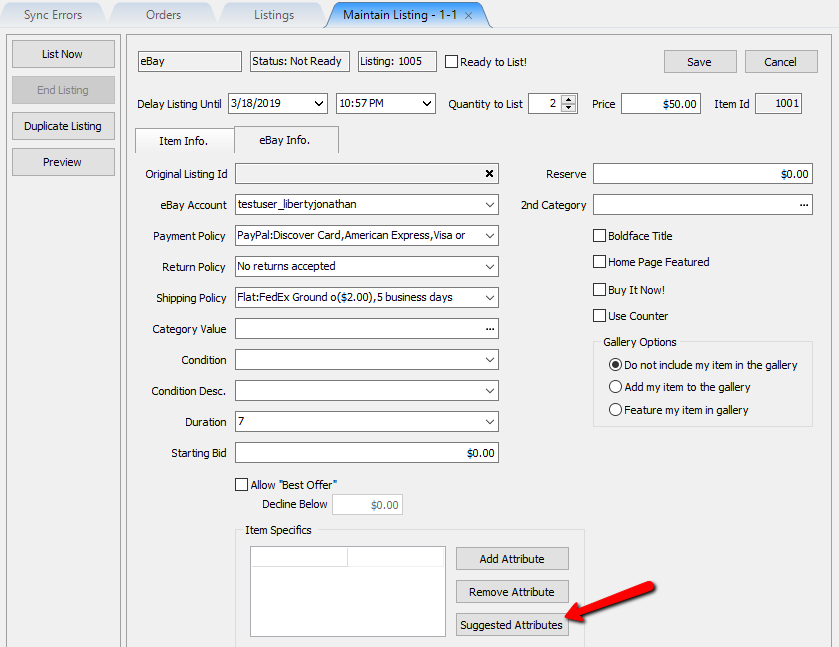
Once the Suggested Attributes button is clicked, you can then either use the dropdown to select values for the item specific attribute entries or you can type them in.


- Add Attribute: If you do not see your item specific attribute in the list after clicking Suggested Attributes, you may add it using the Add Attribute button.
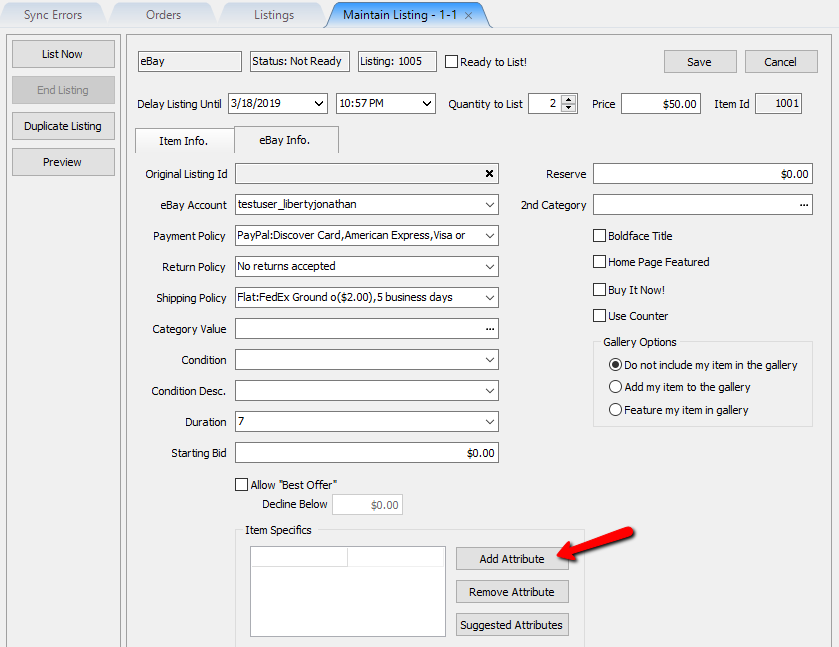

Type in the name of your new Item Specific Attribute and then click the OK button.

- Remove Attribute: This is used if you want to remove an item specific attribute from the list.
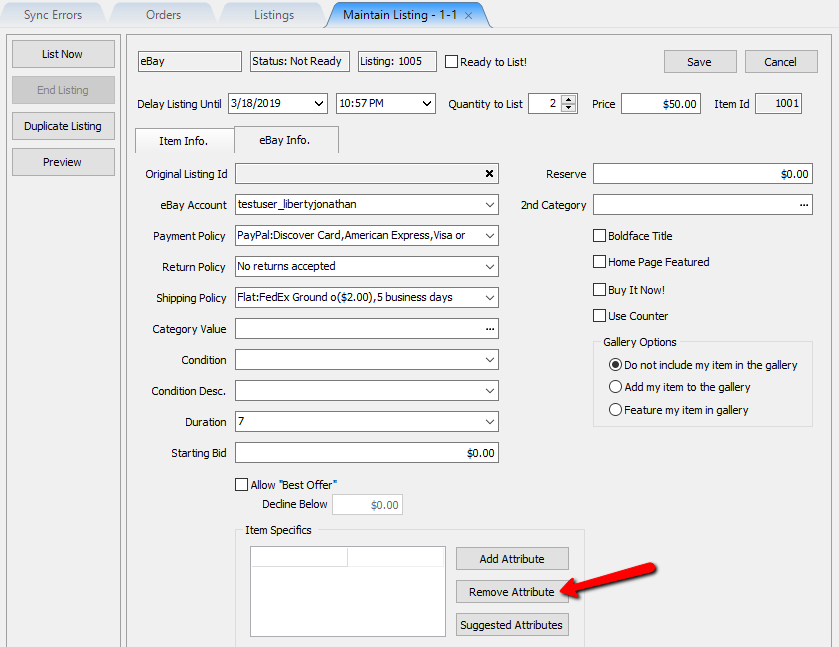
Click into the right field of the item specific attribute you wish to remove and then click the Remove Attribute button.
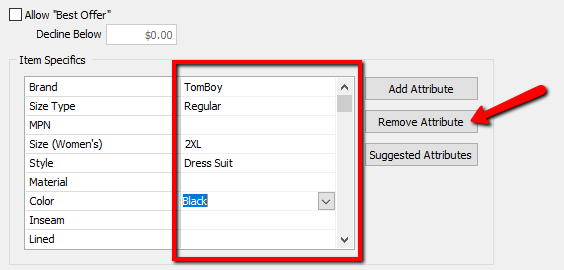


Checkmark the Ready to List! box at the top and click Save.
Alternatively, you can click the List Now button to the left if you want the item to straight to eBay immediately.
Note: You may do this after adding important ebay information about the item like the Ebay category and item specific attributes.

Next Article In Section
Click the following link to move to the next article in this section:
eBay Specific Info. Listing Fields
Related Topics
Creating an eBay Listing Overview Setting Up Liberty Listing Manager To List Your First Ebay Item How To List An Item On eBay Using The Listing Manager eBay Business Policies Overview eBay Specific Info. Listing Fields Adding eBay Package Information Adding An eBay Description Definitions of Ebay Description Processor Buttons Editing An eBay Description in HTML Previewing An eBay Web Description Adding Images To An eBay Listing