Installing the Opticon Drivers
Make sure the scanner is not plugged in before you install the drivers. You will want to plug the scanner in After you install the following drivers.
- )Download the USB Drivers for the Opticon Scanner.
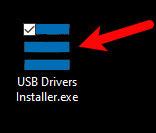
https:%%//%%support-resaleworld-com.s3.amazonaws.com/Utilities/Hardware/Opticon/USB+Drivers+Installer.exe - )Run the USB Driver installer.
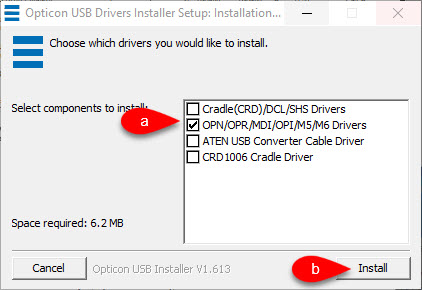
- )Checkmark only the option for OPN/OPR/MDI/OPI/M5/M6 Drivers and then click the Install button.
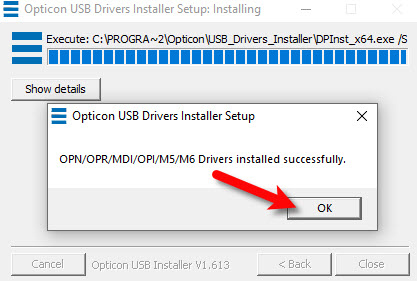
- )Click the OK button.


Next Article In Section
Click the following link to move to the next article in this section:
Installing the Opticon Scanning Software
Related Topics
Installing the Opticon Drivers How To Scan Your Inventory Using The Auto Mode and the Opticon Scanner Alternate Method How To Scan Your Inventory Using The Opticon Scanner Installing the Opticon Scanning Software Physical Inventory Getting Started Guide Accessing Liberty Help From Anywhere In Liberty Add Notes to an Account Add Multiple Addresses and Phone numbers Apply Group Deductions Bulk Change Default Price Code