Process Trade Items
When you are done entering your trade items, you will get a prompt: Would you like to process this inventory now?

You can hit No if you are not yet ready to process your trade items, though keep in mind, these items will not be sellable in the Point Of Sale until they are processed as either Cash, Trade or Consigned.
There are two other ways you can go back and process Trade Items.
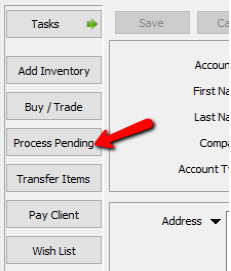
- Open the account that has trade items and click the Process Pending button.
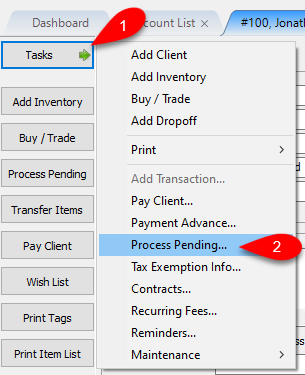
- Open the account that Unprocessed Trade Items, click Tasks and then click Process Pending…


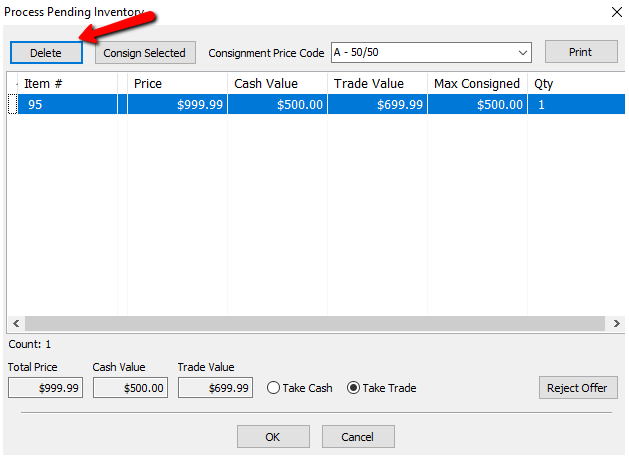
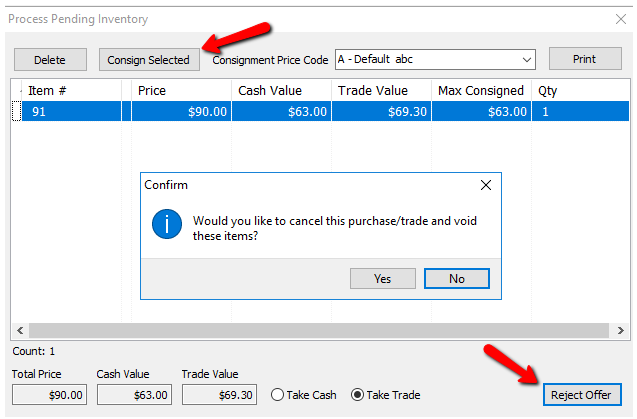
- With either of the above methods, the Process Pending Inventory dialog box appears.
Note: You have to highlight the same account from which the new item was created through the BuyTrade.- Pressing Delete will delete the item that you created.
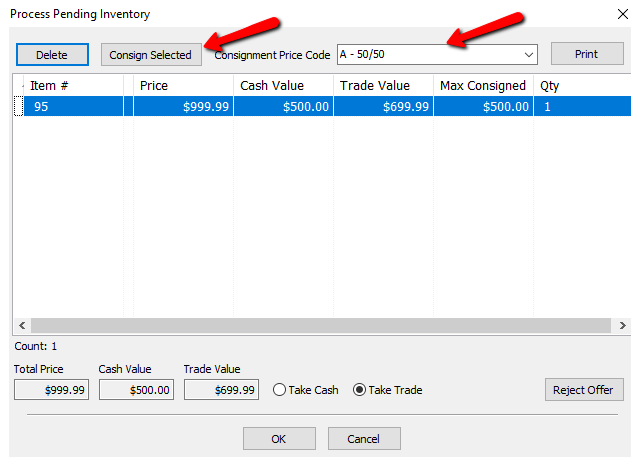
- If you press on Consign Selected, you can specify what Price Code this item should have from the Consignment Price Code drop down, and the item will be added to the consignors account as a consigned item when you press OK.
- In Liberty REACT, there is a Transfer feature that you can use to move unprocessed items to another account that may have been incorrectly placed.
- If the unprocessed items were placed in the wrong account, click the Transfer button.
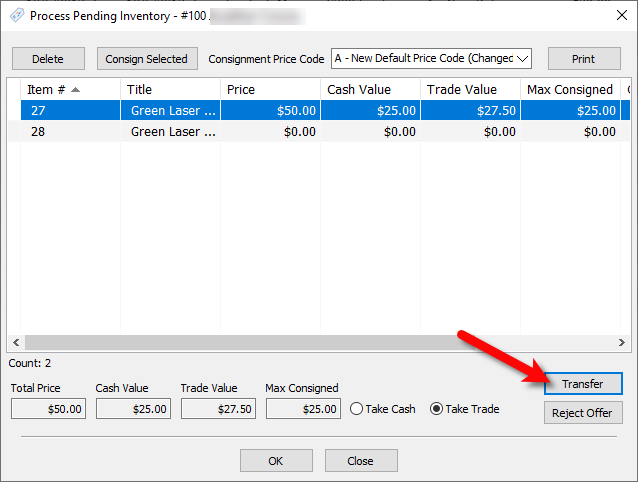
II.You will be asked Are you sure that you want to transfer these items to a different account?
Click the Yes button.
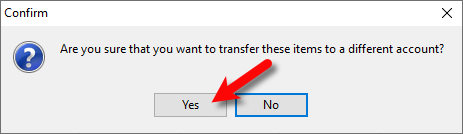
III.Now search for and click the account you would to transfer the Unprocessed Items to and click OK.
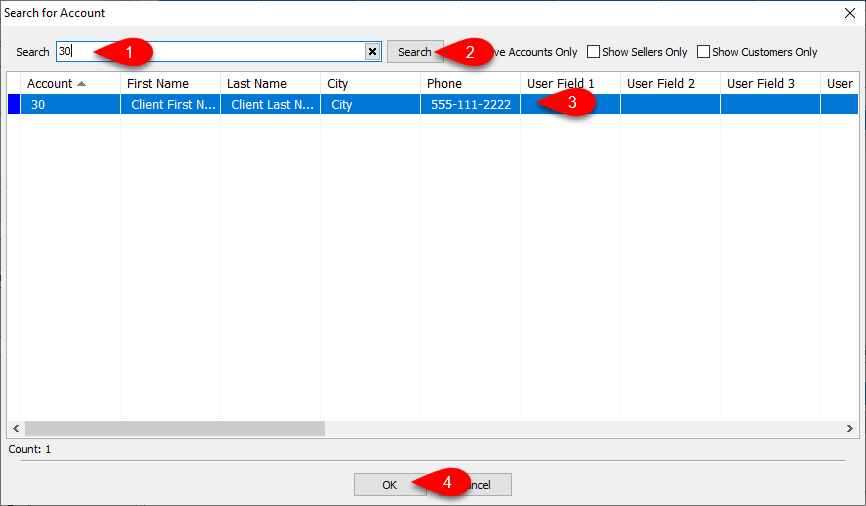
IV.Note that the Process Pending Inventory dialog screen will now read the new account that these items will be Processed in.
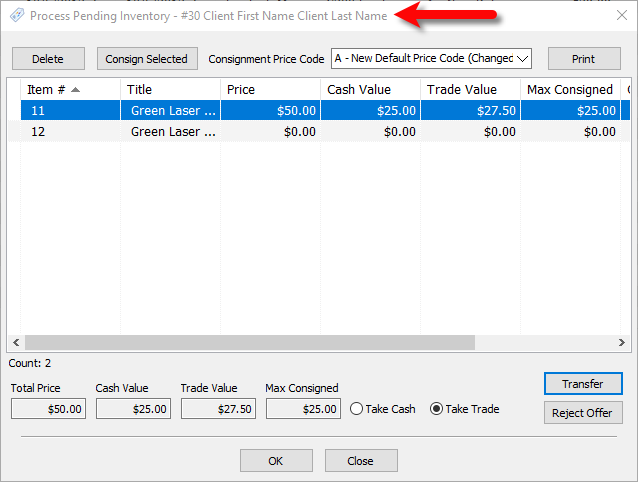
- If you select Reject Offer, you will get a prompt: Would you like to cancel this purchase/trade and void these items? Press Yes to void, or No to cancel and go back to the trade screen..
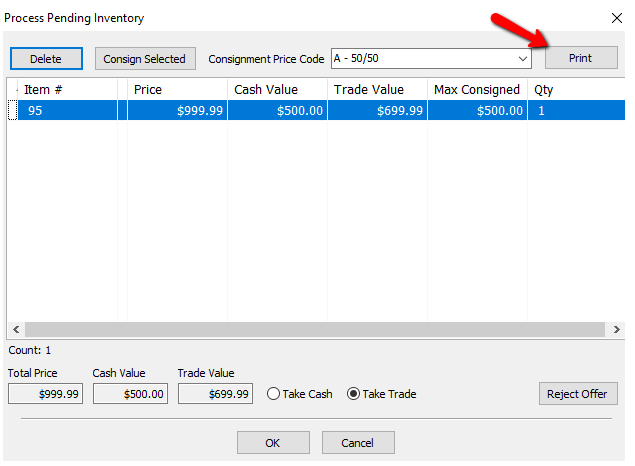
- If the customer would like a print out of the offers, select the Print button.
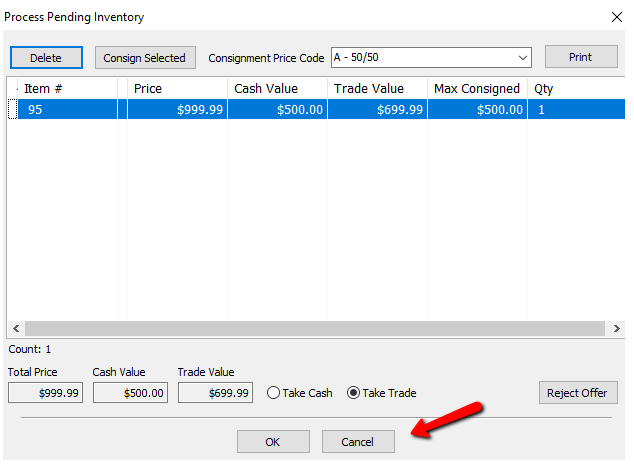
- Selecting the Cancel button closes the Processing screen and leaves the item in processing status.
- If the consignor wants to take the Cash Value, select Take Cash and Press OK.
- A dialog box appears: Would you like to create the payout now?
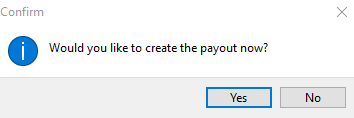
- If you press No, you can pay the consignor later by doing the normal Pay Client routine. There will be a transaction as Outright Purchase on the consignors account for the cash value of the item.

- If you press Yes, the Prepare Payout screen appears.
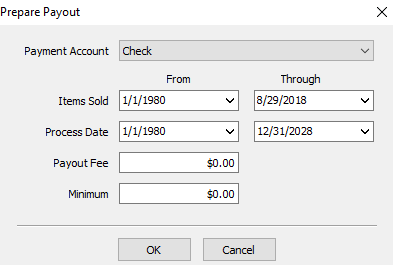
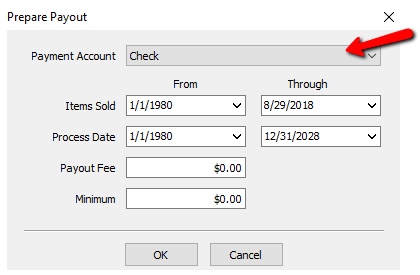
- Select the appropriate Payment Account (Cash, Check, etc).
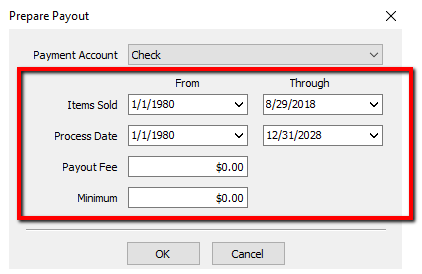
II.Specify the criteria for Items Sold, Process Date, Payout Fee, Minimum.
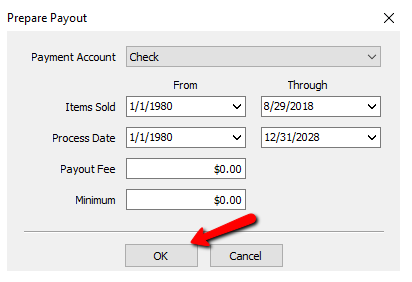
III. Select the OK button when done.
IV.The Post Payout screen appears.
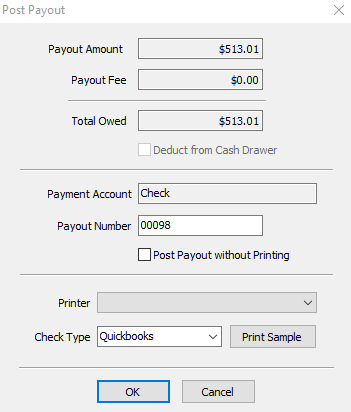
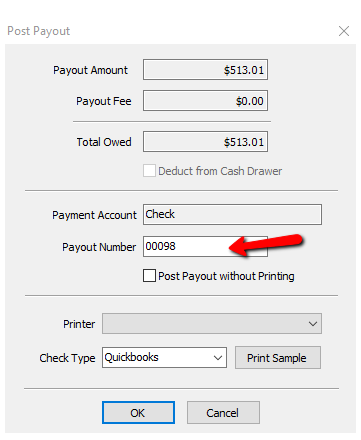
- If the payout amount looks correct, enter the Payout Number if the one shown is incorrect.
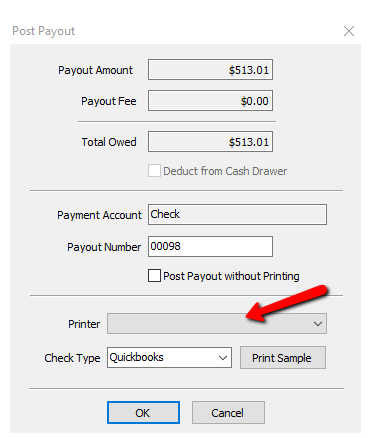
VI.Select your Printer.
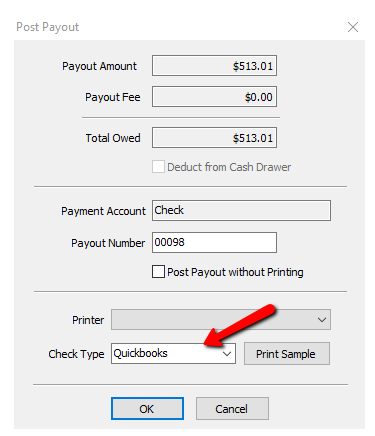
VII.Select your Check Type.
VIII.Select the OK button when done.
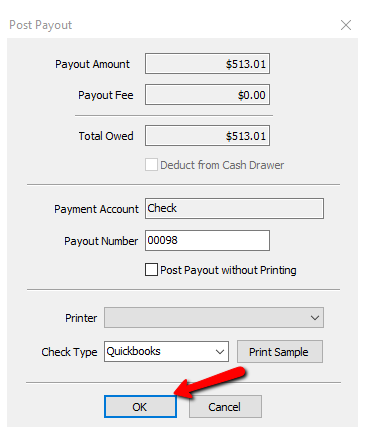
IX.You will get a confirmation box making sure the print out printed correctly. Press the Ok Button if it did, press Cancel if you need to redo it.
- If the consignor wants to take Trade, select Take Trade and Press OK. This will create a store credit transaction for the amount shown in Trade Value.
- Once the consignor accepts cash or trade, the item will be placed on the consignors account and it will update accordingly in Liberty with a Purple indicator which indicates the item’s Purchase Method as Purchased.
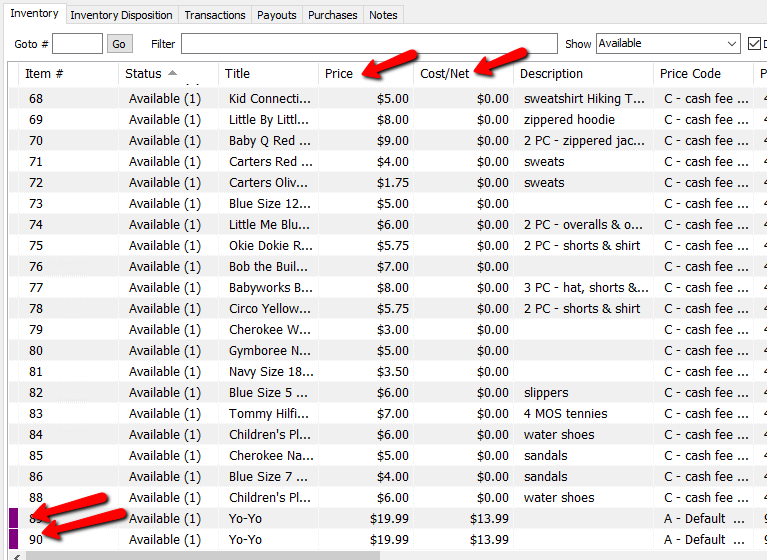


If the items have not been processed, they will appear in the inventory list with a yellow indicator next to them.

When looking at the details of an item, that has not been processed, it will have a Purchase Method of Pending.

Next Article In Section
Click the following link to move to the next article in this section:
How To Input Same day Trade Line Items
Related Topics
Process Trade Items Trade Items Overview Trade Item Entry Process How Trade Items appear in the Transactions tab How To Input Same day Trade Line Items Using the Wishlist Wishlist Cross-Reference report Looking for Wishlist Matches While Adding Items Wishlist Overview Find an Item from within an Account Finding Items with a Status of Needs Info