Edit Retail Items
To Make Changes To Retail Items
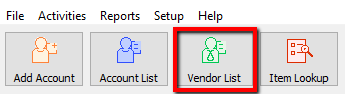
- Lookup the Retail Account you wish to add inventory to. Click the Vendor List button at the top of Liberty.
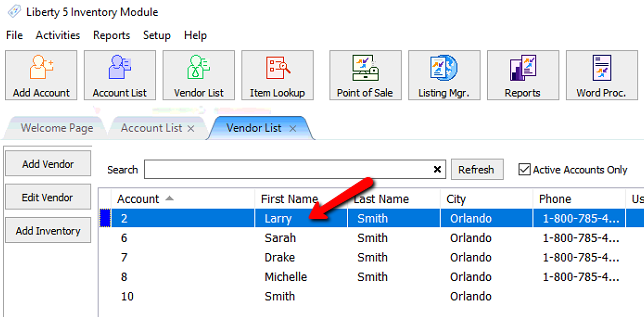
- The Vendor List tab will show. Type the account information in the search field. Double click the account you want to open.
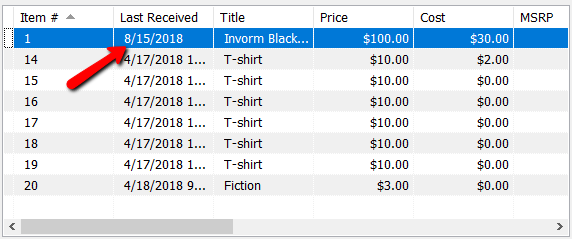
- Once the account is open, find and double click the item you want to edit.
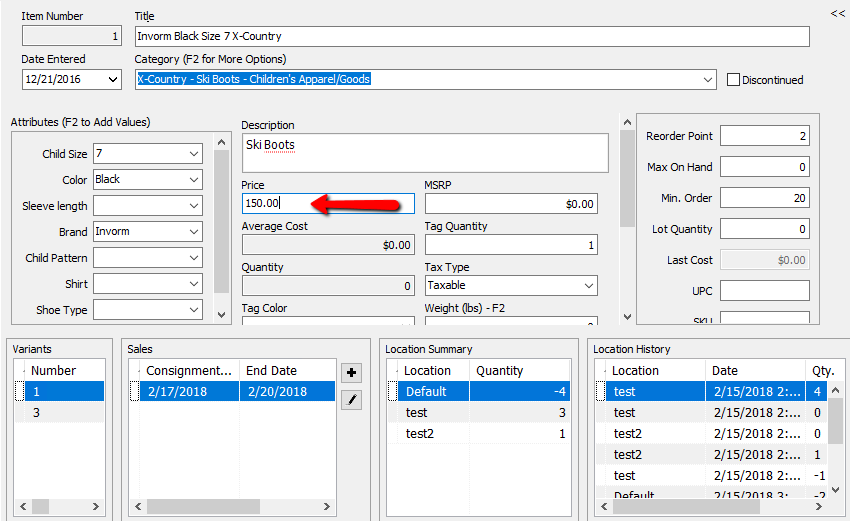
- Make the changes necessary.
- Press the Save button when down.


Next Article In Section
Click the following link to move to the next article in this section:
Receive Retail Inventory
Related Topics
Edit Retail Items Item Entry Windows - Overview Add Retail Items to Inventory Receive Retail Inventory How To Add Retail Variants How To Use Find Variant To Add Retail Variant Items Creating a Shopify / ShopRW Listing With One Variant Type Creating a Shopify / ShopRW Listing With Two Variant Types Copy Retail Items Delete Retail Items Enter Sale Dates for Retail Items