Copy One of a Kind Items
To Copy An Item Once.
- Right click and item and choose Quick Copy.
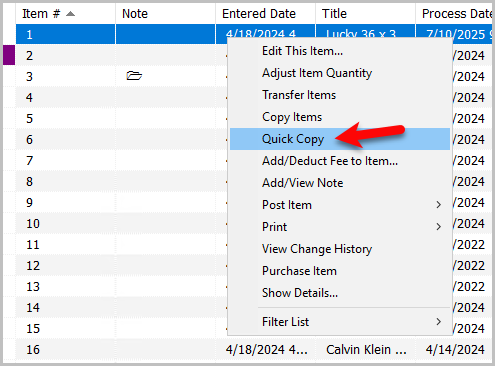
- The new item will be added with the next available item number.



How To Make Multiple Copies Of An Item
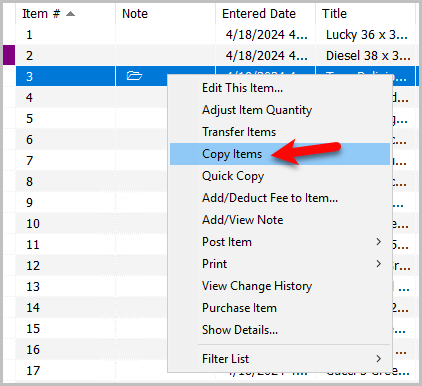
- Right click an item and choose Copy Items.
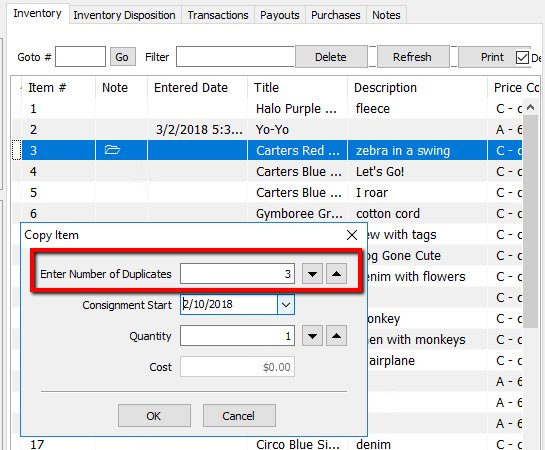
- The Copy Items dialog box opens. Enter in the number of Duplicates. (How many line items are going to be added for this item.)
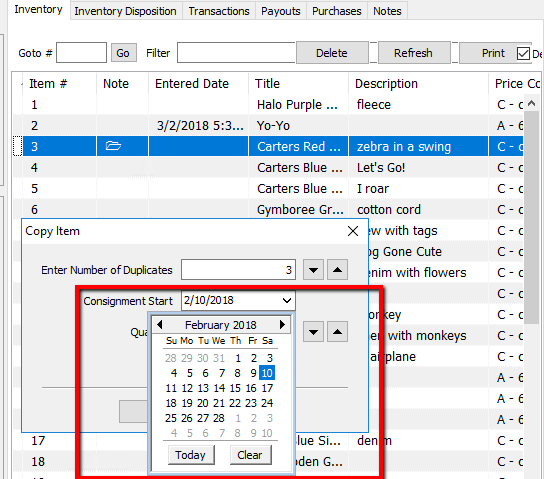
- Enter in the Consignment Start date for these new items.
- Enter in the Quantity per line item. (The quantity for each line item entry.)
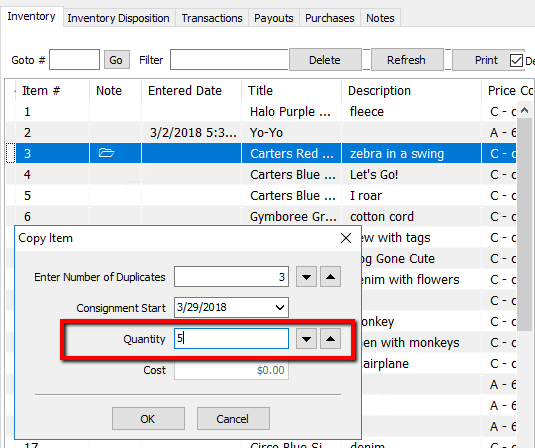
- Enter the Cost of the individual unit piece (How much it cost you to purchase the item).
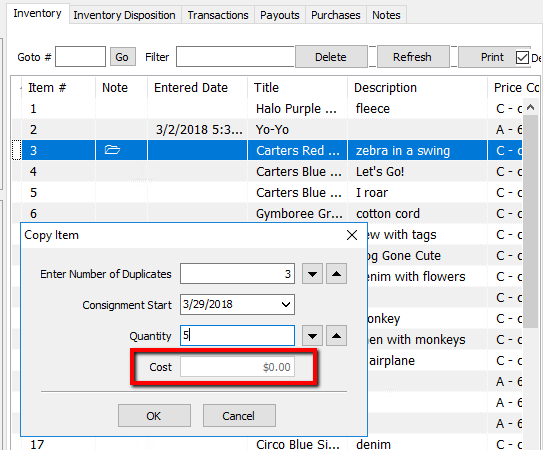
Note: When Copying Consign Items, the Cost field will be grayed out. When copying Purchased items, the Enter Number of Duplicates field will be grayed out, but the Cost field will not. - Press the OK button when done.
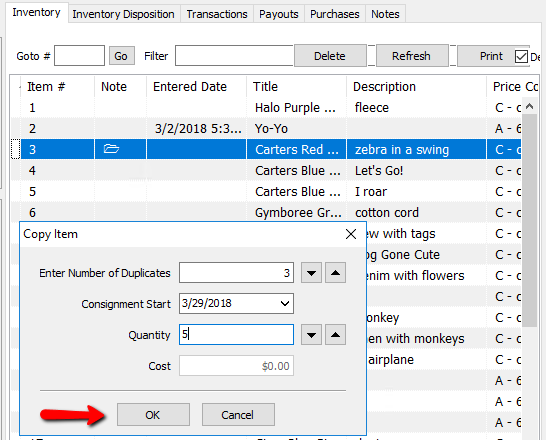


The items will appear with the next available inventory numbers.

The same options above are also during the item entry process.

Next Article In Section
Click the following link to move to the next article in this section:
Deleting Items