Logging Out Of Connected Devices
You can log out of all devices that went through the verification process on Consignor Center if you notice a device you do not recognize in the list.
- Navigate to https://consignorcenter.com

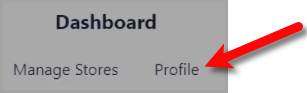
Note: If you have not logged in to consignor center before, please visit the following article: Consignor Center First Time Login Instructions - Click the Profile button
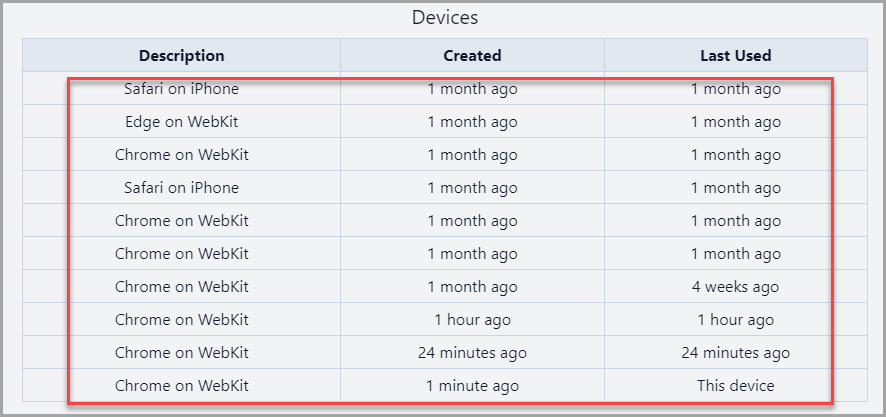
- Look through the list of devices that were used with your account on Consignor Center.
- Scroll down and click the Logout all other devices button.


This will require any devices that were logged in to go through the Verification Process again.

Another thing we can do is change our profile name in Consignor Center:
Next Article In Section
Click the following link to move to the next article in this section:
Changing Your Profile Name
Related Topics
Logging Out Of Connected Devices Changing Your Profile Name
Consignor Center Website Overview Consignor Center Dashboard View Consignor Center First Time Login Instructions Adding Your Consignment Store Managing / Swapping More Than One Consignment Store Linking Another Email To Consignor Center Deleting A Linked Email From Consignor Center Changing Your Profile Name Consignor Center Dashboard View Configuring The Consignor Center Dashboard Area