Consignor Center First Time Login Instructions
If you would like to view all Consignor Center website content on one page, please visit the following article: Consignor Center Website Overview
Otherwise, you can continue with the following steps to get you logged into Consignor Center.
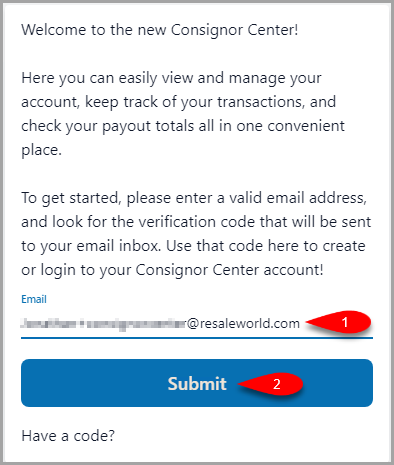
- Type in the email address you want to use into the Email field and then click the Submit button.
Note: This does not have to be an email you use with any of the stores. You can link other email addresses that you have used before adding the stores to your account and Consignor Center will attempt to match one of your linked emails (including the one used here) to an account at the store.
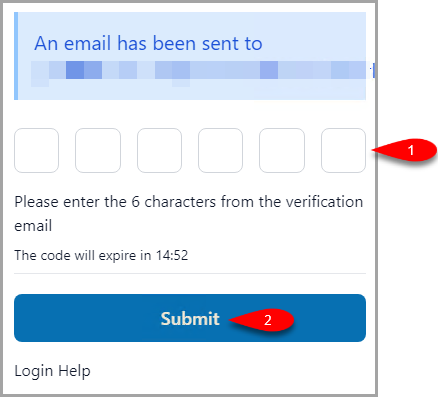
- You will get an email with a 6 character verification code.
Paste this into the first empty box and then click the Submit button.
Note: Consignor Login will keep you logged in per device for 90 days from your last login. As long as you visit at least once in that time, you will not be required to log back in.
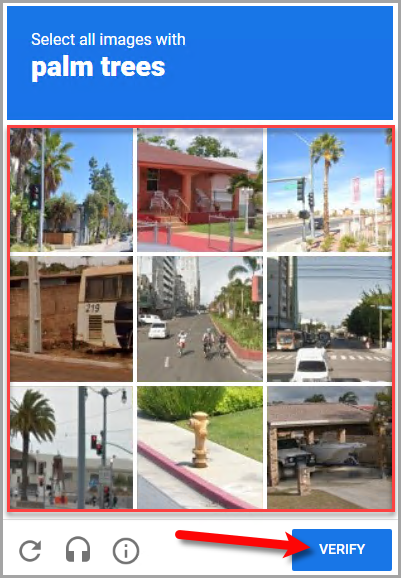
- If you receive a CAPTCHA prompt, follow the instructions and then click the Verify button.
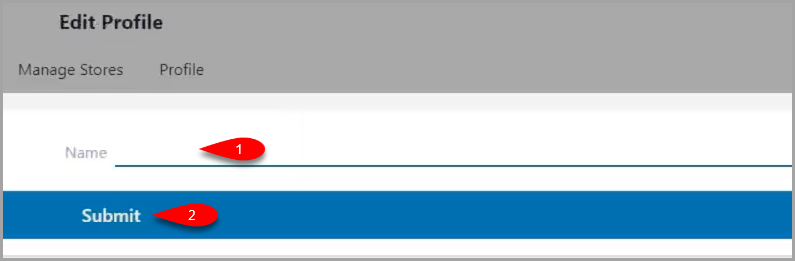
- Type in your name that you wish to associate with your Profile and then click the Submit button.
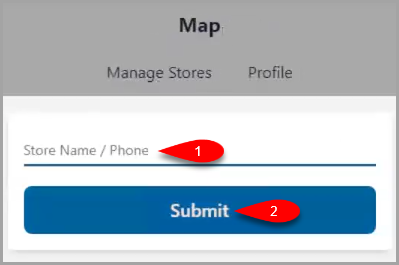
- In the Store Name / Phone field, type in either the store name or phone number associated with the store you are consigning at and then click the Submit button.
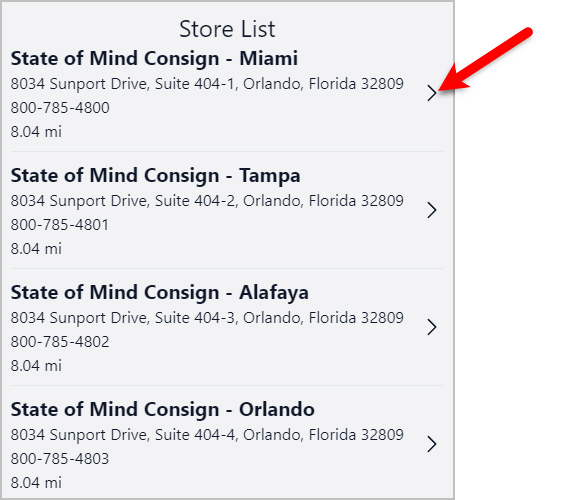
- You have two ways that you can select a store to link with the Consignor Center.
- First, you can select the Store you wish to associate your email with.
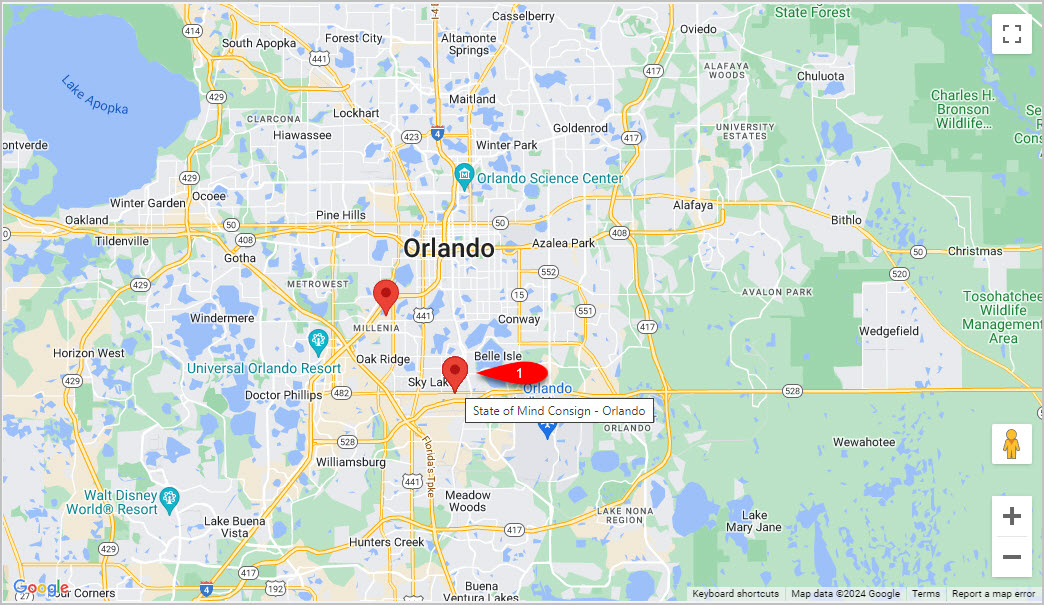
- Or you can use the map on the right hand side to see other stores in the area and select a store from the map.
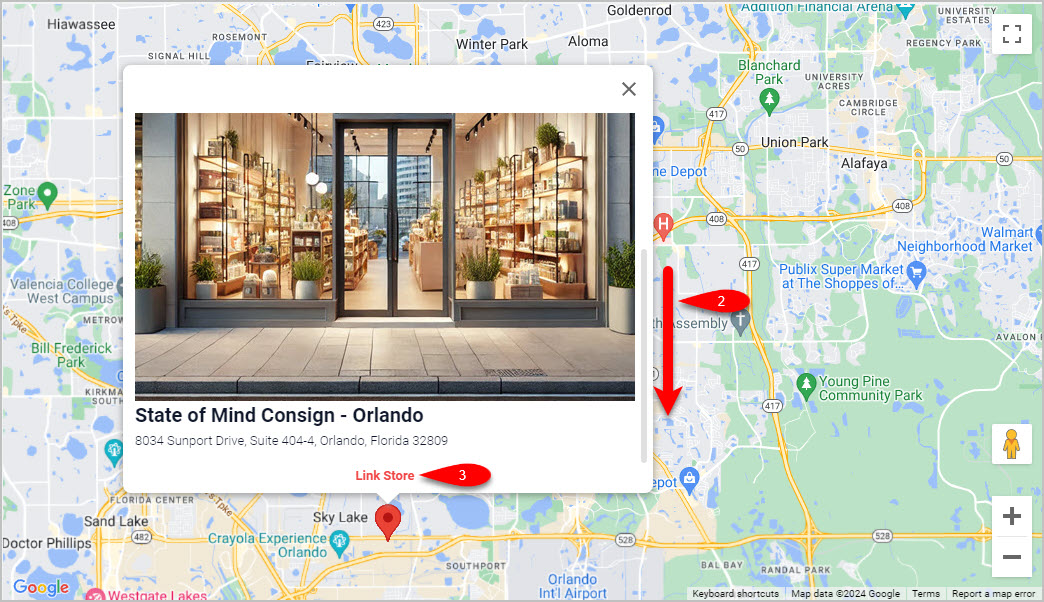
If you choose to select a store from the map, the store’s logo will appear along with the option to Link Store.
Note: You may need to scroll down on the store logo in order to see the Link Store button.
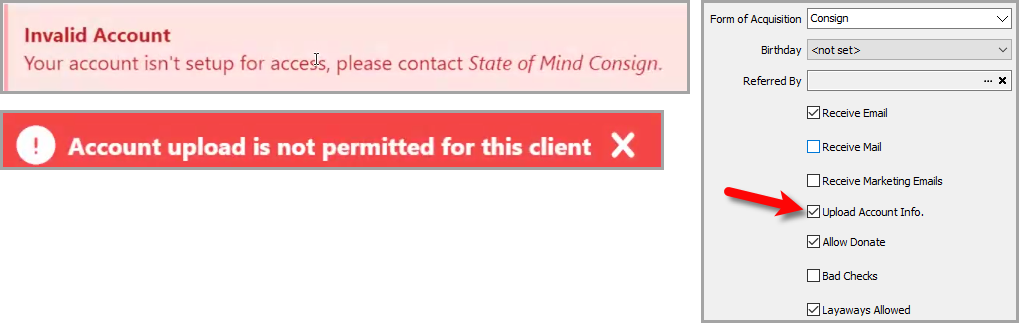
- If you receive an Invalid Account error, this means that the consignor account does not have Upload Account Info. checkmarked.
If you are the store, go ahead and open the Inventory Module, open the Account of the person attempting to login, checkmark Upload Account Info edit account pane and finally click the Save button.
They should be able to refresh the page and login.
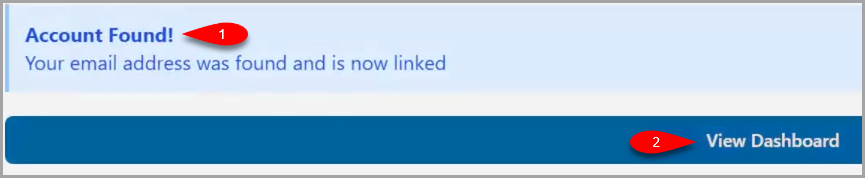
- You will get an Account Found! prompt if everything was successful, click the View Dashboard button when finished.
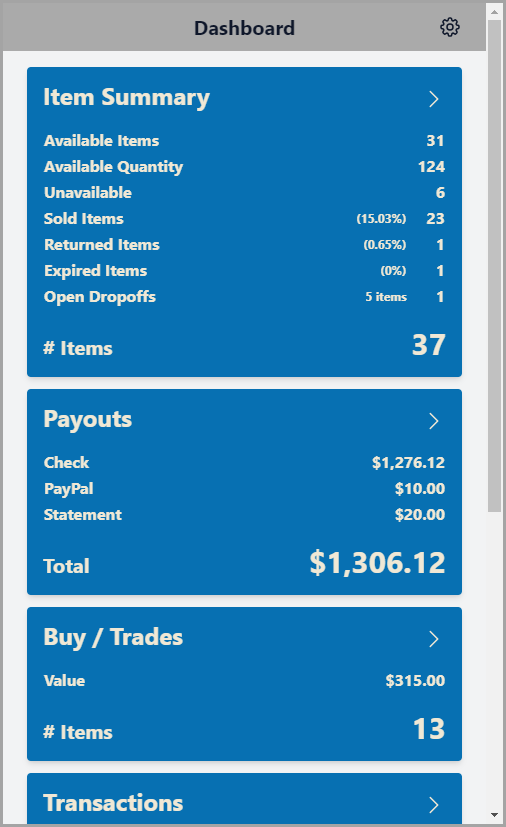
- You are now signed into your Consignor Center dashboard!


Now, we can move on to adding the store you want to view in Consignor Center: Adding Your Consignment Store
Next Article In Section
Click the following link to move to the next article in this section:
Adding Your Consignment Store
Related Topics
Consignor Center First Time Login Instructions Consignor Center Website Overview Adding Your Consignment Store Deleting A Linked Email From Consignor Center Linking Another Email To Consignor Center Logging Out Of Connected Devices Managing / Swapping More Than One Consignment Store Changing Your Profile Name Consignor Center Dashboard View Configuring The Consignor Center Dashboard Area Configuring The Consignor Center Details Area