Deleting A Linked Email From Consignor Center
If there is a linked email you no longer wish to use with Consignor Center, you can delete it.
Note: The primary email address you used to sign up with Consignor Center cannot be deleted. Any stores linked to this deleted email will also be unlinked from your Consignor Center account
- Navigate to https://consignorcenter.com

Note: If you have not logged in to consignor center before, please visit the following article: Consignor Center First Time Login Instructions - Click the Profile button
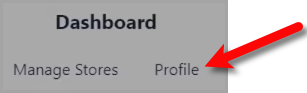
- Find the Linked Email you wish to delete off of Consignor Center and then click the Delete button.

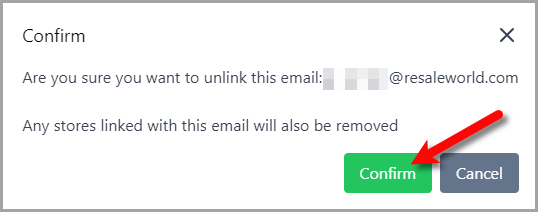
- You can now click the Confirm button and the linked email will be deleted from Consignor Center.


We can log out of all devices that are connected and authorized within Consignor Center:
Next Article In Section
Click the following link to move to the next article in this section:
Logging Out Of Connected Devices
Related Topics
Deleting A Linked Email From Consignor Center Logging Out Of Connected Devices
Consignor Center Website Overview Consignor Center Dashboard View Consignor Center First Time Login Instructions Adding Your Consignment Store Managing / Swapping More Than One Consignment Store Linking Another Email To Consignor Center Logging Out Of Connected Devices Changing Your Profile Name Consignor Center Dashboard View Configuring The Consignor Center Dashboard Area