Table of Contents
Additional Gift Card Information
If the balance on the Gift Card is not enough to cover the total due, Liberty will tell you the amount due. To use this, click the OK button.

Check Gift Card Balance
Liberty allows you to check the remaining balance on any Gift Card. For example, if a customer wants to know how is left on the card before they begin shopping.
- From the Point Of Sale Main Menu, select the Check Gift Card Balance button.
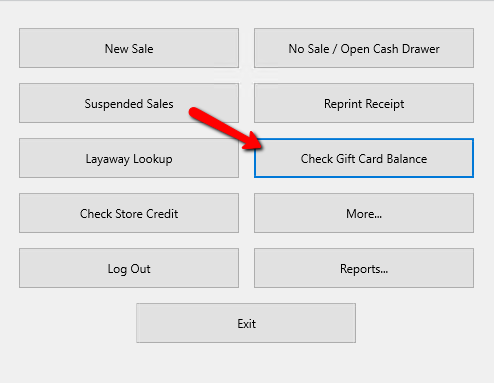
The Gift Card dialog box will open.
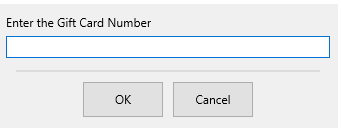
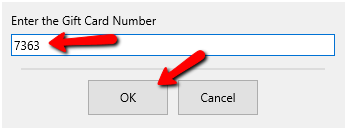
- Enter in the Gift Card Number manually, or if using Gift Cards with barcodes, scan the barcode, then press the OK button.
If you have a USB card swipe, you can also swipe the gift card.
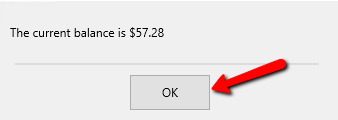
- The Gift Card Balance will be displayed. Press the OK button when done.


Next Article In Section
Click the following link to move to the next article in this section:
Loading a Gift Card with WorldPay