Table of Contents
Sales Fee Detail Report
This report shows all non-inventory fee transactions related to sales for a given time period.
When to Use

This report is the easiest way to view records of any fees charged at the PoS.
How To Get To This Report
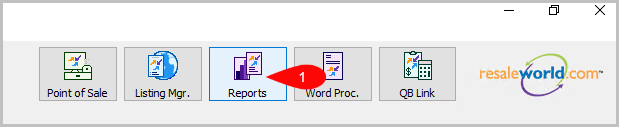
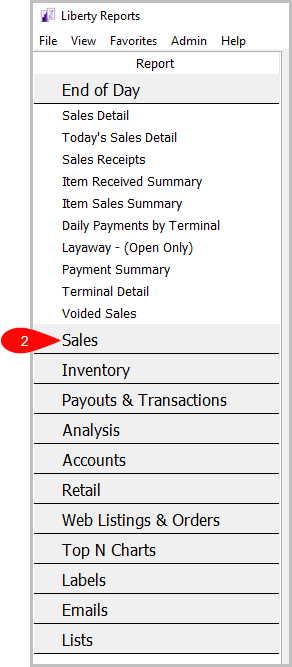
Reports > Sales > Sales Fee Detail
- Click on Reports.
- Click on Sales.
- Click on Sales Fee Detail.


How To Add Criteria
1. Click on the Add More Criteria button.
 2. Select what criteria you want and then press OK.

Criteria Choices
- Fee Type
- Receipt Number
- Sale/Posted Date
- Sales Person
- Sales Status
- Terminal Location
- Terminal ID
Next Article In Section
Click the following link to move to the next article in this section:
Sales by Price Code Report
Related Topics
Sales Fee Detail Report Selecting the Right Report Item Description with Extended History Item Description with Sales History Profit by Brand Report Profit by Category Report Profit by Section Report Purchases by Customer Report Purchases by Zip/Postal Code Report Sales by Account Report Sales by Category Report