Table of Contents
Inventory by Category Report
This report displays all inventory by category and a summary of the quantity, price, and cost of available items.

When to Use
Run this report to see details and/or summary info about inventory on hand and organized by category. This report includes many types of filter criteria that can be used to return a very specific set of results.
How To Get To This Report
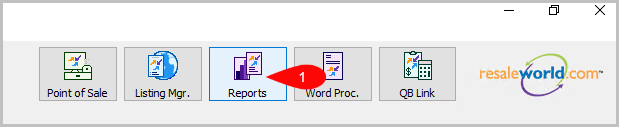
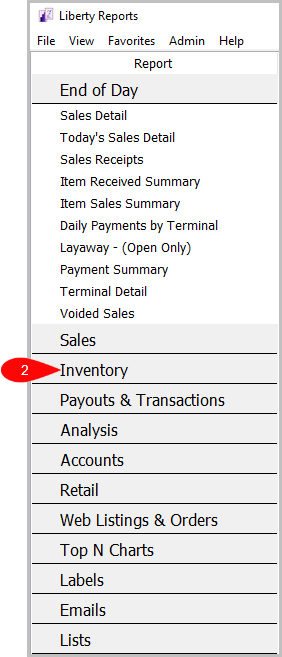
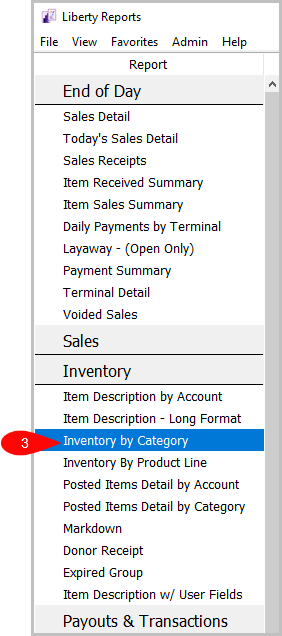
Reports > Inventory > Inventory by Category
- Click on Reports.
- Click on Inventory.
- Click on Inventory by Category.


How To Add Criteria
- Click on the Add More Criteria button.
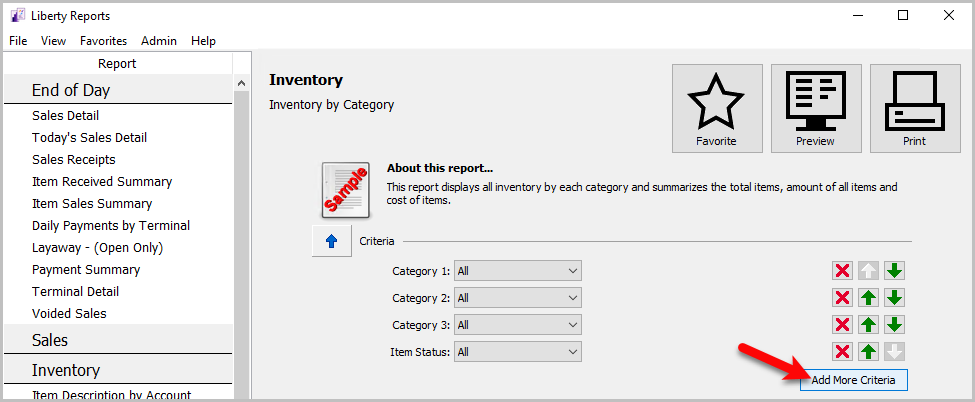
- Select what criteria you want and then press OK.
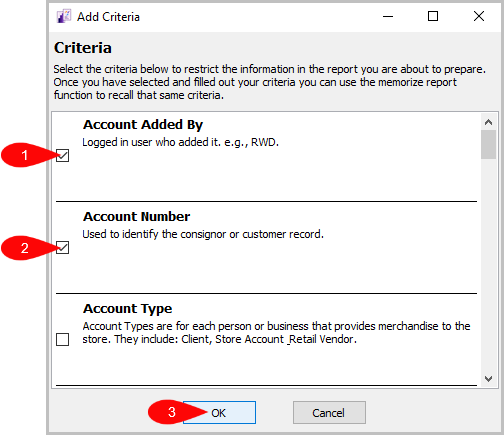


Criteria Choices
- Account Added By
- Account Number
- Account Type
- Allow Donate
- Brand
- Category 1
- Category 2
- Category 3
- Custom 1
- Custom 2
- Custom 3
- Custom 4
- Custom 5
- Expiration Date
- Item Added By
- Item Description
- Item Keyword Description
- Item Received Date
- Item Status
- Location
- Marketplace
- Price Code
- Product line
- Purchase Method
- Quantity On Hand
- Store Section
Next Article In Section
Click the following link to move to the next article in this section:
Item Description - Long Format Report
Related Topics
Inventory by Category Report Selecting the Right Report Donor Receipt Report Expired Group Report Item Description by Account Report Item Description - Long Format Report Item Description With User Field Markdown Report Posted items Detail by Account Report Posted Items Detail by Category Report Account Comments Report