Table of Contents
Web Listings Report
Displays all information relative to items that have been flagged to be listed on the web.

When to Use
Run this report to view information specific only to web items (such as weight and shipping) that most reports do not show.
How To Get To This Report
Reports > Web Listings & Orders > Web Listings
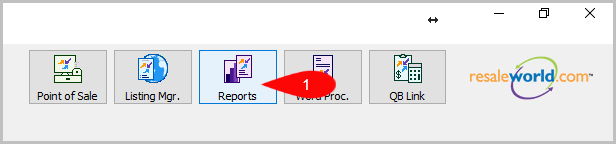
- Go to Reports
- Click on Web Listings & Orders
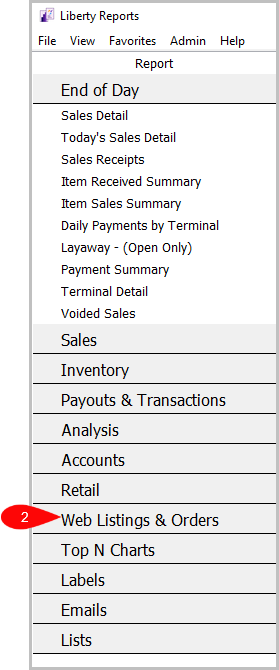
- Click on Web Listings


How To Add Criteria
1. Click on the Add More Criteria button.

2. Select the criteria you want then press OK.

Criteria Choices
- Account Number
- Account Type
- Action Ended Date
- Action Status
- Active Account
- Category 3
- Item Received Date
- Item Status
- Last name
- Marketplace
- Number Of Images
- Quantity On Hand
- Storefront Status
Next Section Navigation Link
Click the following link to see a list of articles for the next section:
Email Reports