Table of Contents
Wish List Report
Displays all wish lists grouped by account.

When to Use
Run this report to find wish lists containing items by account. Use different criteria to find wish lists that were first created or that have recently expired.
How To Get To This Report
Reports > Accounts > Wish List
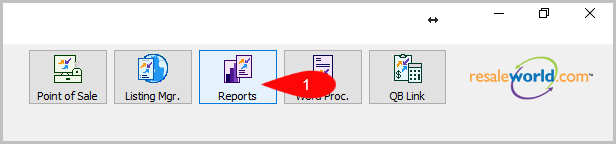
- Click on Reports.
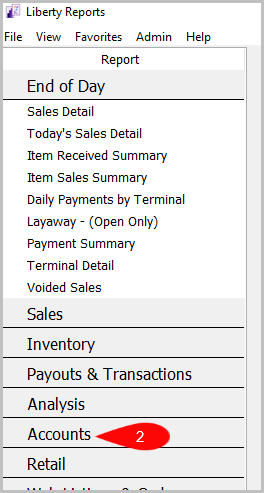
- Click on Accounts.
- Click on Wish List.


How To Add Criteria
1. Click on the Add More Criteria button.

2. Select the criteria you want then press OK.

Criteria Choices
- Account Number
- Active Account
- End Date
- Start Date
Next Article In Section
Click the following link to move to the next article in this section:
Wish List - Cross Reference report
Related Topics
Wish List Report Selecting the Right Report Account Comments Report Account Export by Purchases Report Account Export by Sales report Account List Report Account List by Filter Code Report Account List - Full Detail Report Tax Exempt Account List Report User Fields Report Wish List - Cross Reference report