Table of Contents
Suspend a Sale
Use Suspend Sale when you want to ring another sale prior to finishing the current sale.
Example: Use Suspend Sale when a customer leaves their money in their car. Suspend their sale, help other customers in the meantime, then resume the suspended sale when the customer returns.
When you Suspend a sale, you are saving it in Liberty POS. Items included in the sale cannot be sold to another consumer unless the suspended sale is canceled.
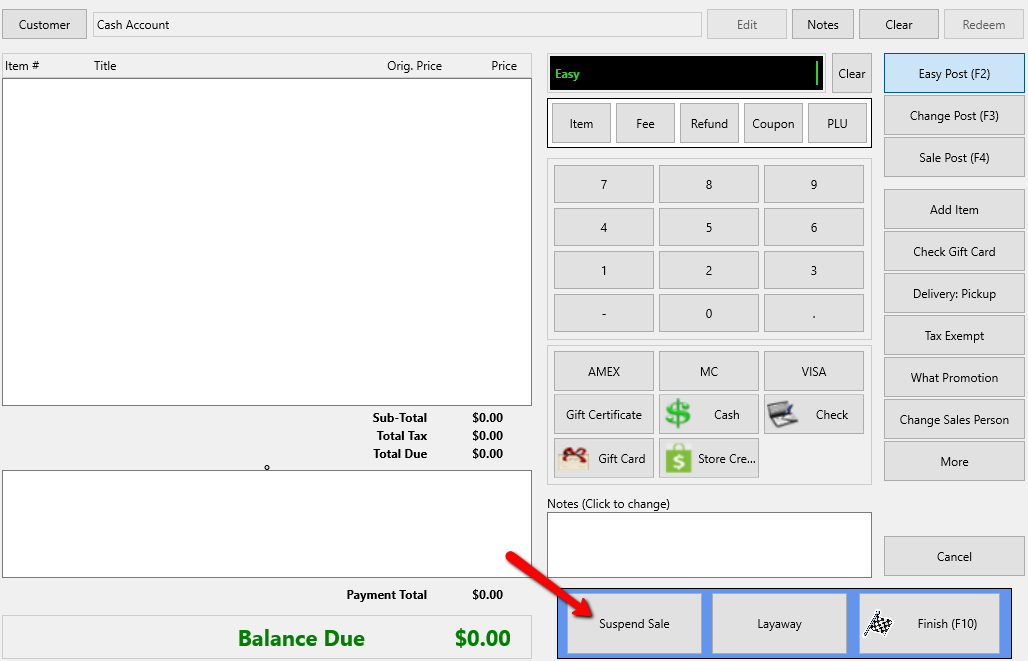
To Suspend A Sale
- Click the Suspend Sale button at any time during the sale.

To Resume A Suspended Sale
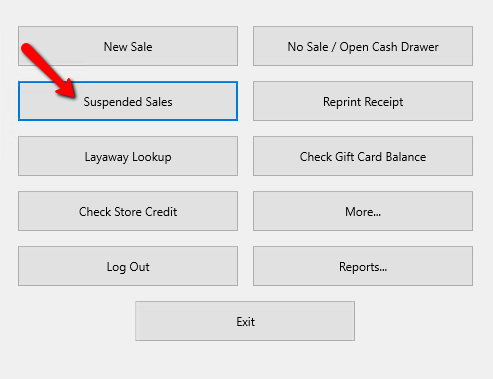
- From the Point Of Sale menu select the Suspended Sales button.
A List of Suspended Sales will appear.
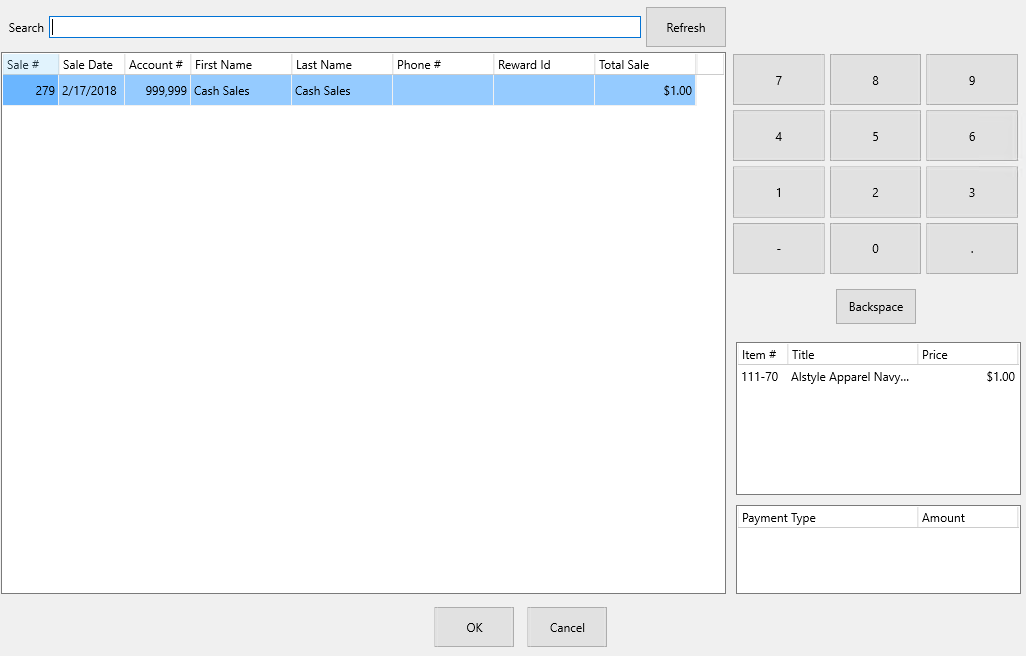
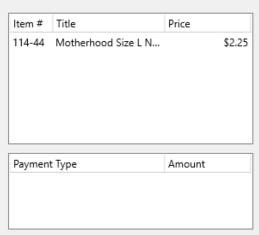
Note: You can see the details of the suspended sale in the lower right corner.
- Highlight the Suspended sale you want to retrieve and press the OK button at the bottom.
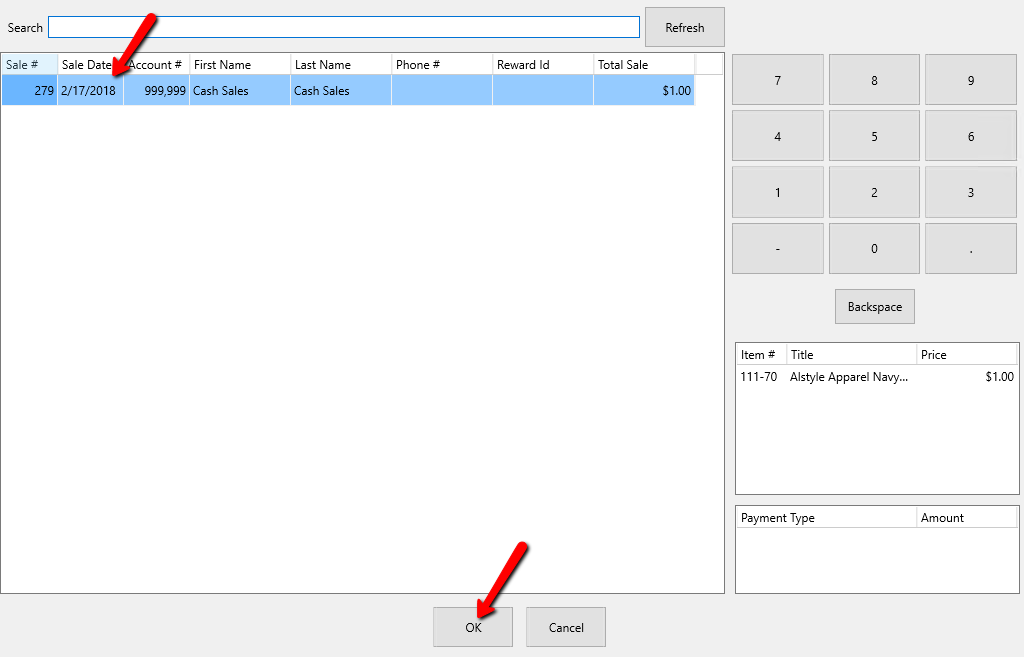
This will reopen the sale.
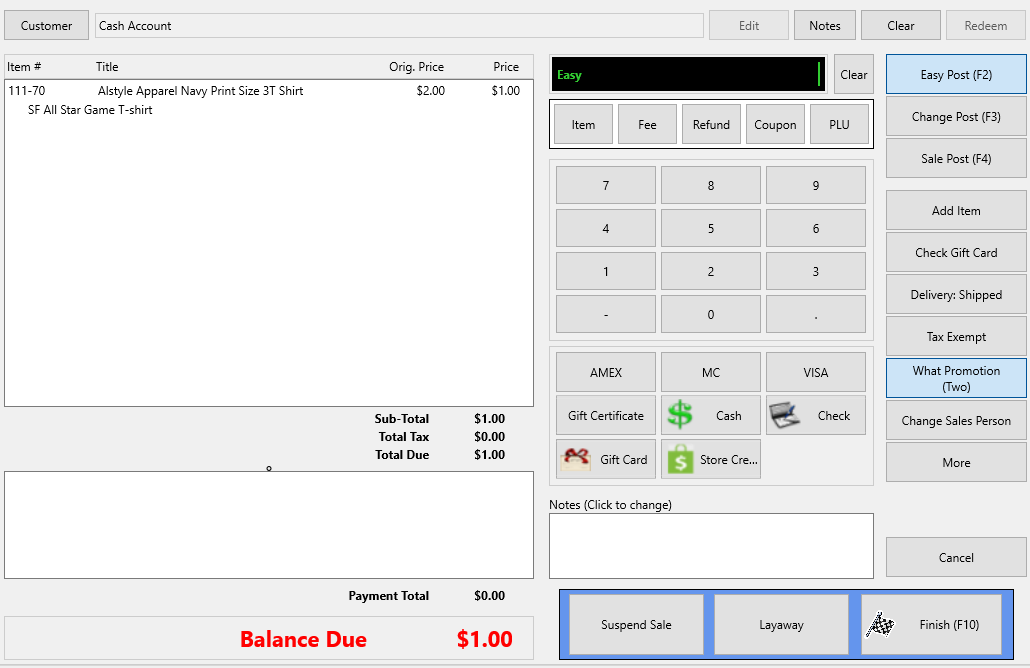
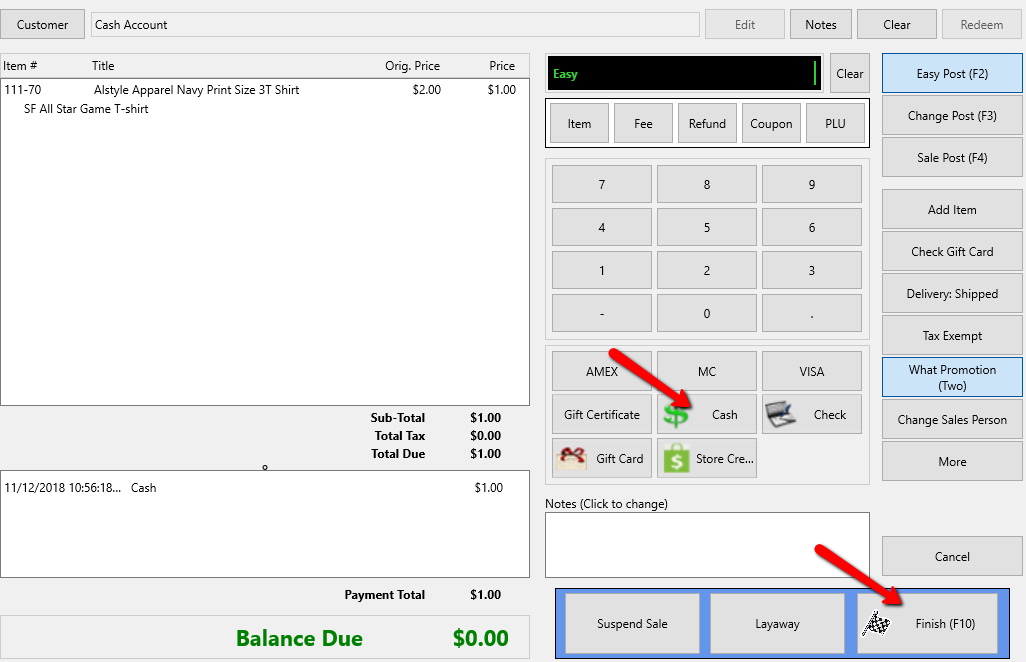
- Choose a payment type and the Finish button.


Cancel a Suspended Sale
- From the Point Of Sale menu select the Suspended Sales button.
- Then in the Suspend Sale window, highlight the sale you wish to cancel and click Cancel Sale.

- The Confirmation dialog will then appear.


Click “Yes” to cancel the Suspended Sale and release any items that were part of the sale.
Click “No” to leave the sale suspended.
Next Article In Section
Click the following link to move to the next article in this section:
Quick Item Entry in POS