Table of Contents
Reprinting a Receipt
Follow these steps to reprint a receipt.
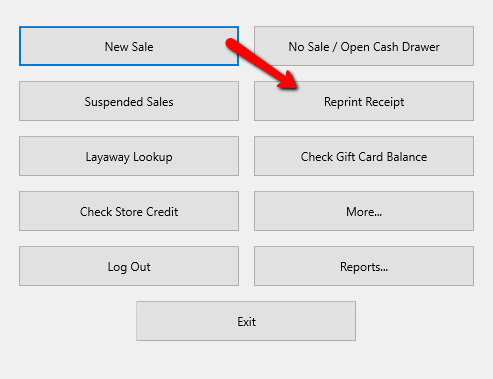
- From the main screen of the Point Of Sale select the Reprint Receipt button.
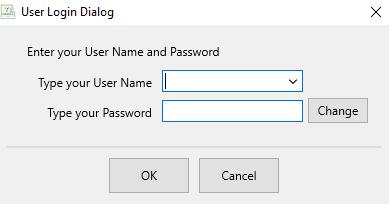
If Prompted, Log In.
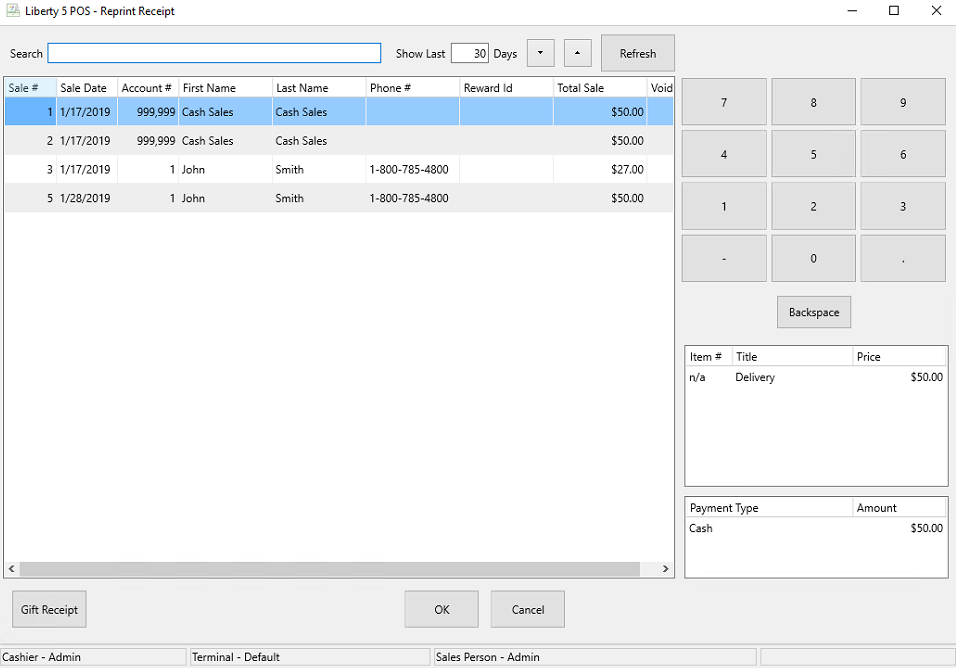
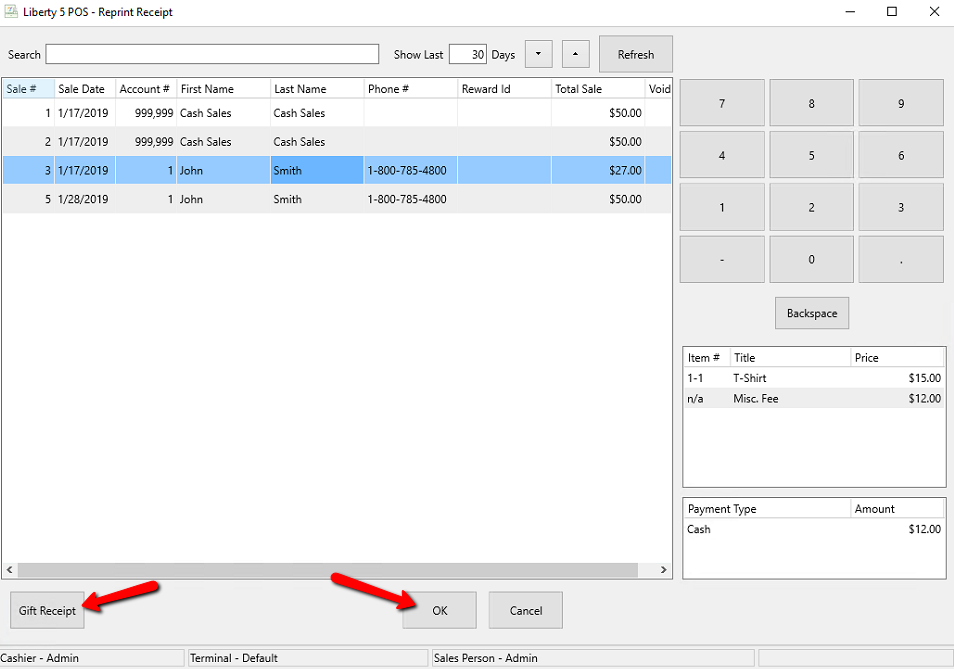
The Reprint Receipt dialog box will open.
- Highlight the receipt you wish to reprint. You will notice the details of that receipt in the lower right corner.
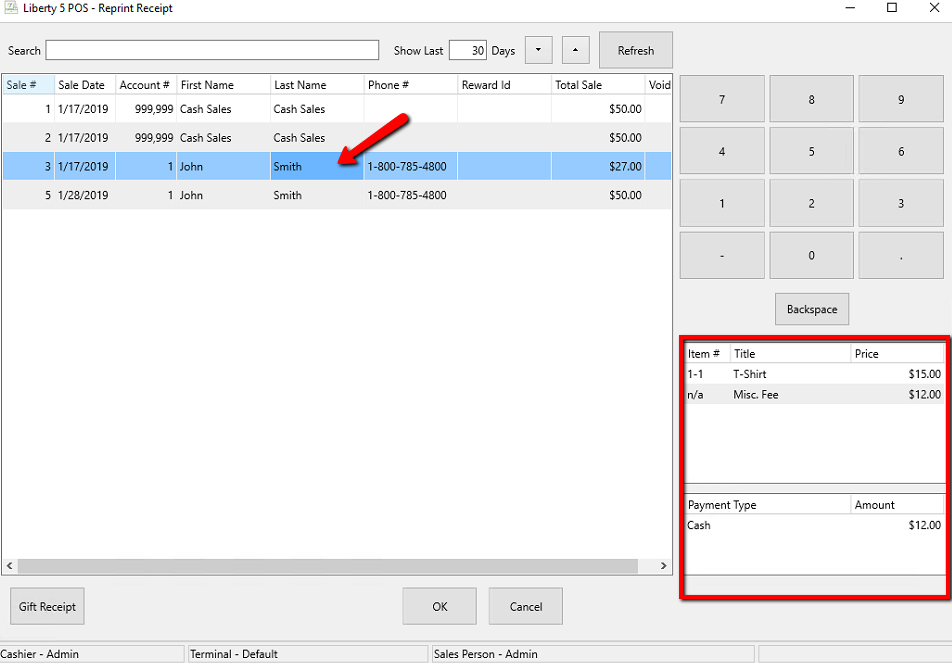
- Press the OK button to get a detail print out of the receipt. If you need a receipt without the totals on it, you can press the Gift Receipt button.


Next Article In Section
Click the following link to move to the next article in this section:
Add a Logo to Your Receipt