Table of Contents
Default Cash Payouts Done In The POS to Post Only
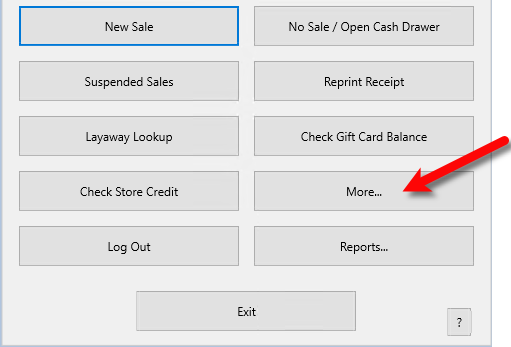
- Open the Liberty REACT POS and then click the More… button.
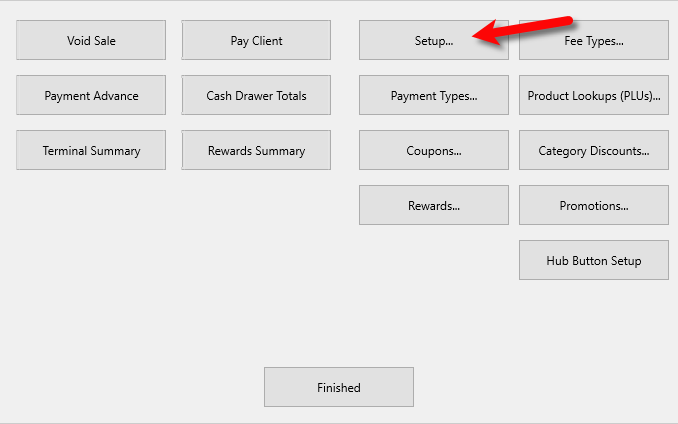
- Click the Setup button.
- Click on the Payouts menu option, then make sure Default “Pay Client” to is set to Cash. If this is not set, then the Default to Post Only option will be greyed out. This feature was only meant to be used with Cash.


Checkmark the Default to Post Only option and then click the OK button.

Next Article In Section
Click the following link to move to the next article in this section:
Track Sales by Customer