Table of Contents
Editing Documents
- From within Inventory Module select the Word Processor button.

The Word Processor dialog box will open.
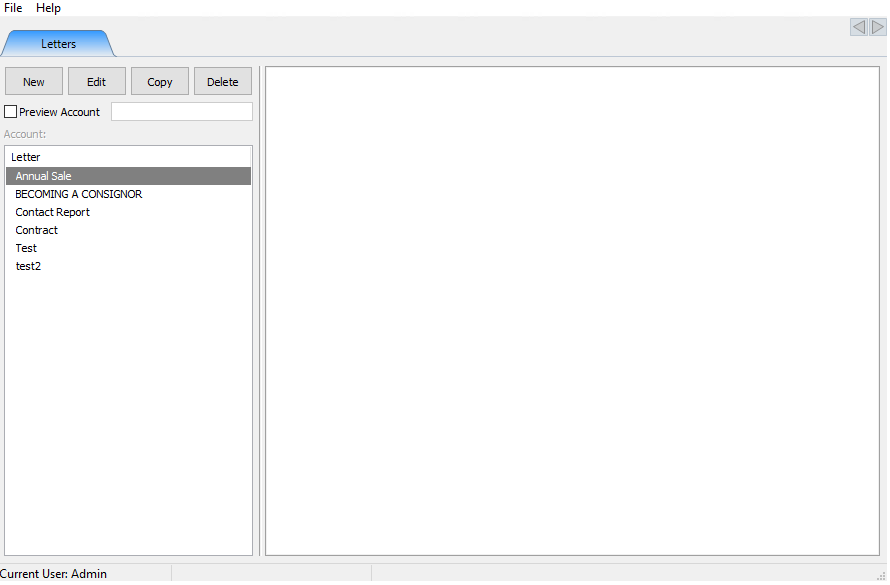
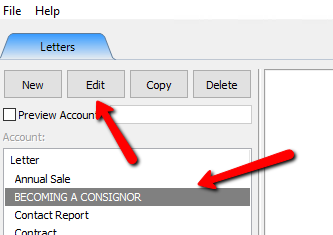
- Select the Letter you want to edit, and select the Edit button at the top.
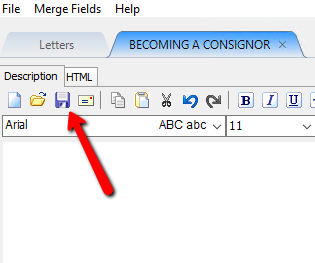
- Make the required edits and then select the Save button.


Next Article In Section
Click the following link to move to the next article in this section:
Previewing a Letter
Related Topics
Editing Documents Printing or Emailing A Letter Using The Publishing Wizard Print Merged Letters from Client Accounts Converting Older Letters Creating A New Word Processor Letter Merging Information into Documents Previewing a Letter Word Processor Overview Accessing Liberty Help From Anywhere In Liberty Add Notes to an Account