Table of Contents
Converting Older Letters
Older versions of Liberty saved the the letters in .RTF file format and were modified with a Rich Text Editor. Liberty5 Uses a WYSIWYG (What You See Is What You Get) editor and saves the letters in .HTML form. Liberty5 has a tool that will convert Old Letters from previous versions of Liberty, into letters that can be used in Liberty5.
Converting Old Letters
- From within Inventory Module select the Word Processor button.

The Word Processor dialog box will open.
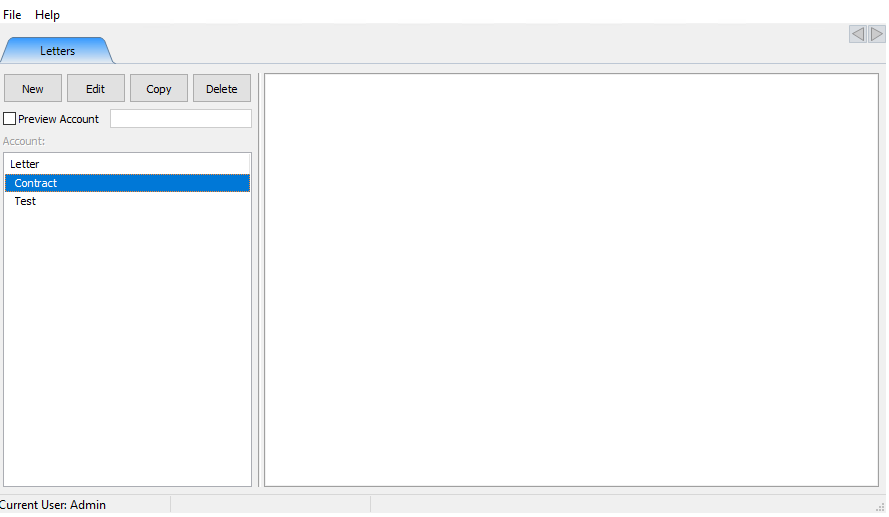
- Select Help > Convert Old letter.
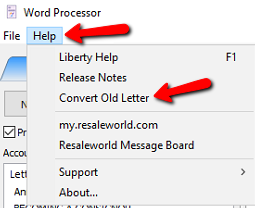
- A Search Box will open. By default it will open to the C:\RWD\Letters folder.
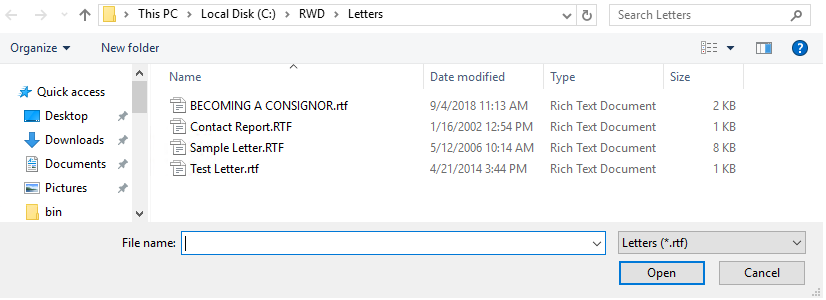
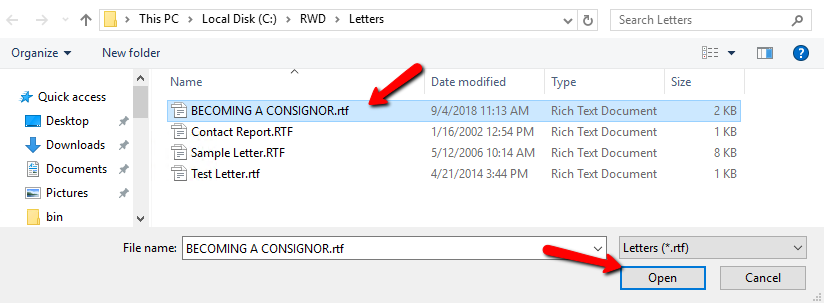
- Select the .RTF file you want to convert and select the Open button.
- A Preview of the letter will open showing what letter you have selected. If this is the correct letter, select the OK button at the bottom.
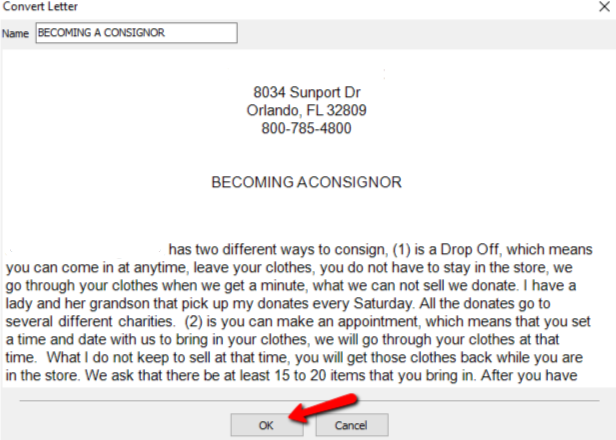


A Copy of the letter will made in .HTML form and added to you to your list of letters to work with.

Next Article In Section
Click the following link to move to the next article in this section:
Merging Information into Documents
Related Topics
Converting Older Letters Merging Information into Documents Print Merged Letters from Client Accounts Printing or Emailing A Letter Using The Publishing Wizard Creating A New Word Processor Letter Editing Documents Previewing a Letter Word Processor Overview Accessing Liberty Help From Anywhere In Liberty Add Notes to an Account