Table of Contents
Applying a Recurring Fee Deduction to Accounts
Once you went through the process of creating a Recurring Fee Widget and associated accounts with a Recurring Fee Cycle, you can apply a Recurring Fee Deduction to those accounts.
How To Apply A Recurring Fee Deduction
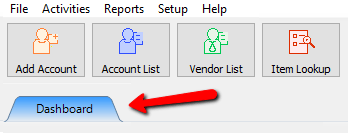
- In Liberty, select the Dashboard tab.
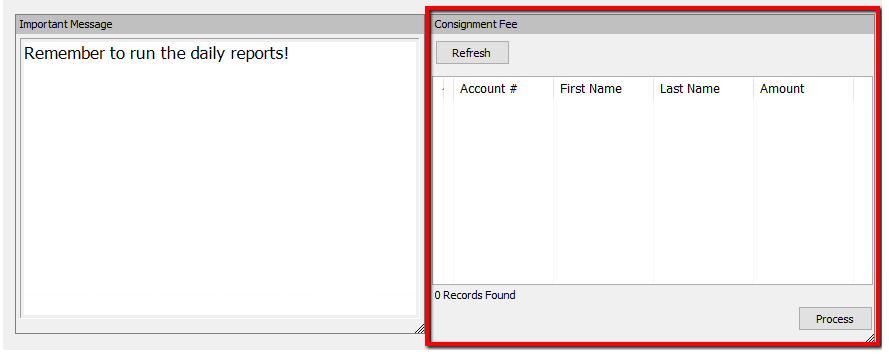
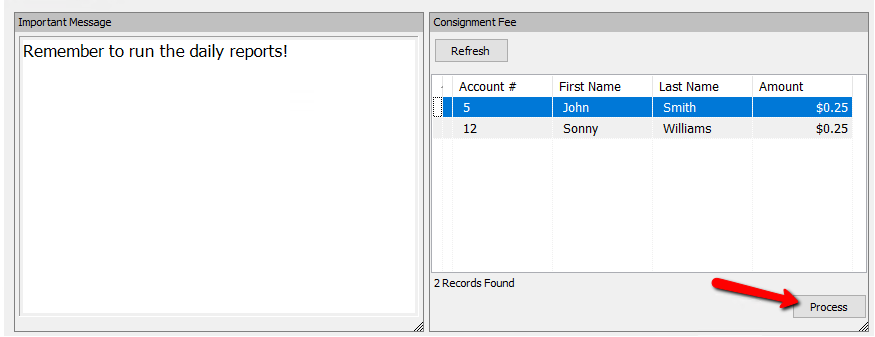
- Look for the Recurring Fee Widget you created.
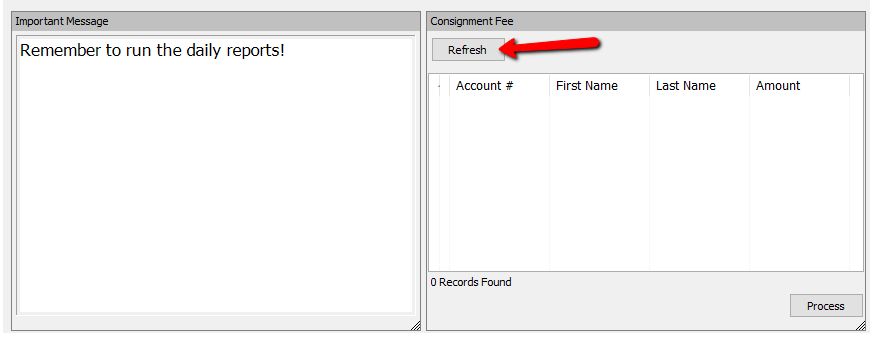
If you do not see any accounts, and you are expecting to, select the Refresh button.
A List of accounts will be displayed. These are the accounts due to be charged the recurring fee based on the criteria defined for that fee.
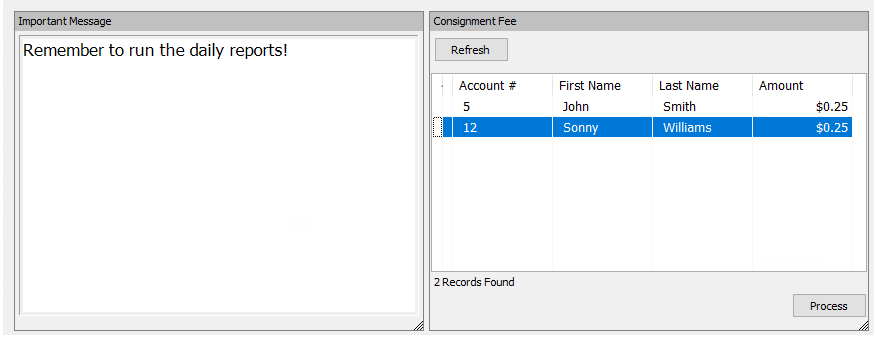
- Select the Process button to apply the fee to the listed accounts.
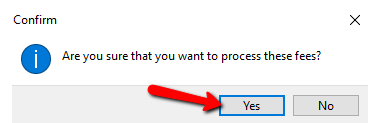
- You will get the following notification. Select the Yes button.


You can verify the Recurring Fee was applied by going to one of the accounts and selecting the Transaction Tab. You will see the applied fee.

Note: Once you process a Recurring Fee, the account will disappear from the widget. Depending on the cycle and the Start Billing date that you specified, the account will reappear on the widget (i.e Start Billing Date is set for 08/16 and the cycle is monthly, the account will show again on the widget on 09/16. If you specified an End Date, then the account won’t show back on the widget past that End Date.
Next Section Navigation Link
Click the following link to see a list of articles for the next section:
Videos
Related Topics
Applying a Recurring Fee Deduction to Accounts Adding a Recurring Fee Type Associating a Recurring Fee Type with an Account Recurring Fees Overview How To Use The Recurring Fees Widget How To Use The Message Of The Day Widget How To Use The Reminders Widget Adding a Widget Adding A Chart Widget Deleting a Widget