Table of Contents
How To View A History of Reminders
This is a new feature in the 6.3a release. You can now view all of the reminders assigned to an account.
Viewing Reminders History
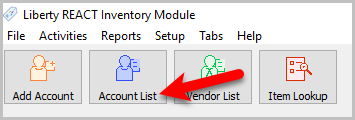
- Click the Account List button
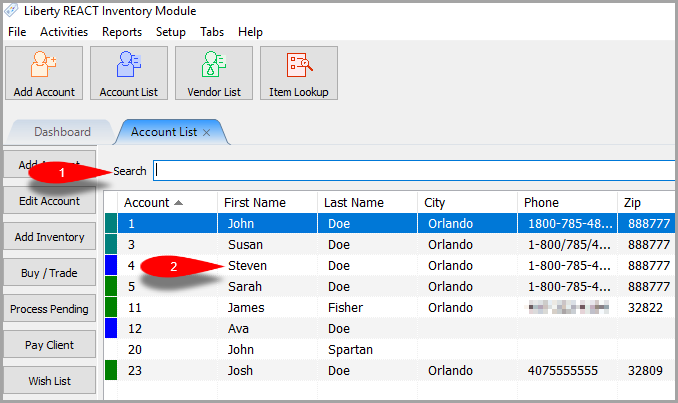
- Search for the account, and double-click their account
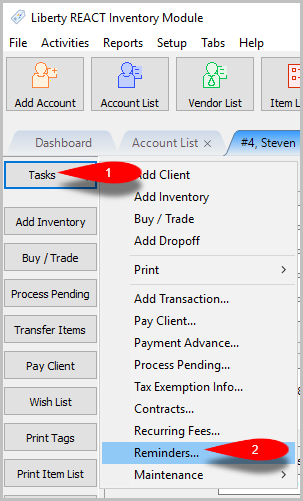
- Go to Tasks > Reminders…
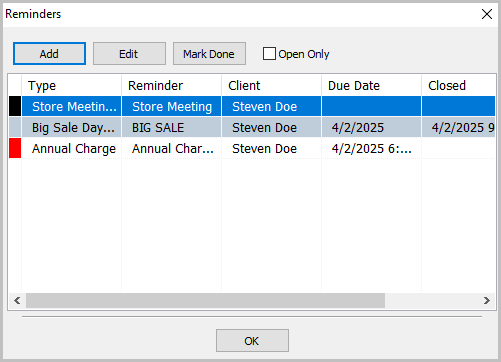
- The Reminders dialog box will open where you can view, Add, Edit, and Mark Done any reminders for the account


Next Article In Section
Click the following link to move to the next article in this section:
Adding A Chart Widget