Table of Contents
Deleting a Widget
How To Delete A Widget
To delete a Widget:
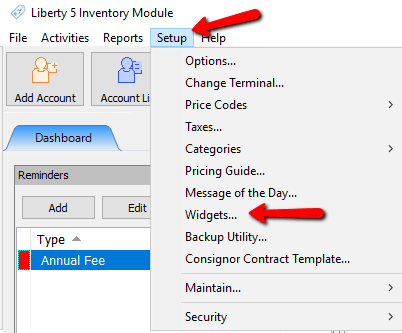
- Go to Setup > Widgets.
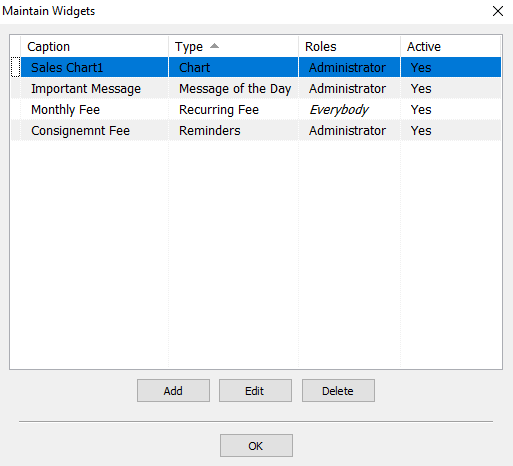
The Maintain Widgetsdialog box appears.
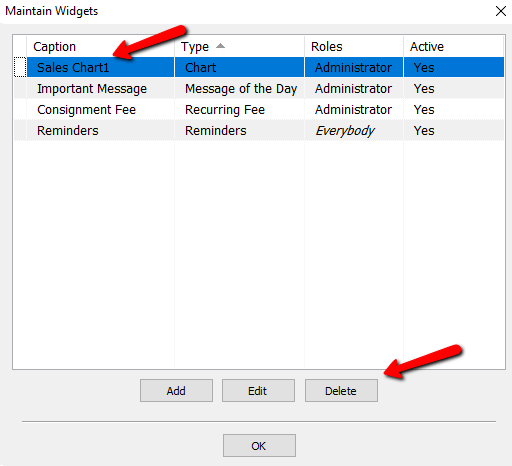
Note: You cannot delete a Message of the Day and Reminders Widget, but they can be deactivated. Please see Making a Widget Active or Inactive for more details - Click on the Widget you wish you delete and press the Delete button.
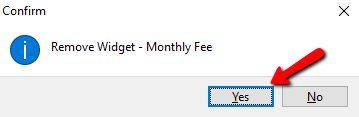
- A Confirmation box will open. Select the Yes button.
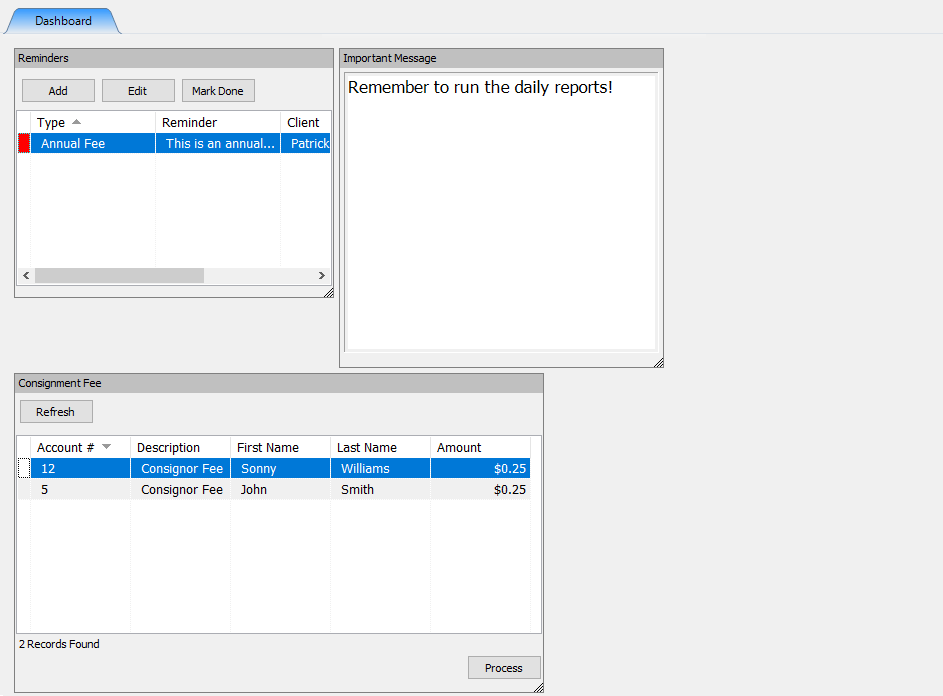
- Return to the Dashboard of Liberty and you will see the widget has disappeared.


Next Article In Section
Click the following link to move to the next article in this section:
Making a Widget Active or Inactive