Table of Contents
Changing Item information
To Edit and Item
- In Liberty Inventory, Lookup the account.
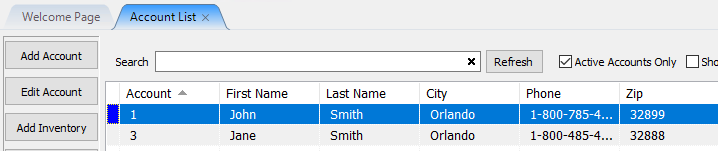
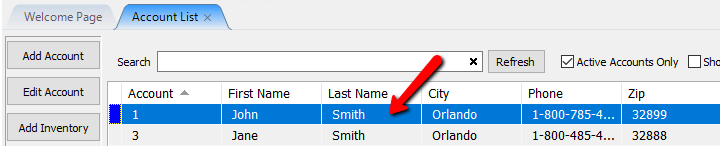
- Double-click on the client's account that has the item that needs to be changed.
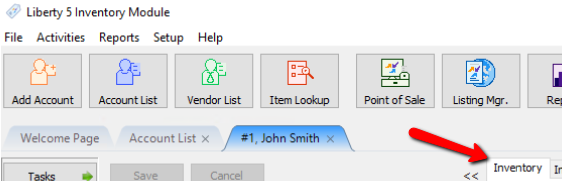
- Click on the Inventory Tab.
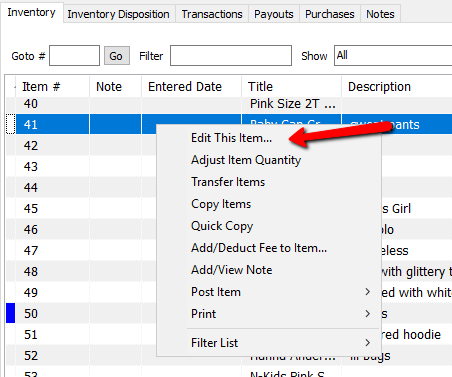
- There are 2 different ways to start the editing process.
- Double-click the item to be changed.
- Right-click on the item and select Edit This Item from the menu.
- Make the necessary changes.
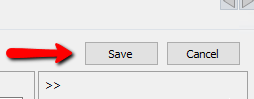
- Select the Save button in the upper right corner when finished.
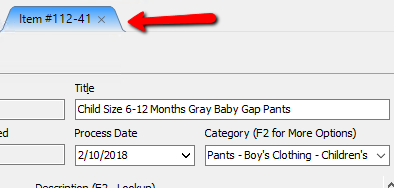
- Click the X in the item entry tab at the top to exit the items details.


Next Article In Section
Click the following link to move to the next article in this section:
Viewing Inventory