Table of Contents
Image Options
Image Options allows to you configure where images are pulled from during item entry, remove the images from where they are stored, set the directory where Liberty images are stored and what the maximum image size should be.
Setting Image Options:
- In the menu bar go to Setup > Options > Image Options.
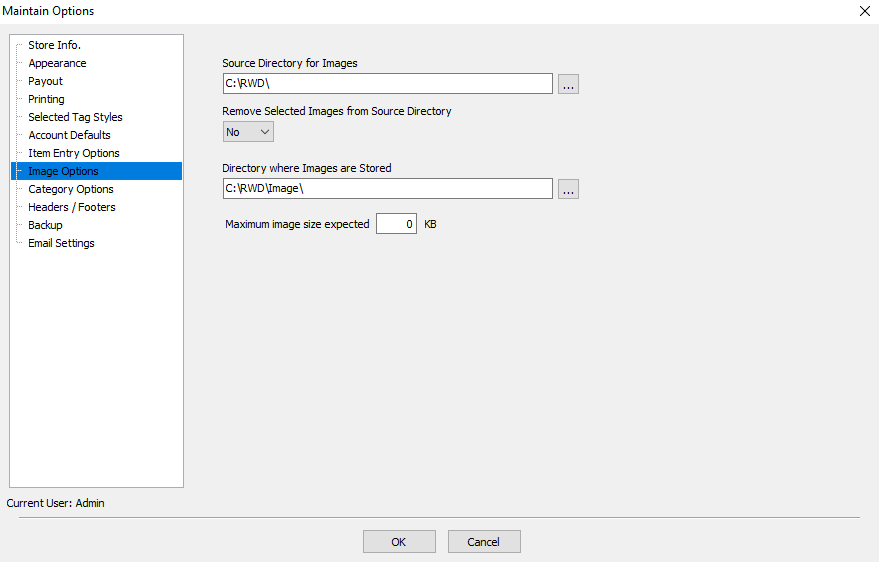
- Make changes to the default fields as desired.
- When finished click the OK button.
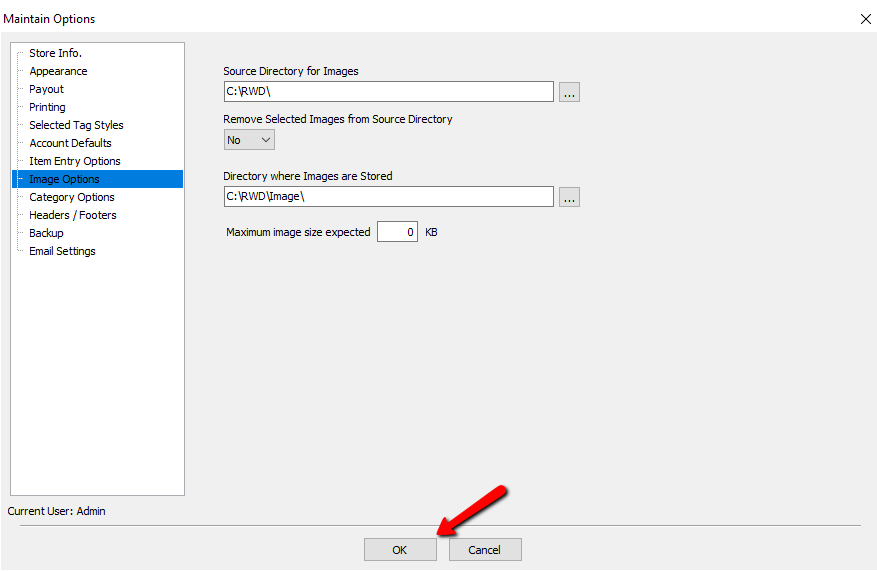


Image Options Defined
- Source Directory For Images : Specify the default location where Liberty should look when attaching photos to items by clicking the three dots. The drive and directory selected will be displayed when the Load Photos button is selected, which is located in the Photos tab in item entry.
An example of a drive might be E:\ if you are loading photos directly from a smart card or other external device. - Remove Selected Images From Source Directory : You have the option of deleting images once they have been loaded into Liberty. Check this box off if you want to permanently erase the image once it has been assigned and copied from your Source Directory path.
- Directory Where Images Are Stored : This is the directory in which photos are stored once assigned to an item. The default image directory is C:\RWD\Image on the server. It is recommended that this directory not be changed. If the directory is changed be sure the path entered is valid.
Note: When running Liberty on a network, the image path on client PC's is different. - Whereas the server may be set to C:\RWD\Image, the workstations must be set to the network path for that same folder. This requires the RWD folder on the server to be shared, and the exact path that must be entered on the clients depend on network configuration. It is important for this setting to be made correctly on ALL Liberty installations where inventory is added or edited, even if photos aren’t added from that workstation.
- Typically, a UNC path to this folder can be used. An example of a UNC path to the Image folder on a Liberty server that is named “Server” is \\Server\RWD\Image.
- It is also possible to map a network drive to the RWD folder on the server, and the drive letter of the mapped drive can be used instead. For example, if the RWD folder on the server is mapped to the X: drive, then the Directory Where Images Are Stored can be set to be X:\Image.
Note: Liberty renames images as they are assigned to items. For instance, if the item number is “2134”, and 4 images are assigned, Liberty will create 4 files called “2134a.jpg”, “2134b.jpg” and so on. - Maximum Image Size Expected : Once set during item entry, when an image is selected and it is larger than the size in the Maximum Image Size Expected window a warning message will appear. You are able to select OK and continue on with adding the image.
Next Article In Section
Click the following link to move to the next article in this section:
Selected Tag Styles