Table of Contents
Backup
To configure the Backup Options
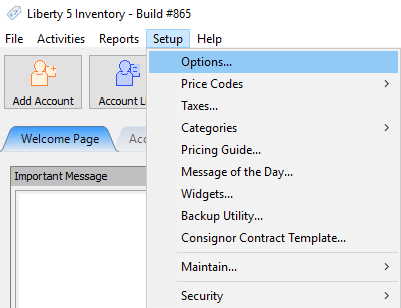
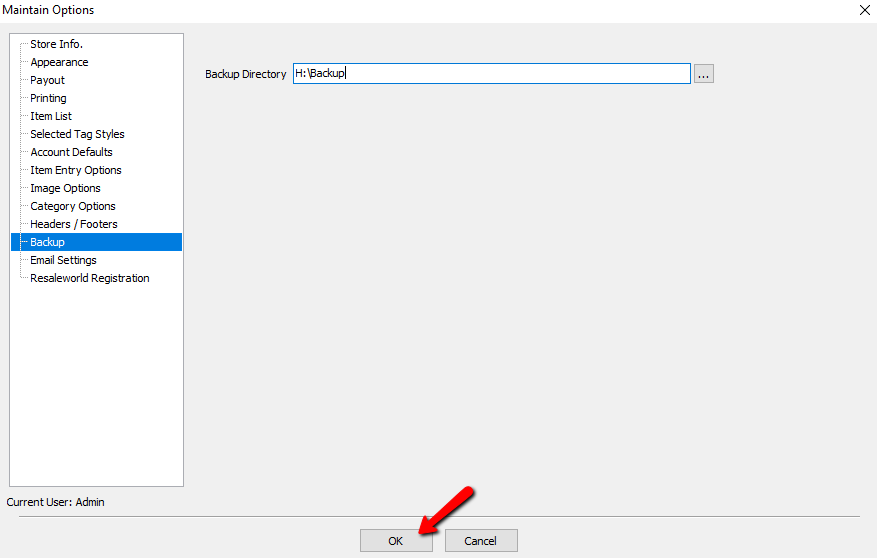
- Go to Setup > Options.
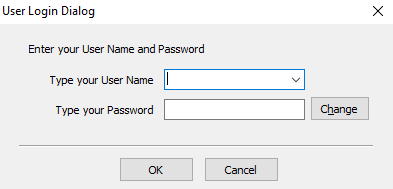
- Login if prompted to do so.
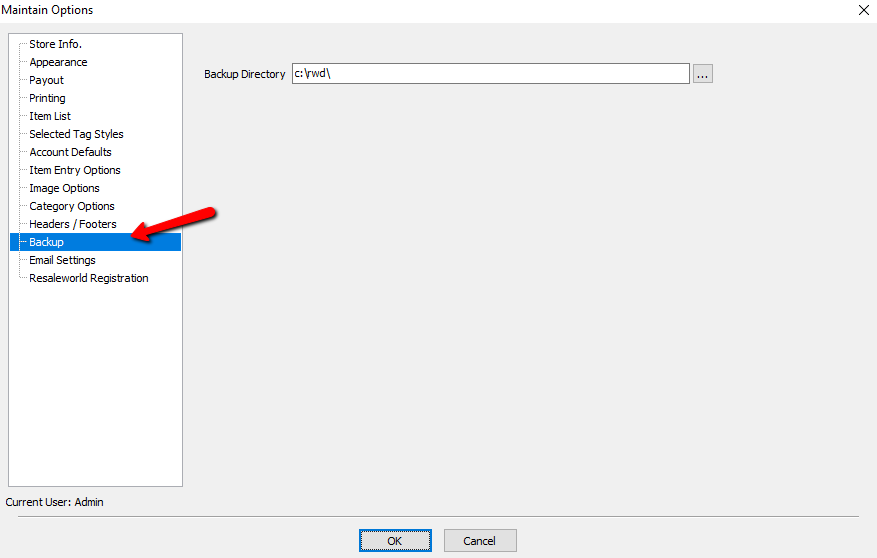
- From the Menu options select Backup.
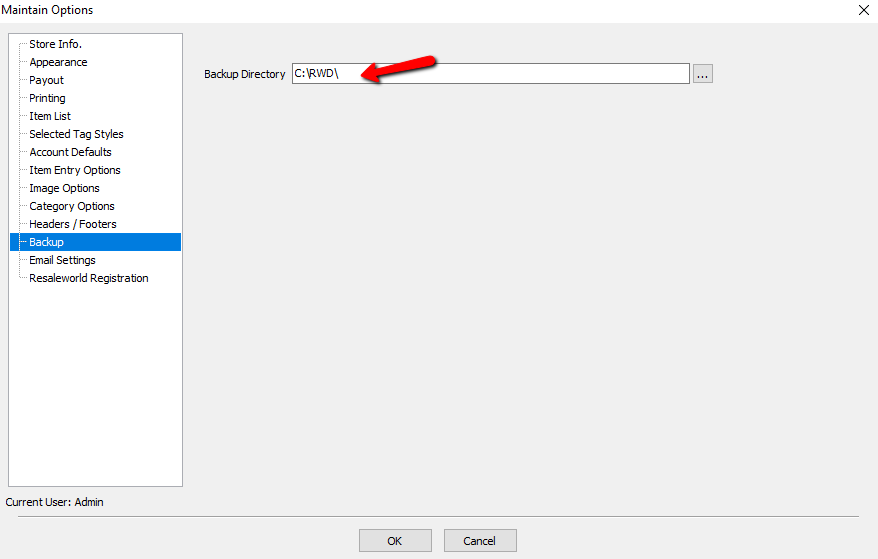
- Enter the backup drive in the Backup Directory field. The default is C:\RWD\. It is not recommended to leave this at the default options. If the computer fails, retrieving the backup will require specialized data services which can be costly.
- Select the OK button when done.


Options for Backing Up
- USB Thumb Drive : You can purchase these in our online store. USB Thumb Drives (also called Flash Drives) are so common these days that they can be found almost anywhere. USB Thumb Drives are assigned a letter, typically E, F or G. To determine your drive's letter, connect it to your computer, open your My Computer/Computer window and make note of the letter Windows has assigned to your USB Thumb Drive. It is important to verify your drive letter on a regular basis. Windows always assigns the “next available” letter, so if a new device was connected, it will be assigned the letter your USB Thumb Drive was previously assigned.
- Removable (External) Hard Drive : These are similar to Thumb Drives however they have a much larger capacity.
Important! It is recommended to take your removable drive with you when closing in case of theft or damage to the computer.
Next Article In Section
Click the following link to move to the next article in this section:
Email Settings