Table of Contents
Setting Up Account Field Layout
You can move, rename, reposition and hide account information fields that appear in the Account Details section. This allows account information to show in the manner most convenient to the way you do business.
How To Customize The Account Detail Window
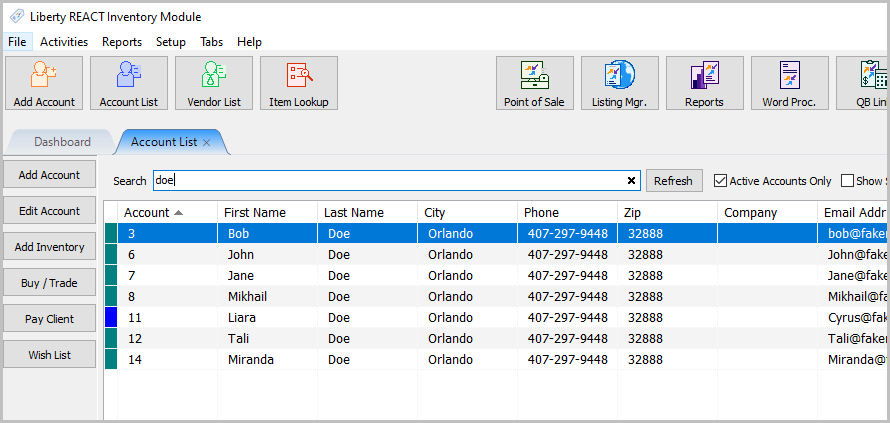
- In Liberty Inventory open an account.
- Starting from the Address field and below, you can right click anywhere on the layout or outside the fields and a menu option called Edit Layout should appear.
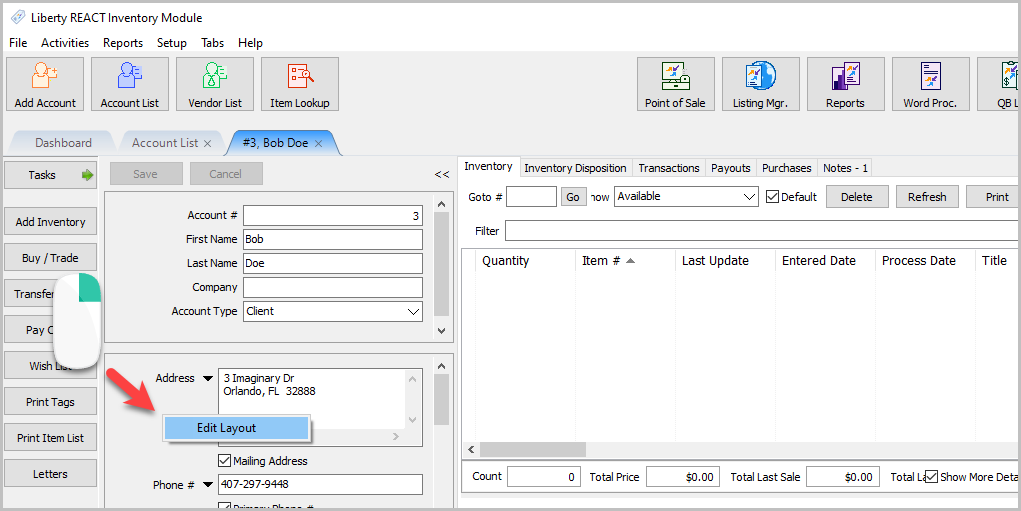
- Click on Edit Layout and the Edit Layout dialog will display.
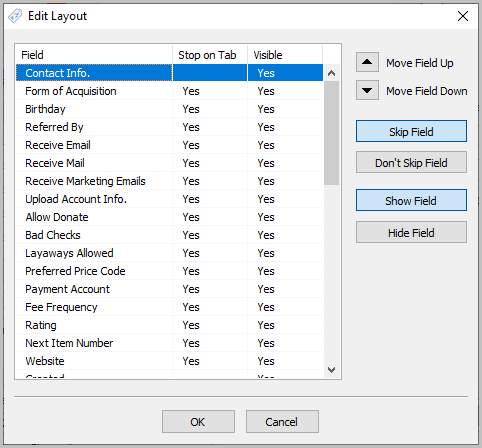
- To Reorder Fields, just click on the Move Field Up and Move Field Down button.
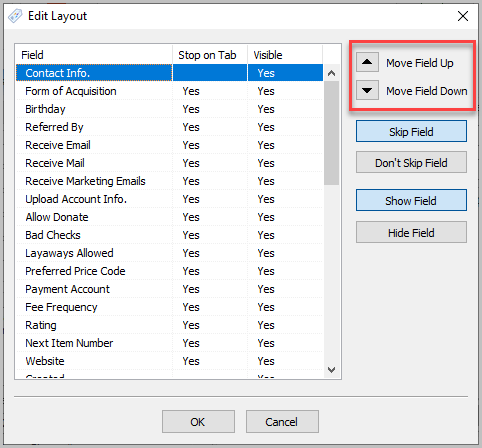
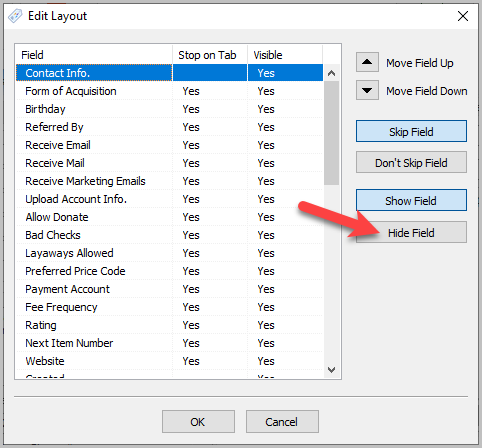
- To hide a field, click on the field name and then select Hide Field.
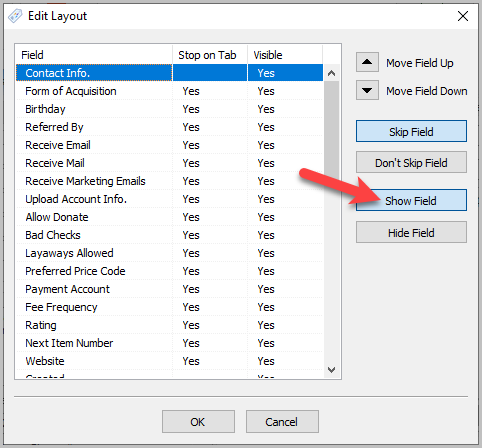
- To show a field again, click on the field name and then select Show Field.
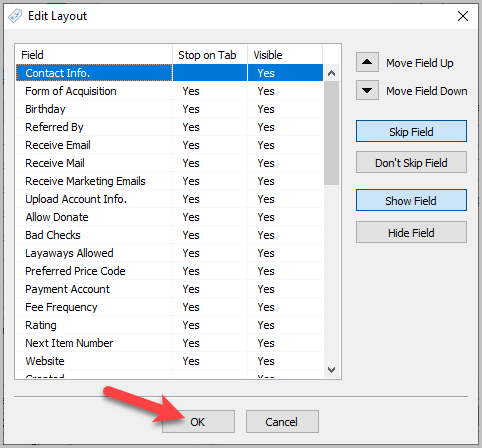
- When finished click on the OK button.


Next Article In Section
Click the following link to move to the next article in this section:
Setting Up A Default Weight For New Items Within A Category
Related Topics
Setting Up Account Field Layout Item Entry Field Preferences Setting Up A Default Weight For New Items Within A Category Define Custom Field Names Define Filter Codes Setup Fee Frequencies Setting Up Expire Groups Setting Up Group Deductions Setting Up Locations Setting Up Store Sections to Track Inventory Locations Spell Checking for Item Descriptions