Table of Contents
Errors
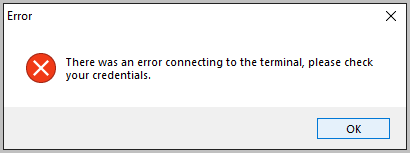
- Authorization error. If you see this error, it means that either the API credentials are not entered correctly or the HSN is not selected. This might require a support ticket to fix but you can still check the settings on your own.

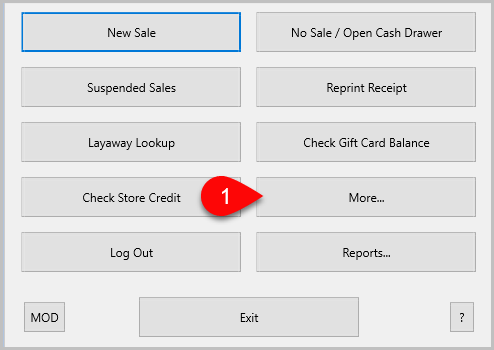
- From the main POS menu, click More.
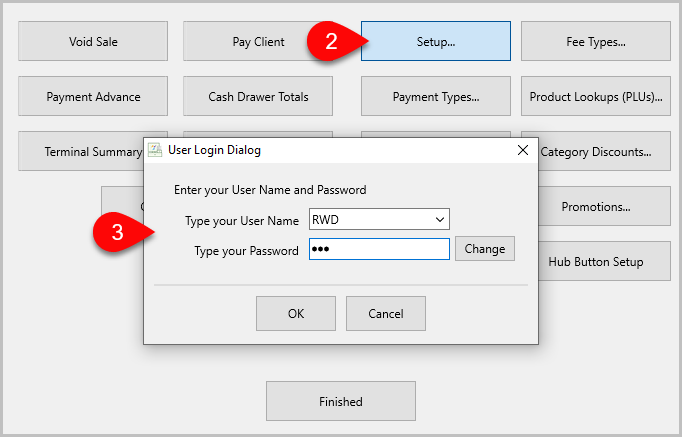
- Click Setup.
- Sign in with Liberty credentials.
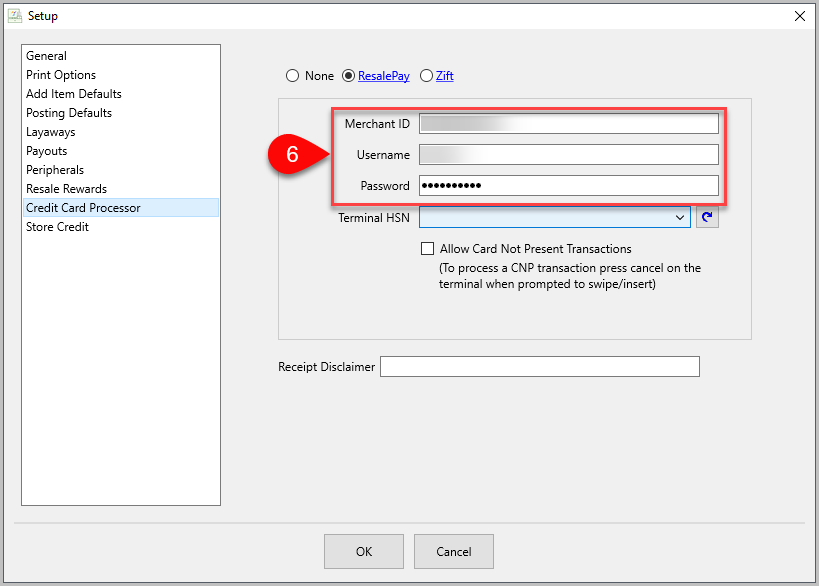
- Click Credit Card Processor.
- If the Terminal HSN field is blank, try clicking the dropdown menu.
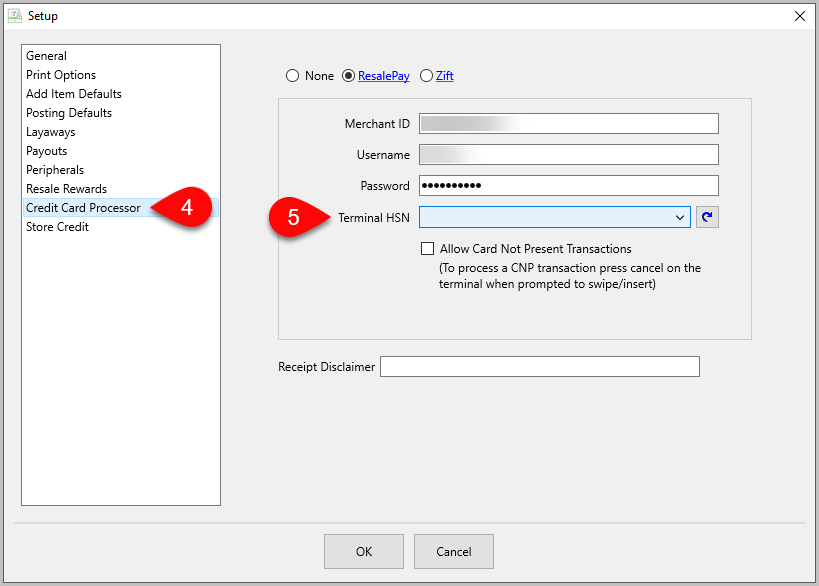
- If the credentials are correct, the dropdown will show all Terminal HSNs active on Cardpointe. If you have multiple terminals, there are a few places you can find the HSN (hardware serial number) to differentiate them.
- The box it shipped in will have it printed.
ii.The sticker on the terminal itself.
iii.The Admin Panel in the Clover software. - If no HSN is listed in the dropdown, try hitting the refresh button to the right.
- If you get an API credentials error, put in a ticket with Resaleworld support.
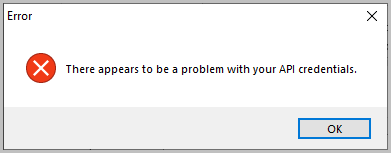
- If the credentials are missing or incorrect, they need to be fixed by a Resaleworld technician. Place a ticket with Resaleworld support and we will contact you to resolve the issue.


Next Section Navigation Link
Click the following link to see a list of articles for the next section:
Klaviyo Integration