Table of Contents
Registration
Once the Clover Flex setup process is complete, you must register the device with CardPointe Integrated Payments to get started.
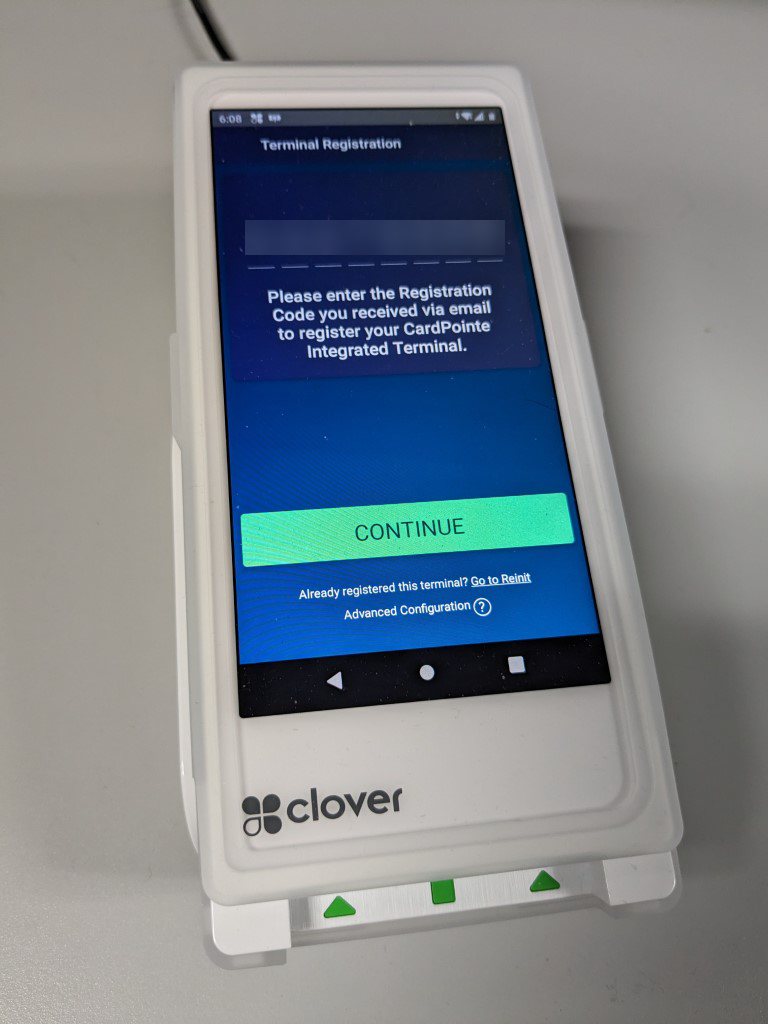
- On the Terminal Registration screen, tap the empty field to open the keyboard.
- Enter the 8-digit Order ID provided in your welcome email, then tap Continue.
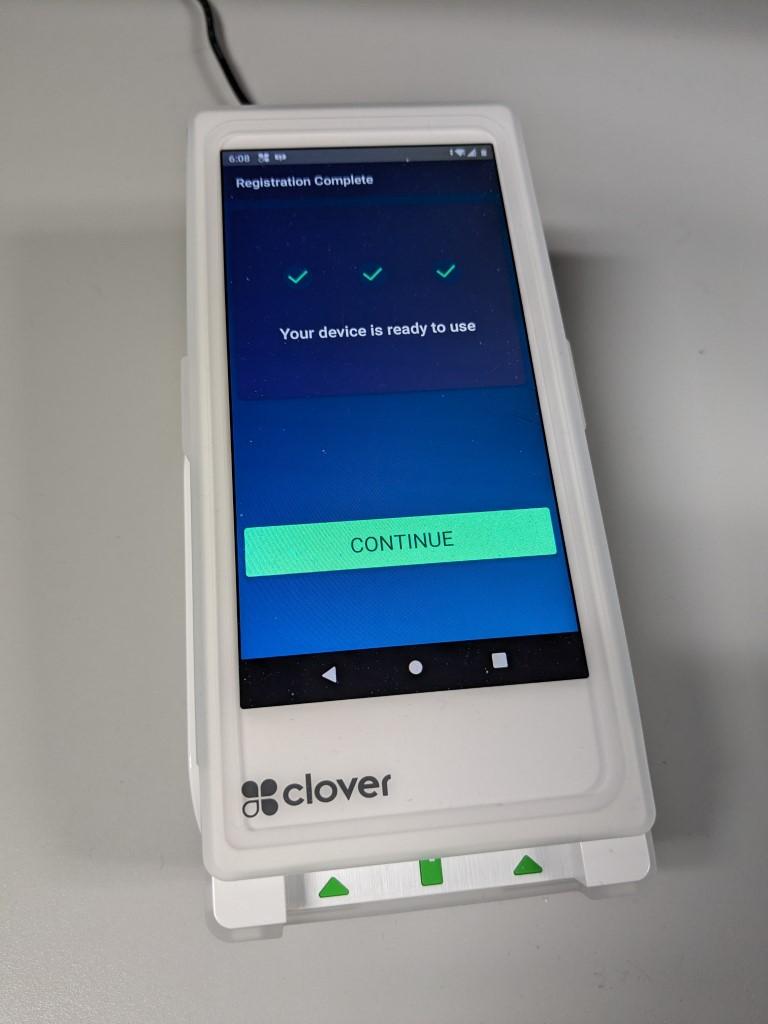
- On the Registration Complete screen, tap Continue to complete the device registration.


Next Article In Section
Click the following link to move to the next article in this section:
Using The Clover Flex-3