Table of Contents
Setting Report Parameters
To pull useful information from your store database, you can use the parameters associated with criteria, in the criteria section of the Reports dialog box. After selecting a criteria, you can limit the amount of data displayed by using a parameter, and then entering a value for the parameter. Some of the parameters are described in the table below.

Explanation of Parameters
Note: For purposes of explaining the following parameters, we will use the commonly used criteria of Account Number in conjunction with the Item Description With Sales Report.
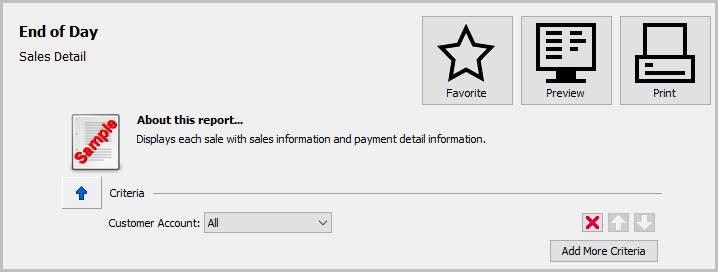
- All : The All parameter does not need any values associated with it. Using all will include will yield every result for that criteria.
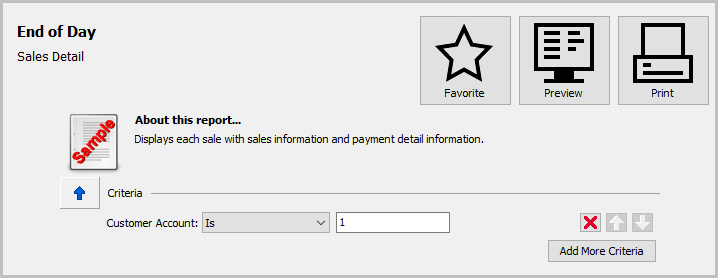
- Is : The Is parameter is used when looking for one specific result.
Example: If I am looking for the sales of inventory for account 1, I would put a value of 1 next to the parameter of Is.
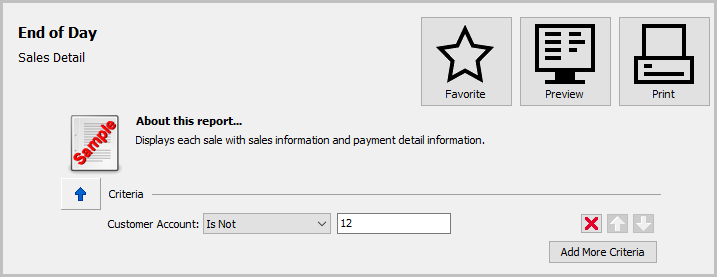
- Is Not : The Is Not parameter is used to look for all the data of the selected criteria, except for the value defined in Is Not.
Example: I want all the data for the sales of inventory except the data for account 12. I will set the value for Is Not to 12 to exclude that account number.
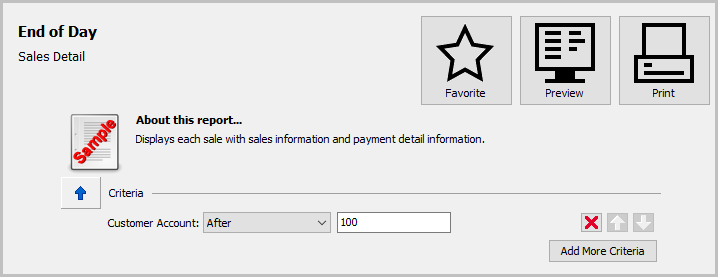
- After : The After parameter is used to yield results for all data that comes after the set value of After.
Example: I only want to see the sales for items on accounts 101 and beyond. I will set the parameter value of After to 100.
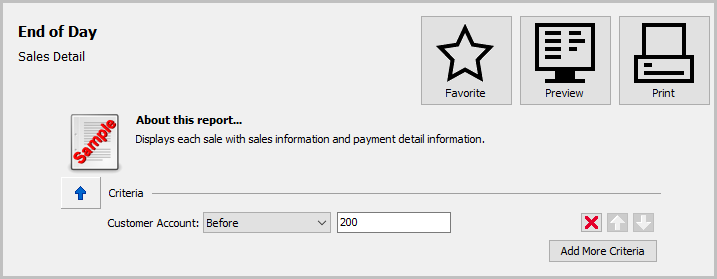
- Before : The Before parameter is used to yield results for all data that comes before the set value of Before.
Example: I only want to see the sales for items on accounts 1-199. I will set the parameter value of Before to 200.
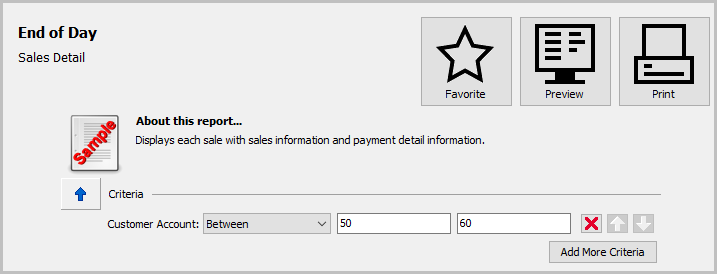
- Between : The Between parameter is used to yield results for all data that falls between the set values of Between.
Example: If I need to know the sales for all items that sold on accounts between account 50 and 60, I would set the values for 50 and 60 respectively.
 }
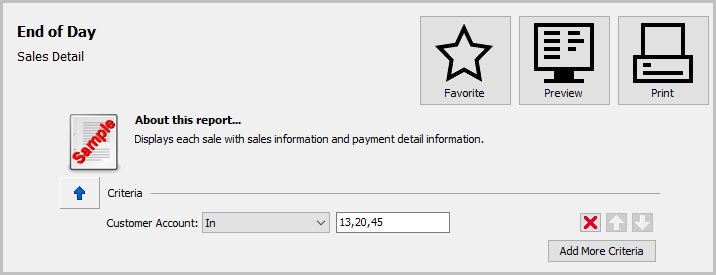
} - In : The In parameter is used to yield results for all data defined by the set values of In. The In parameter can be used for multiple defined values by separating those values using commas.
Example: I need to yield results for accounts 13, 20, and 45. I can use the In parameter, with commas separating the values, to get the desired results.
- Not In : The Not In parameter is used to yield results for all data Not Defined by the set values of Not In. The Not In parameter can be used for multiple defined values by separating those values using commas.


Example: I need to yield results for accounts outside of 20, 37,and 98. I can use the Not In parameter, with commas separating the values, to get the desired results.

How To Print Reports Reports Menu
Next Article In Section
Click the following link to move to the next article in this section:
How to Print Reports