Table of Contents
Voided Sales Report
This report displays all sales that were voided during the Point of Sale process. This report is the only way to find information about voided sales.

When to Use
Run this report to find information about sales you know were voided or to track down “missing” sales.
How To Get To This Report
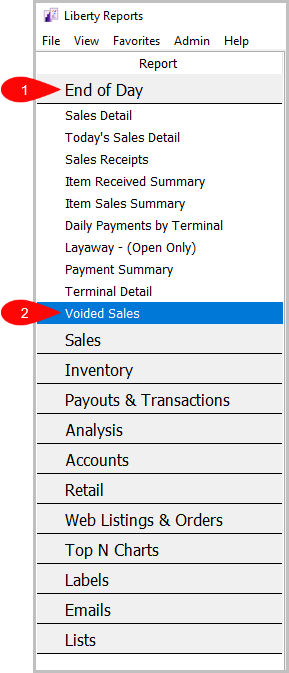
Reports > End Of Day > Voided Sales
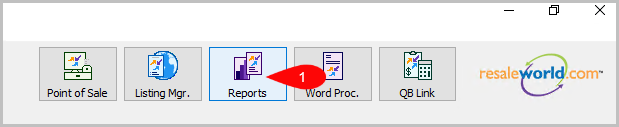
- Click on Reports
- Click on End Of Day to expand it if it isn’t already.
Then, click on Voided Sales.


How To Add Criteria
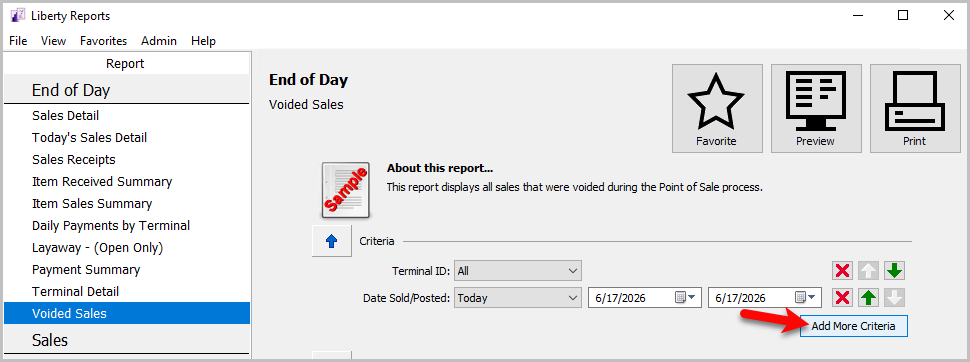
- Click on the Add More Criteria button.
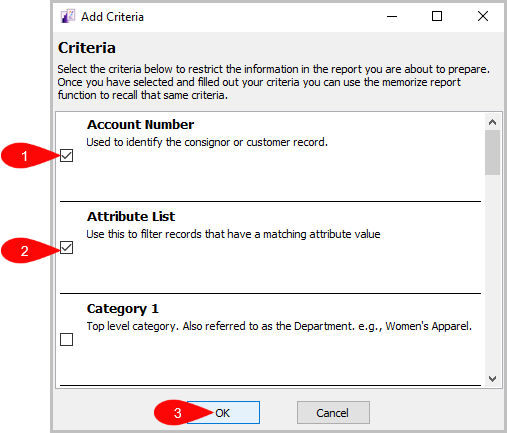
- Select the criteria you want to add and then press OK.


Criteria Choices
- Terminal Location
- Date Sold/Posted
- Terminal ID
- Date Voided
- Sales Status
- Voided By
Next Section Navigation Link
Click the following link to see a list of articles for the next section:
Sales