Table of Contents
Layaway Report (open Only)
Displays all current open layaways entered through Point of Sale.

When to Use
This report is the only way to find information about open layaways aside from selecting them individually from PoS. The amount of payments collected for open layaways is often needed for tax purposes.
How To Get To This Report
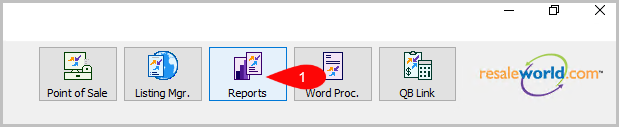
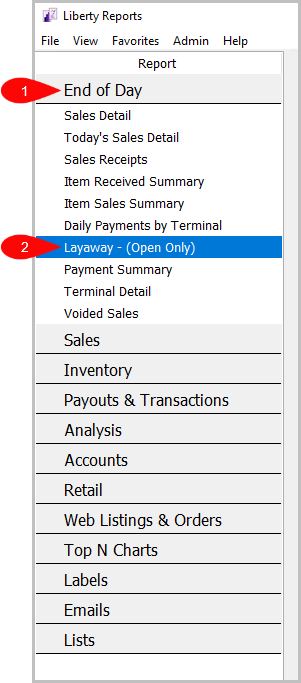
Reports > End Of Day > Layaway - (Open Only)
- Click on Reports
- Click on End Of Day to expand it if it isn’t already.
Then, click on Layaway - (Open Only).


How To Add Criteria
1. Click on the Add More Criteria button.
 2. Select the criteria you want to add and then press OK.

Criteria Choices
- Account Number
- Receipt Number
- Terminal ID
Next Article In Section
Click the following link to move to the next article in this section:
Item Received Summary Report