Table of Contents
Create A Report
To Create A Report
This is the normal text style
- Open the Reports Module. There are 2 ways to access the Reports Module:
- Reports button : Across the top of the Inventory Module are buttons to other modules. Reports Module is one of them.

- Through the Reports menu : At the top of the Inventory Module are menu selections. Selecting Reports > Full Reports will open the reports module.
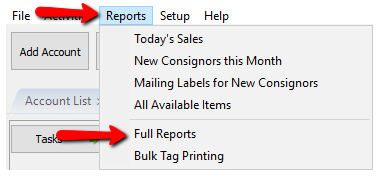
The Reports Module will open.
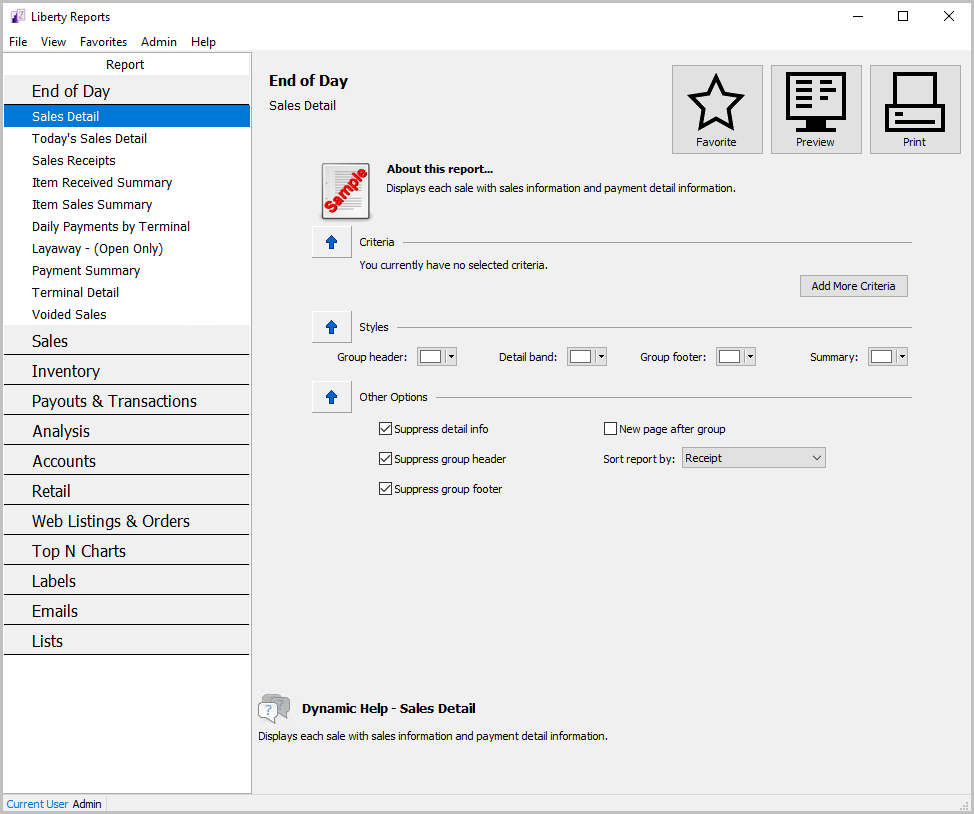
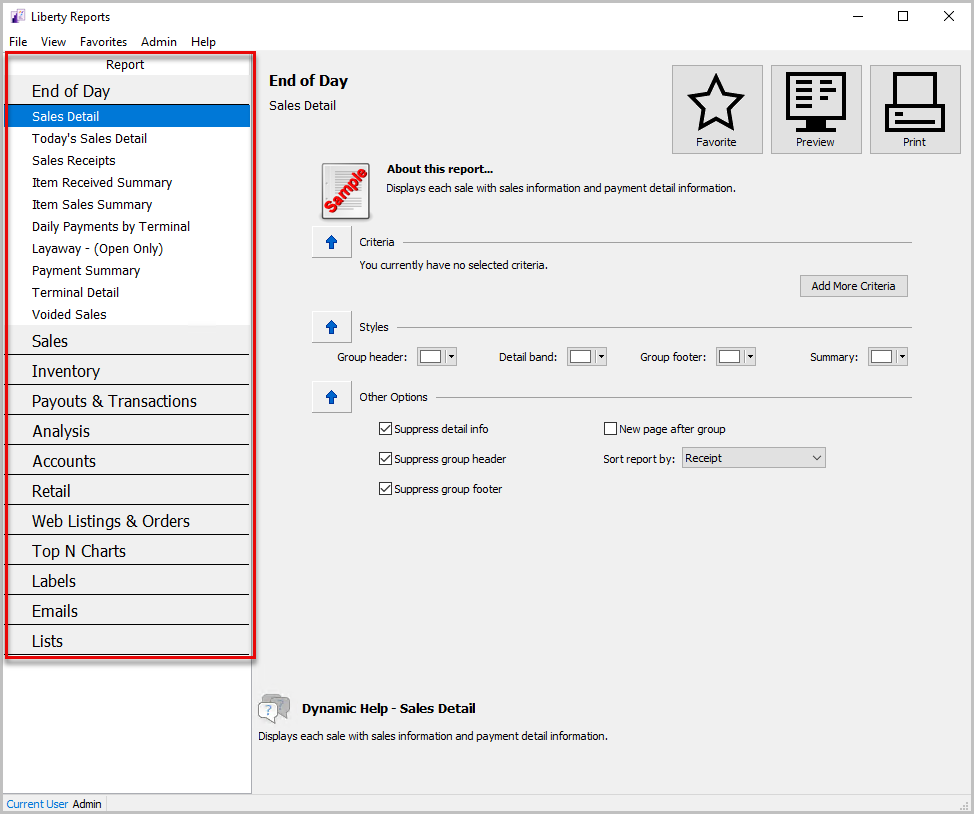
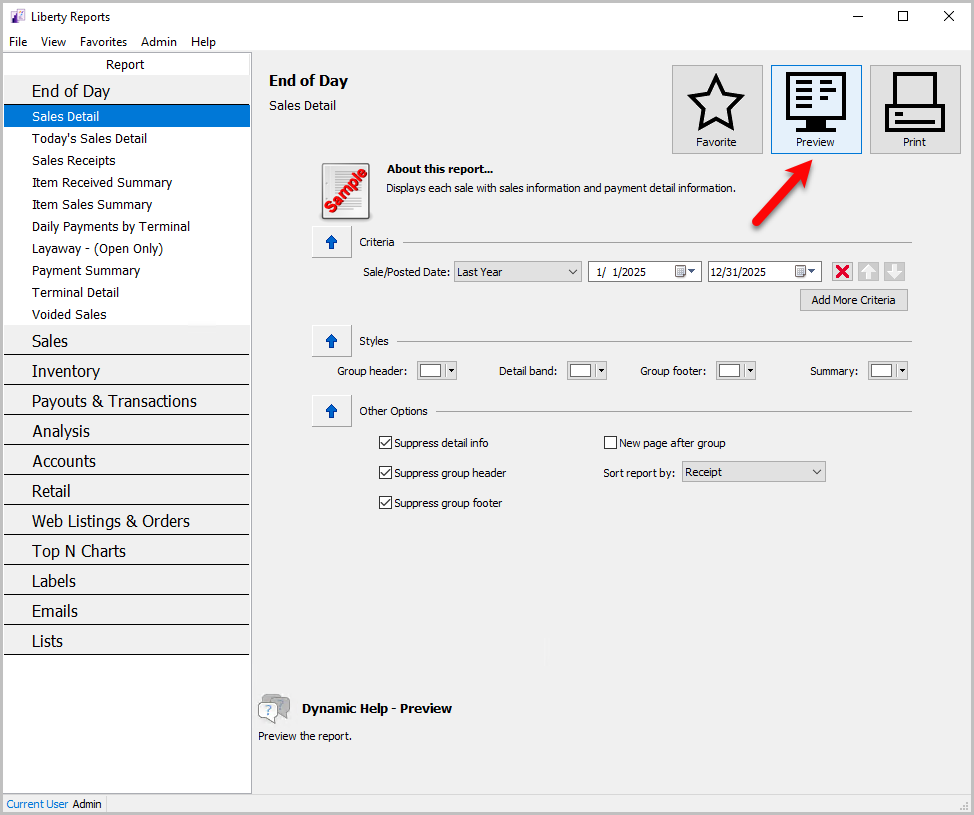
- In the left column select the report you want to use. For more information on selecting reports, see Selecting The Right Report.
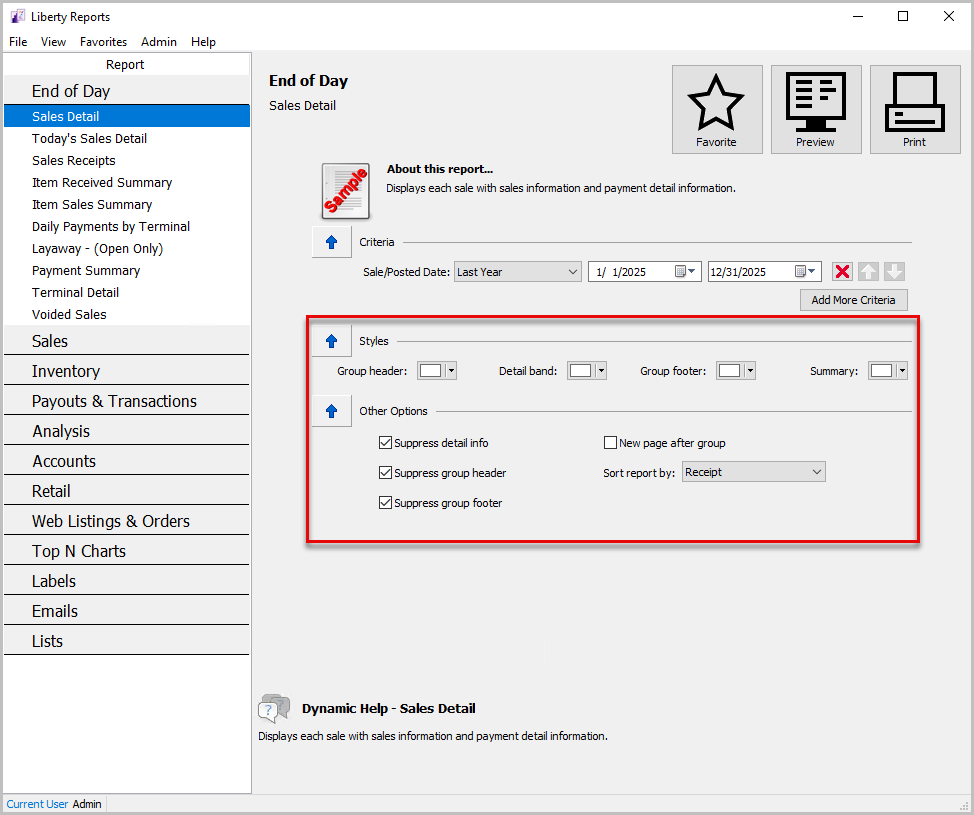
- Choose the desired Styles and Options. See Set Criteria, Report Options, & Colors for more information.
- Select the Preview button when done to generate the report.


Starting Liberty Reports Select The Right Report Setting Report Parameters Printing Reports View History of Account Purchases Sending Batch Emails to Clients
Next Article In Section
Click the following link to move to the next article in this section:
Setting Report Parameters