Table of Contents
Liberty Email Manager Controls
- Open the Liberty REACT Inventory Module.
- Click on Activities > Accounts > Email Manager
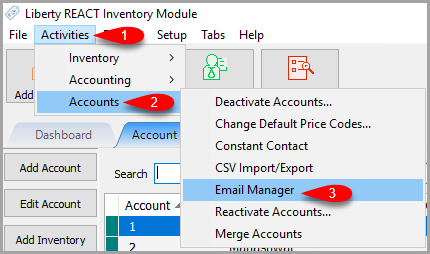

Once opened, you can see the status of all emails that were sent out of Liberty.
Bulk Actions
The Bulk Actions menu option allows you to apply actions to all listed / logged emails on screen.

- Hold All: If the listed emails are not showing a Status of Sent, this will prevent them from being sent out to your email provider for delivery.
- Unhold All: Any listed emails that were previously held, will now be upheld allowing them to be sent out to your email provider for delivery.
- Resend All: Any listed emails shown on screen will be resent to your email provider for delivery.
- Delete All: Deletes all listed emails shown on screen.
Email Controls
These buttons control what happens to the selected logged email.

- View: After selecting an email, click the View button to view more information about the email.
- Here you can view additional information about the individual email you selected along with the description of the email.
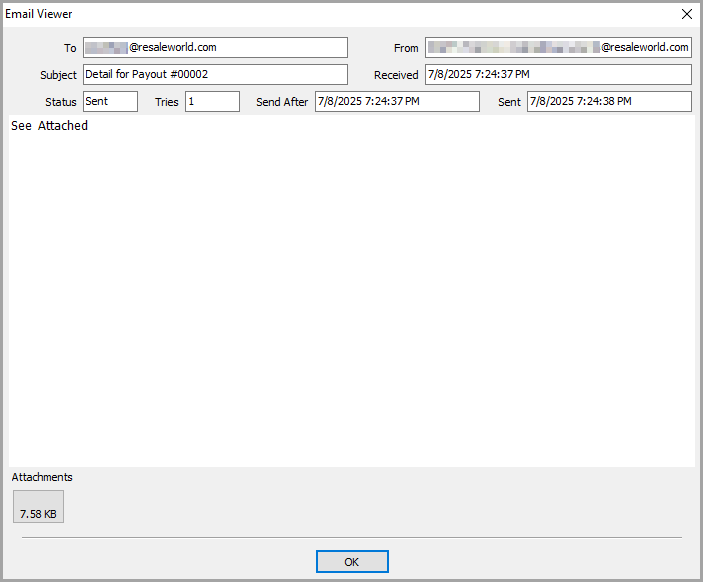
- You can also click the button underneath the Attachments area.
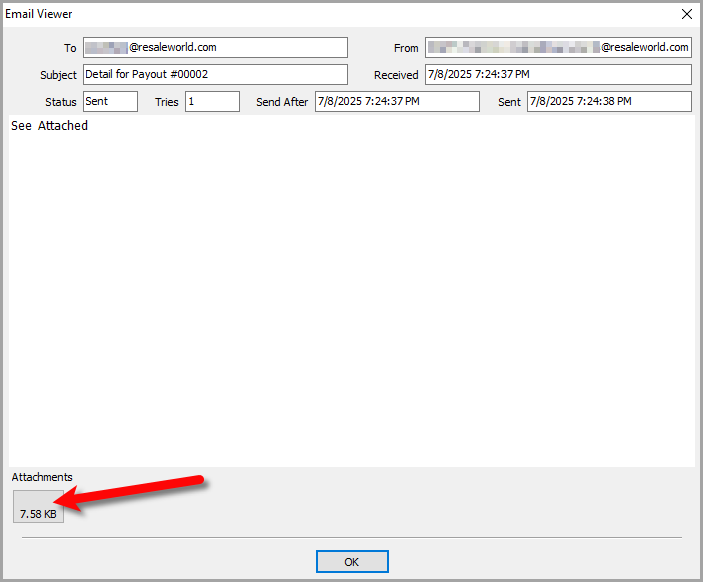
- This will allow you to view the PDF in your web browser or pdf viewer
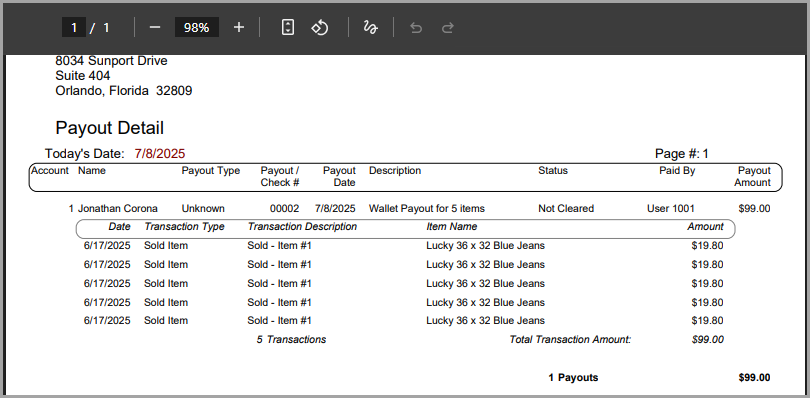
- Resend: Will resend the selected email shown on screen to your email provider for delivery.
- Hold / Unhold: Will hold or unhold the selected email if it has not been sent yet.
- Delete: Deletes the selected email from your view.
- Pause: Will pause the Liberty Email Manager from taking any actions until the Paused until time is reached
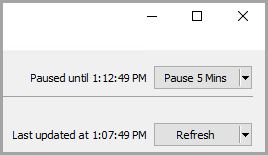
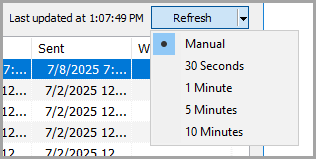
- Refresh: Allows you to refresh the list of emails or specify how often to refresh the list of emails.


Filter Options
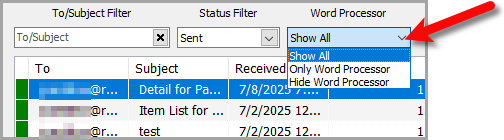
These options indicate how you wish to filter the logged emails shown on-screen.

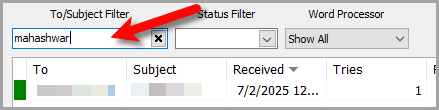
- To/Subject Filter: Allows you to filter based on what is typed into the To or Subject fields of the email.
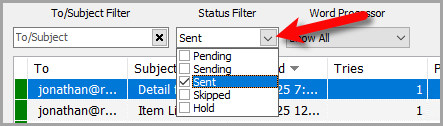
- Status Filter: Allows you to specify if you would like to filter by the status of the emails. Checkmarking Pending, Sending, Sent, Skipped or Hold will show only the emails with the selected status.
- Word Processor Dropdown: Specifies if you want to show all emails, show only word processor emails or hide the word processor emails.


Next Section Navigation Link
Click the following link to see a list of articles for the next section:
Consignor Center
Related Topics
Liberty Email Manager Controls Liberty Email Manager Overview Opening The Liberty Email Manager Setting Up The Liberty Email Manager Accessing Liberty Help From Anywhere In Liberty Add Notes to an Account Add Multiple Addresses and Phone numbers Apply Group Deductions Bulk Change Default Price Code Using the Client Import and Export Utility