Table of Contents
Flagging Items From The PickList Tab
There may be a situation where you either cannot find an item on the floor due to it being missing or sold in-store by accident before it could have been taken on the floor. In these situations, you will want to flag the item so that the Order does not get accidentally completed before the Unsellable Item situation is handled.
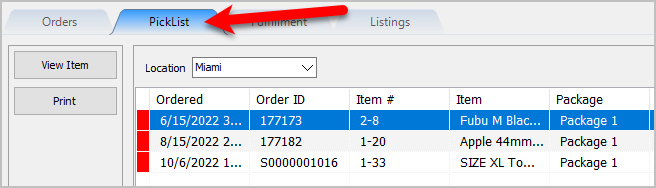
- Open the Listing Manager and navigate to the PickList tab.
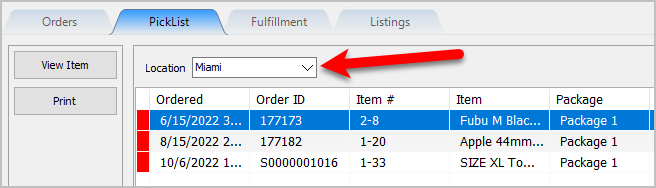
- Select the Location of the orders you want to work with from the Location drop-down
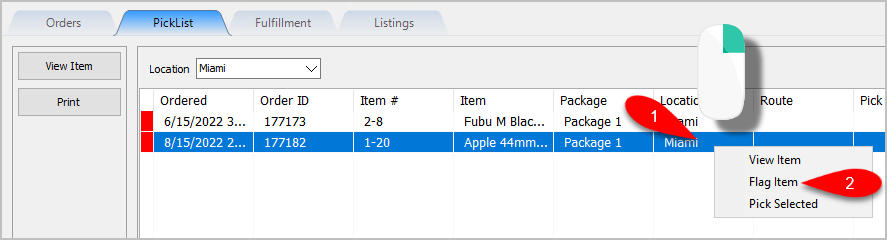
- Right-Click on the Item you could not find or confirm it is missing and then click Flag Item.
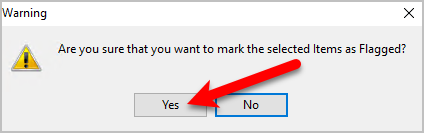
- You will get a prompt asking you Are you sure that you want to mark the selected items as Flagged? Click the Yes button.
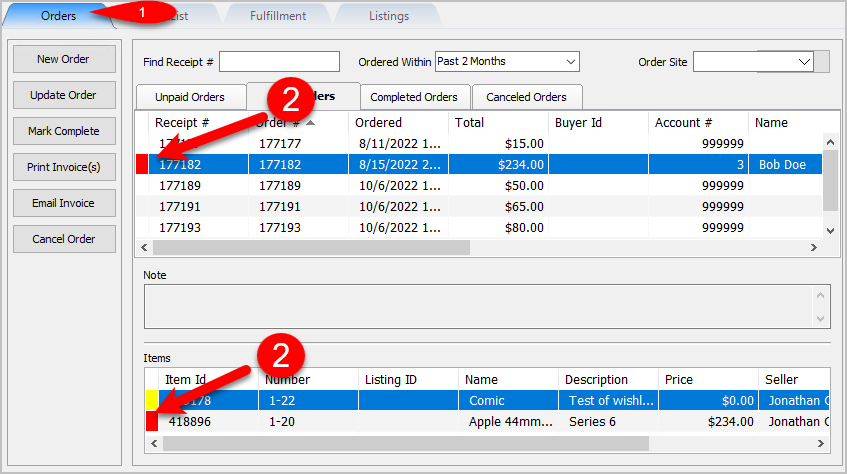
- You can now go back to the Orders Tab and select the Order to see a Red Item Indicator. If you look at the Items area at the bottom, you can see the item or items that were Flagged as Unsellable.


Next Article In Section
Click the following link to move to the next article in this section:
Creating Pick bins For Sorting Picked Items
Related Topics
Flagging Items From The PickList Tab PickList Tab Overview Printing the PickList From The PickList Tab Picking Items In The PickList Tab Viewing Item Details Within The PickList Tab Creating Pick bins For Sorting Picked Items Picking Items Into A Pick Bin Adding An eBay Description Adding Images To An eBay Listing Definitions of Ebay Description Processor Buttons Deleting Images From An eBay Listing