Table of Contents
Emailing An Invoice To A Customer
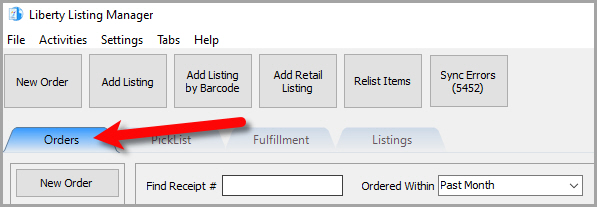
- Open the Listing Manager and click on the Orders tab.
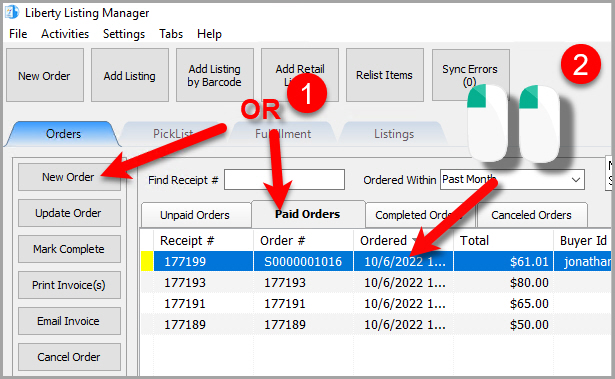
- Add a new order or edit an existing order by double clicking on one from the Orders tab to see the Maintain Order screen for an order.
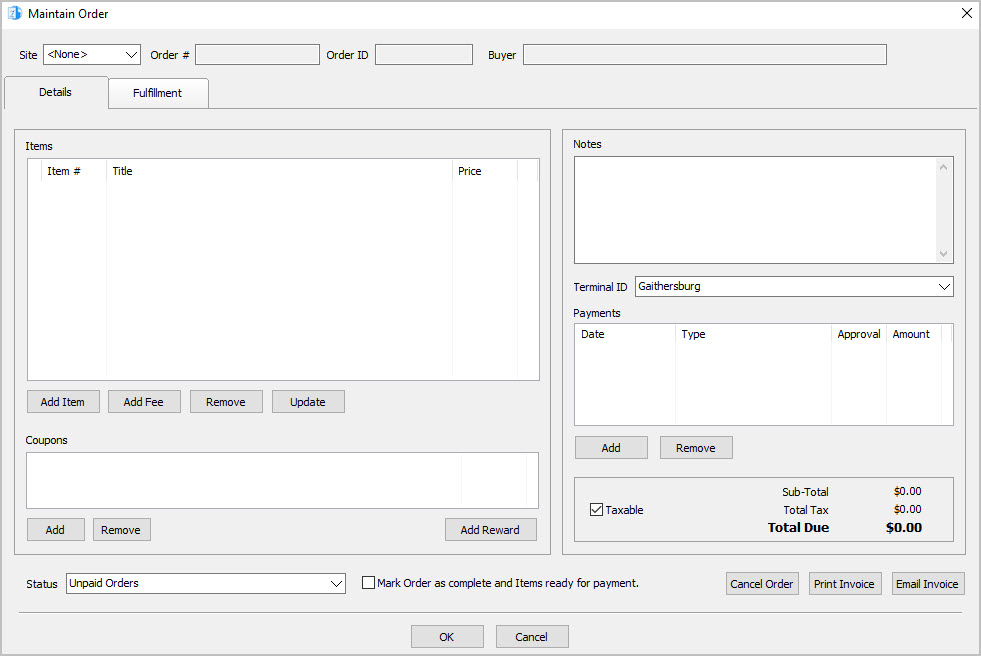
- The Maintain Order screen will appear.
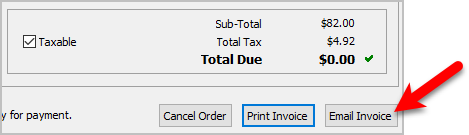
- Click the Email Invoice button.
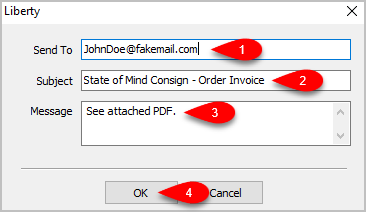
- The Send To field should be filled in with the email address that came down with the order, but you can change it. You can also change the Subject field and the Message field. Click the OK button when you are finished.


Next Section Navigation Link
Click the following link to see a list of articles for the next section:
Fulfillment Within An Order
Related Topics
Emailing An Invoice To A Customer Maintaining An Order Overview Changing The Marketplace/Site Of A Manual Order View Pending Orders Adding An Item To An Order Adding A Fee To An Order Removing An Item Or Fee From An Order Updating Unsellable Items On An Order Adding A Coupon To An Order Removing A Coupon From An Order