Table of Contents
Viewing An Active Listing
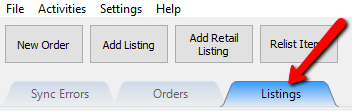
- Click on the Listing tab.
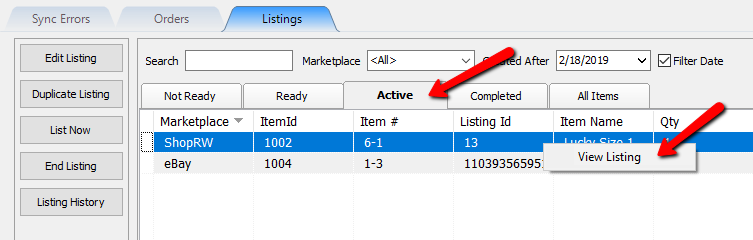
- Click on the Active tab, then right click on an item and select View Listing.
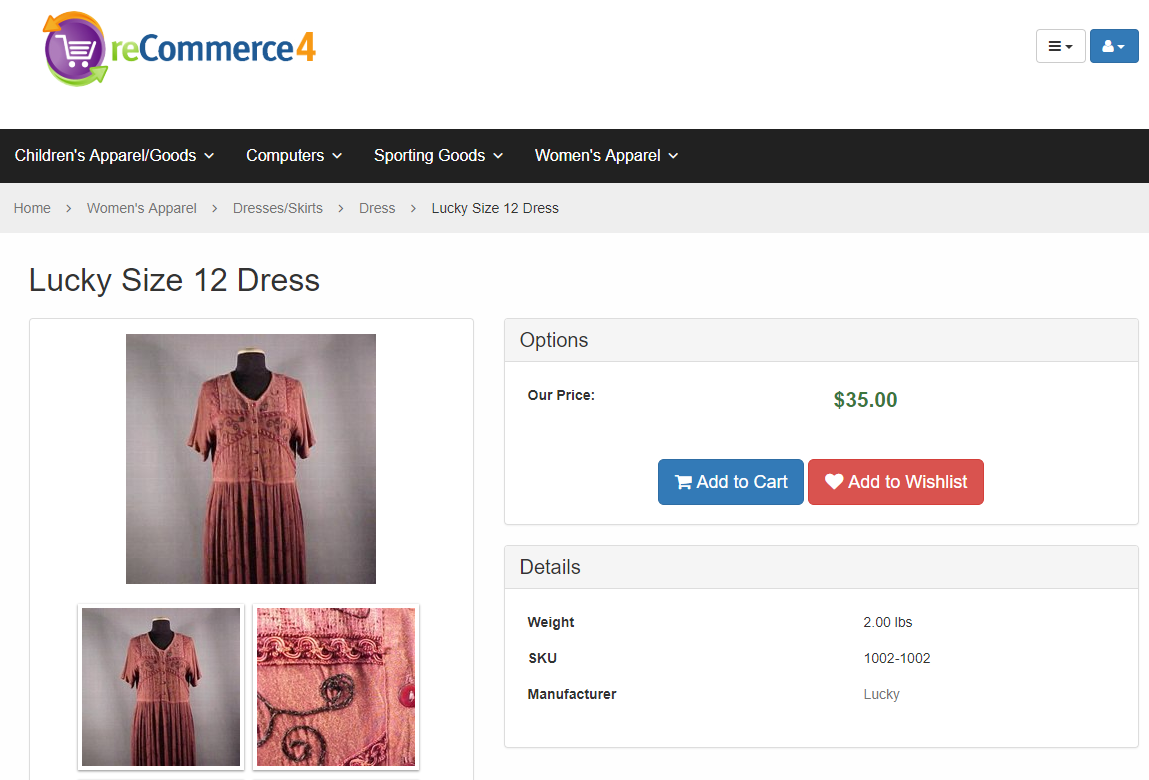
- You will then be taken to the listing’s web page.
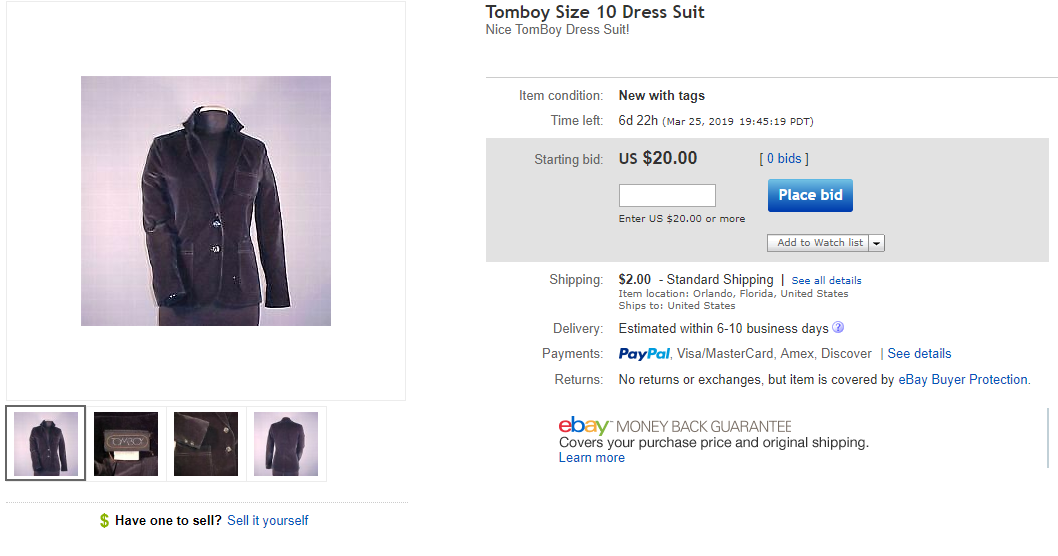
- If the item that you select is an eBay item, you will be taken directly to the listing on eBay.


Next Article In Section
Click the following link to move to the next article in this section:
Change Item Location In Listing Manager