Table of Contents
Using The List Now Button
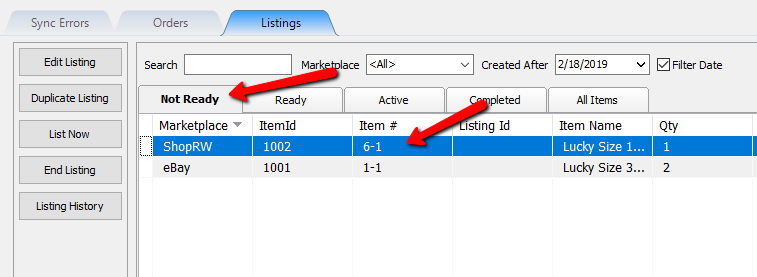
The List Now button on the Listing Tab can only be used for items that are located under the Not Ready tab.
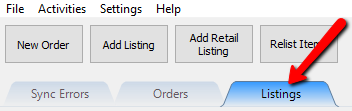
- Click on the Listing tab
- Navigate to the Not Ready tab if you are not already there, then select an item.
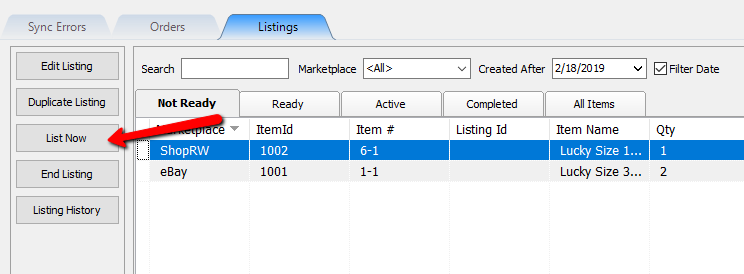
- Click the List Now button.
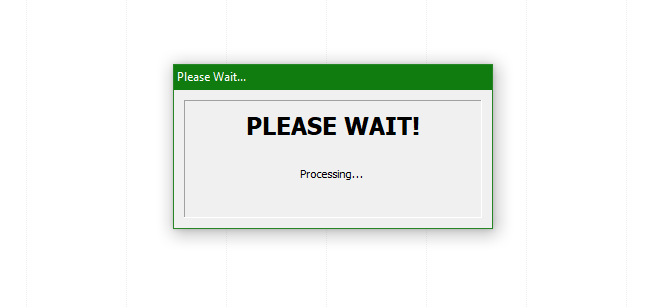
- A Please Wait prompt will now appear and the item will now be synced up to appropriate Marketplace.


Next Article In Section
Click the following link to move to the next article in this section:
Ending A Listing