Table of Contents
Find Listing By Barcode
New feature in Listing Manager that allows you to find a listing by barcode or
account#-item# This new feature is available starting on Liberty REACT Version: 6.1b.
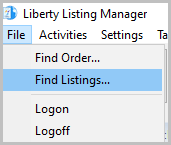
File > Find Listings….
- Go to Listing Manager, then File > Find Listings
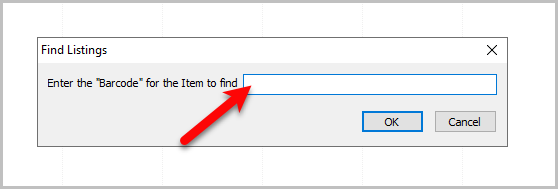
- Enter in or scan barcode into this textbox, or type account#-item# of item to find
the listing associated with the item.
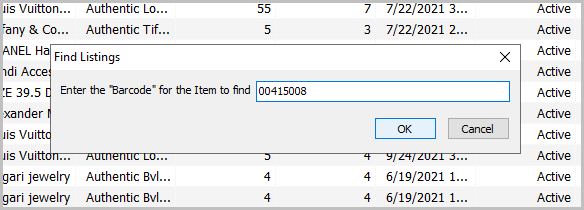
- For this example I am scanning in a barcode.
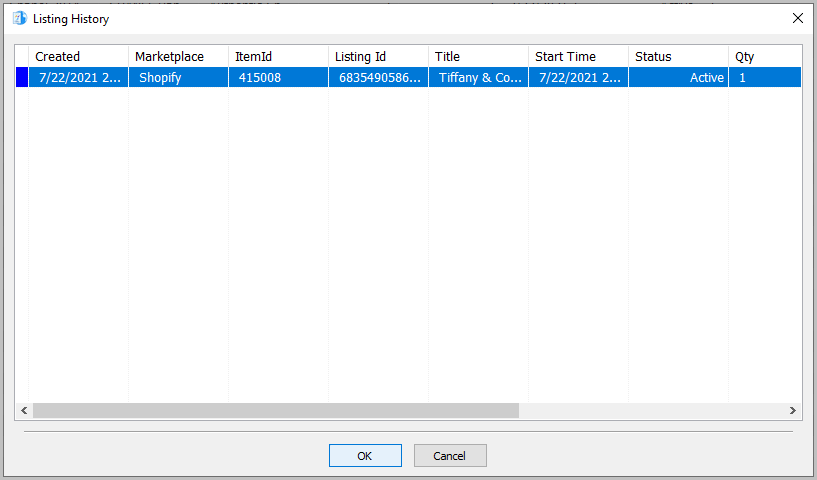
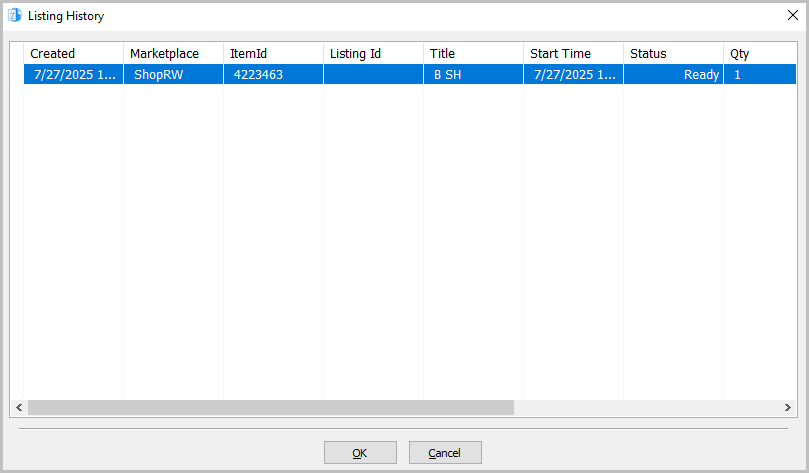
- Scanning a barcode pulls up Listing History for that item.
- For this example, I will use an account#-item#.
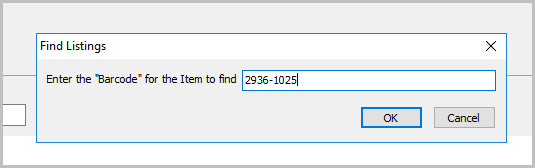
- Listing history opens up with the same information as scanning a barcode in.


Next Article In Section
Click the following link to move to the next article in this section:
Adding A Retail Listing