Table of Contents
Duplicating A ShopRW / Shopify Listing
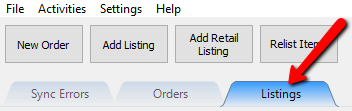
- Click on the Listing tab.
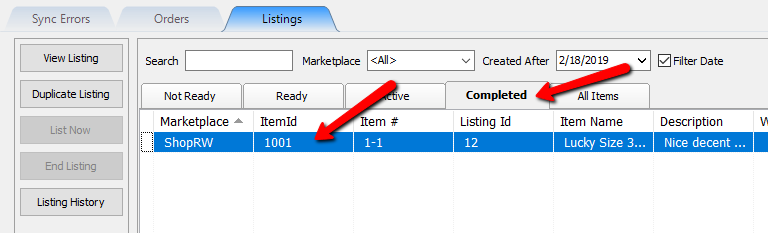
- Click on the Completed tab and then select an item.
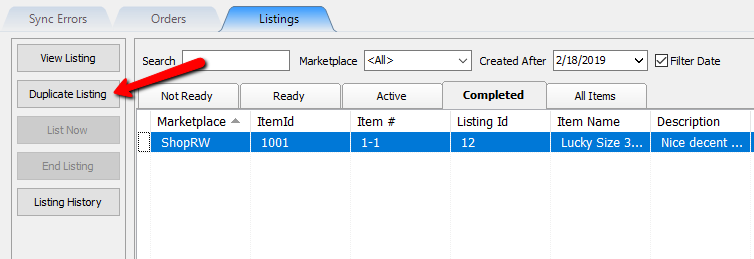
Note: A ShopRW/Shopify Listing must be Completed before you can duplicate it as a ReCommerce listing. - Click on the Duplicate Listing button.
- Fill in the relevant information regarding the item and then click the OK button.
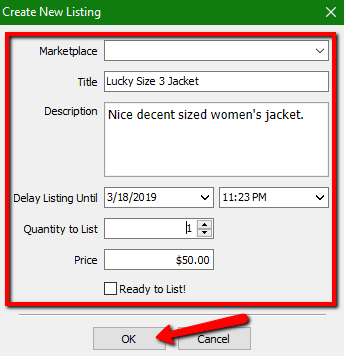


For more information on the Create A New Listing screen, please visit the Add A Regular Listing page.
Next Article In Section
Click the following link to move to the next article in this section:
Duplicating An eBay Listing