Table of Contents
View Retail Items
To View Items Obtained From A Particular Retail Vendor
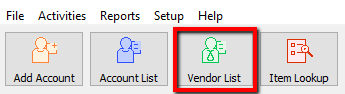
- Lookup the Retail Account you wish to add inventory to. Click the Vendor List button at the top of Liberty.
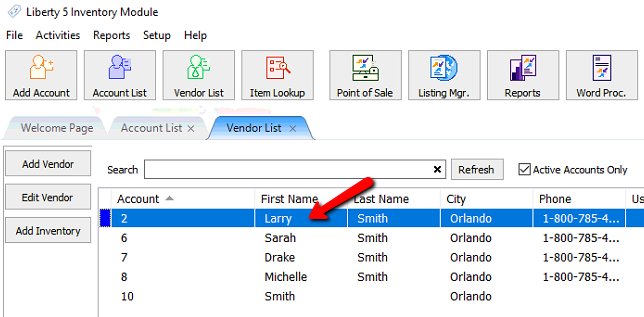
- The Vendor List tab will show. Type the account information in the search field. Double click the account you want to open.
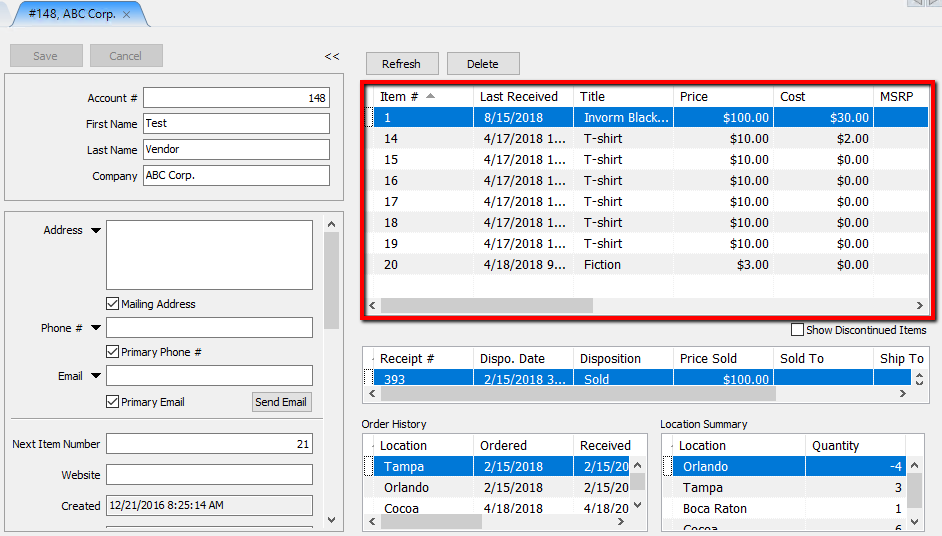
The account details along with the inventory list will display.
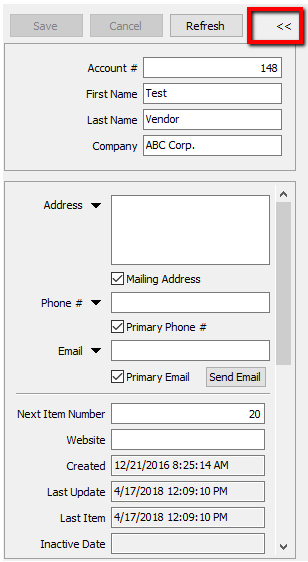
Note: You can hide the account detail by clicking the Double Arrows («) in the upper left section of the account details..


Filtering Retail Items
- Goto # : Type in the Item Number you are searching for and then click Go.
It will automatically select the item.
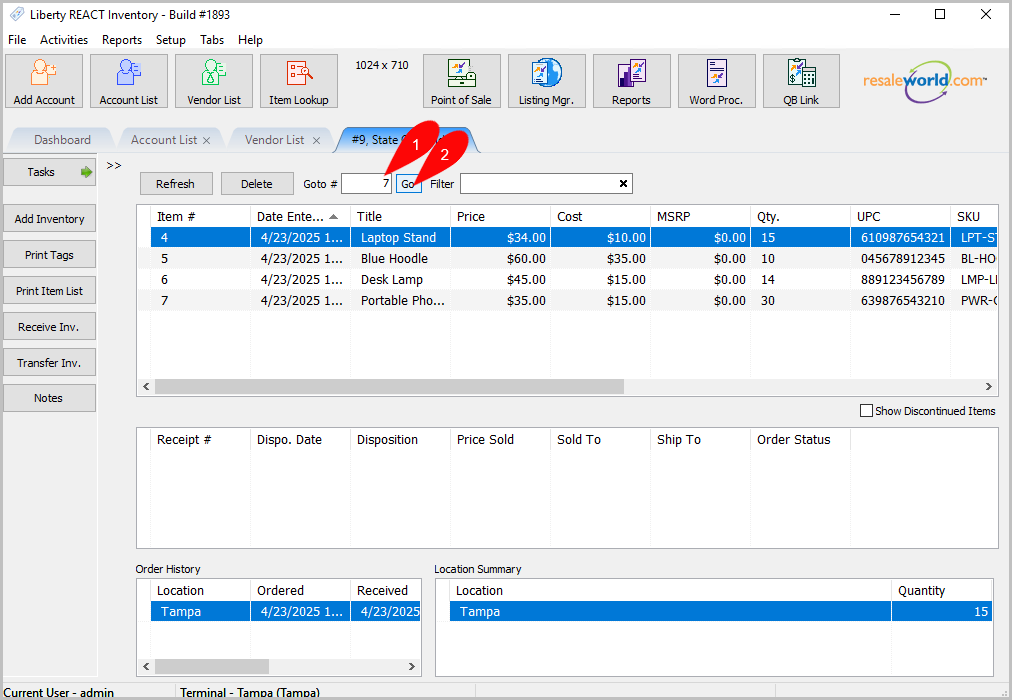
- You can also use the Filter textbox to sort by:

- Title
- Description
- Attribute
- UPC
- SKU
Next Article In Section
Click the following link to move to the next article in this section:
Edit Retail Items
Related Topics
View Retail Items Item Entry Windows - Overview Add Retail Items to Inventory Edit Retail Items Receive Retail Inventory How To Add Retail Variants How To Use Find Variant To Add Retail Variant Items Creating a Shopify / ShopRW Listing With One Variant Type Creating a Shopify / ShopRW Listing With Two Variant Types Copy Retail Items Delete Retail Items