Table of Contents
Reduce the quantity of a Retail Item on Hand
Sometimes it is necessary to reduce the number items in stock for retail items. For example:
- To correct a mistake made when receiving inventory.
- To adjust the Quantity on Hand due to shrinkage.
To Reduce The Quantity On Hand For A Retail Item
- Lookup the Retail Account you wish to add inventory to. Click the Vendor List button at the top of Liberty.
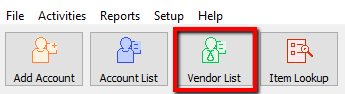
- The Vendor List tab will show. Type the account information in the search field. Double click the account you want to open.
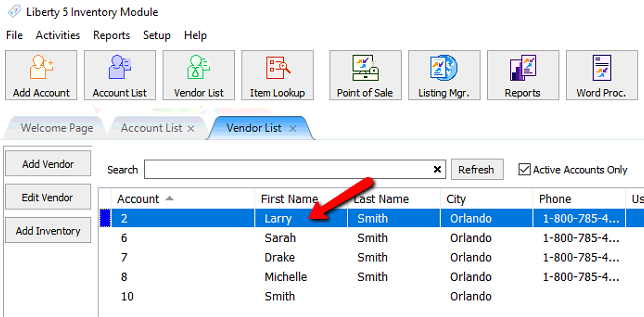
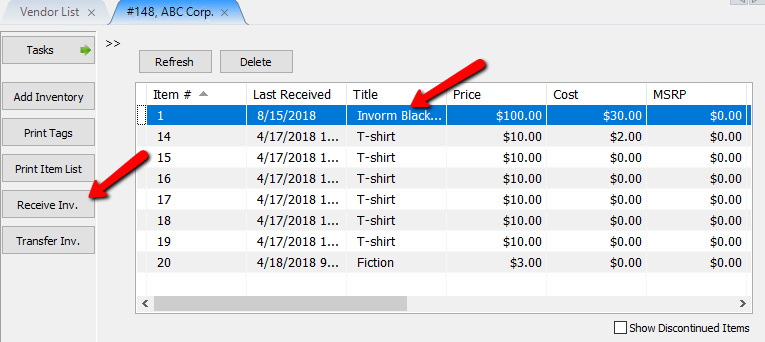
- Once the account is open, there are two ways you can initiate the receiving of inventory process.
- Highlight the item you need to receive inventory for and Select the Receive Inv. button on the left.
- Find and double click the item you want to edit.
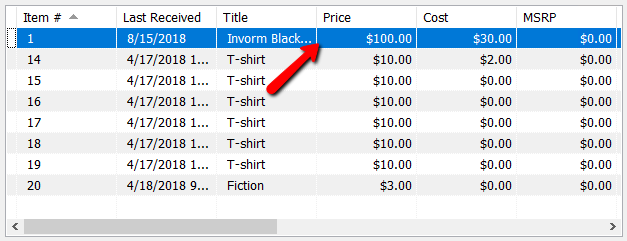
- Once the item is opened, select the Receive Inv. button on the left.
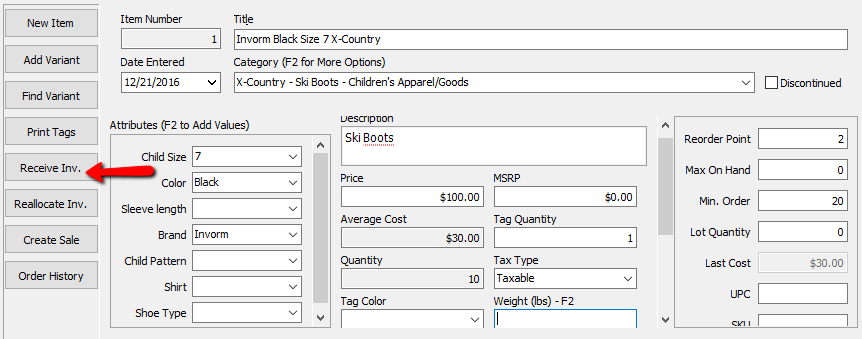
The Receive Order dialog box will open.
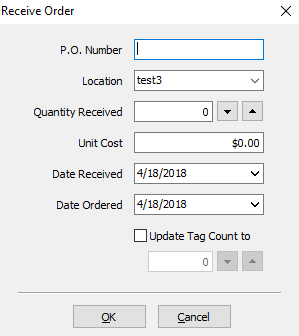
- Enter a negative number of items received in the Quantity Received field. Do this by clicking on the downward pointing triangle located at the right of the Quantity Received.
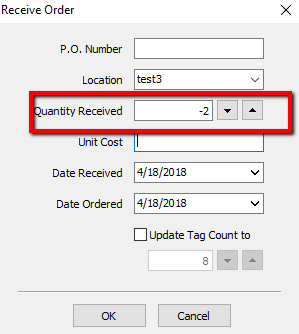
- If appropriate and/or possible, enter the cost per item in the Cost field.
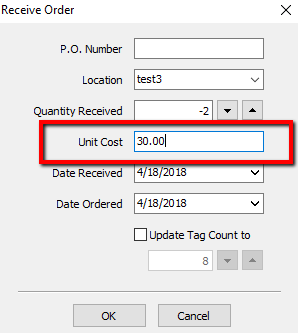
- Change the date the items were (not) received if necessary.
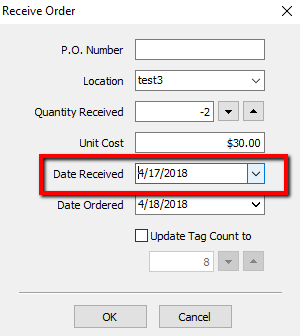
- Change the amount in the Update Tag count to field if necessary.
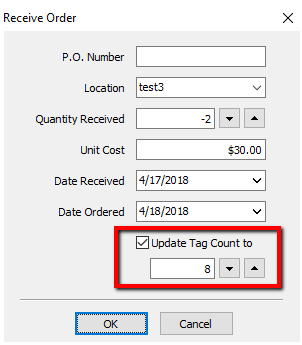
- Press the OK button when done.
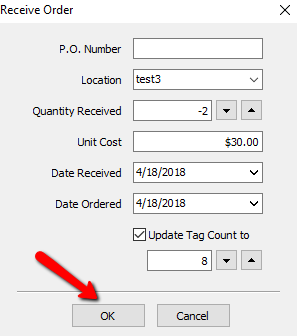
- Verify the Quantity of items is not correct and that your Average Cost is correct.
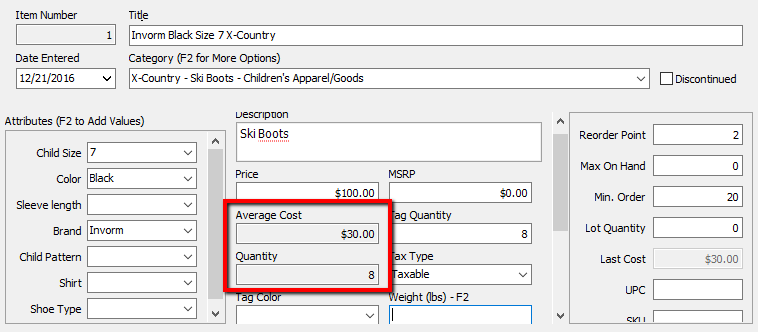


Note: Last Received Date will update to the current date if a new date is not selected.

Next Article In Section
Click the following link to move to the next article in this section:
How To Add Retail Variants
Related Topics
Reduce the quantity of a Retail Item on Hand Item Entry Windows - Overview Edit Retail Items Receive Retail Inventory How To Add Retail Variants How To Use Find Variant To Add Retail Variant Items Creating a Shopify / ShopRW Listing With One Variant Type Creating a Shopify / ShopRW Listing With Two Variant Types Add Retail Items to Inventory Copy Retail Items Delete Retail Items