Table of Contents
Delete a Client's Data From Consignor Login
Use the following steps to delete all data uploaded to consignor login for the specific client.
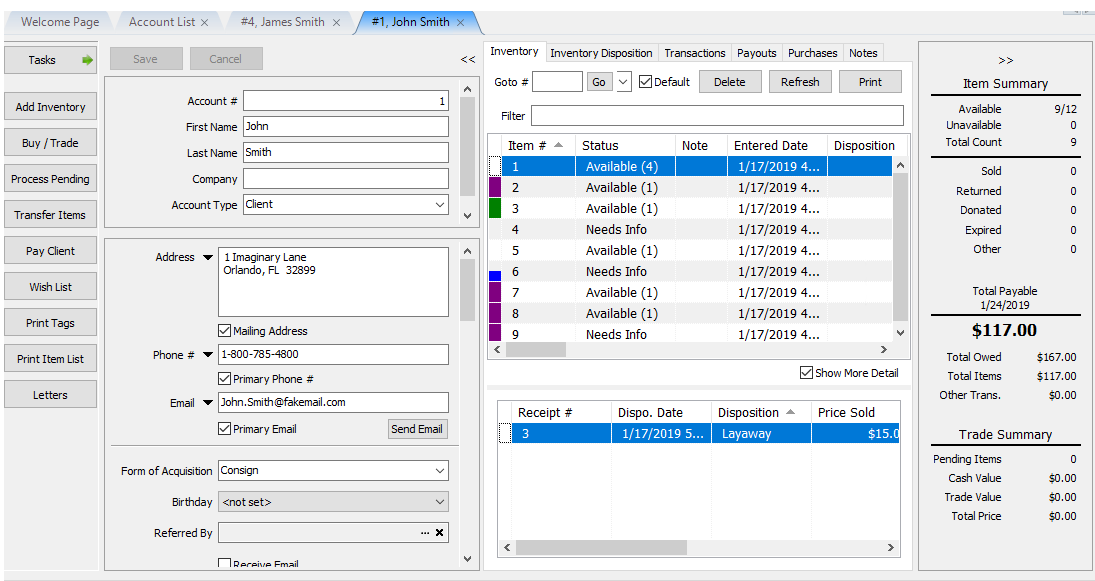
- Open the Account.
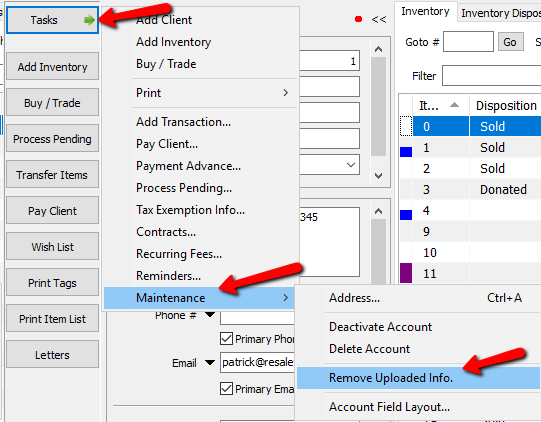
- Once the account is open, select Task > Maintenance > Remove Uploaded Info.
The Remove Uploaded Client Data dialog box will open.
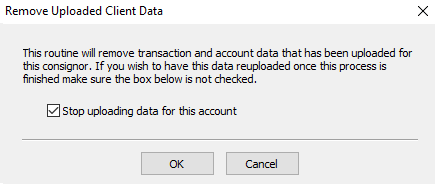
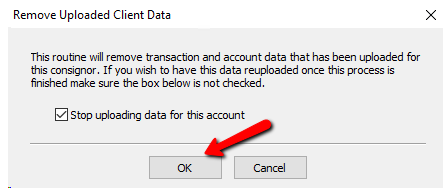
Note: If you wish to continue uploading data for this account to consignor login, be sure to uncheck the box for “Stop Uploading Data For This Account”. - Select the OK button when done.


Next Section Navigation Link
Click the following link to see a list of articles for the next section:
Videos
Related Topics
Delete a Client's Data From Consignor Login Account Defaults Training - Accounts Overview Add Notes to an Account Add Multiple Addresses and Phone numbers Apply Group Deductions Bulk Change Default Price Code Using the Client Import and Export Utility Creating New and Maintaining Existing Accounts Customize the Account Detail Window Deactivating an Account