Table of Contents
How To Preview Reports
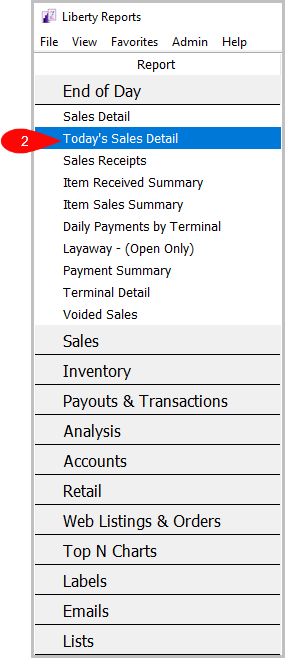
- Go to Reports.

- Select the Report you want to preview.
- Click on Preview to preview the report.



Next Article In Section
Click the following link to move to the next article in this section:
POS Fingertip Reports